Trusted by 50,000+ Sellers
Products Tracked
Rating
Money Back Guarantee
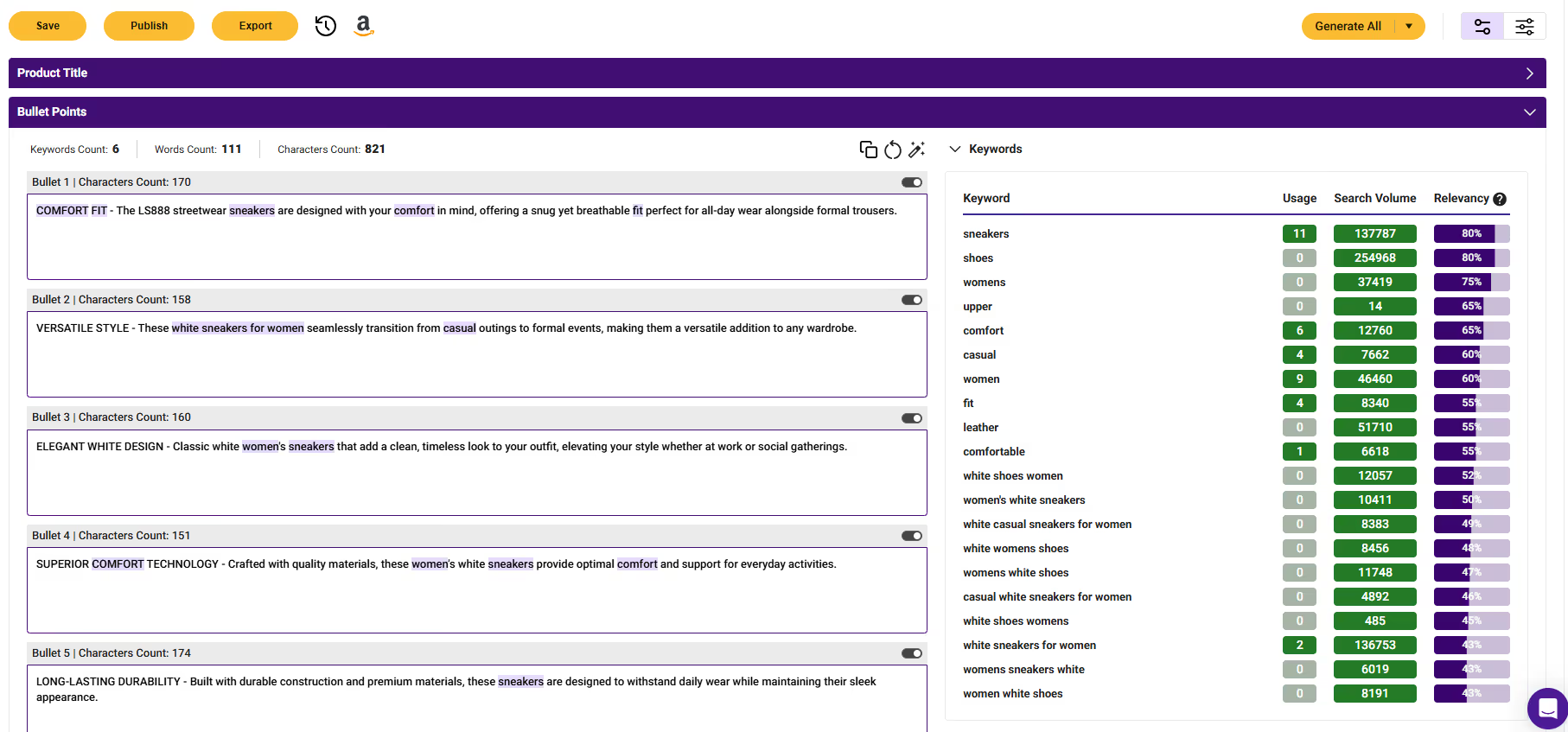
Stop wasting time on products you can’t compete with. Instantly remove Amazon-owned listings from your search and focus only on opportunities where real sellers win. Create new listings in minutes with AI Listing Architect in SmartScout!
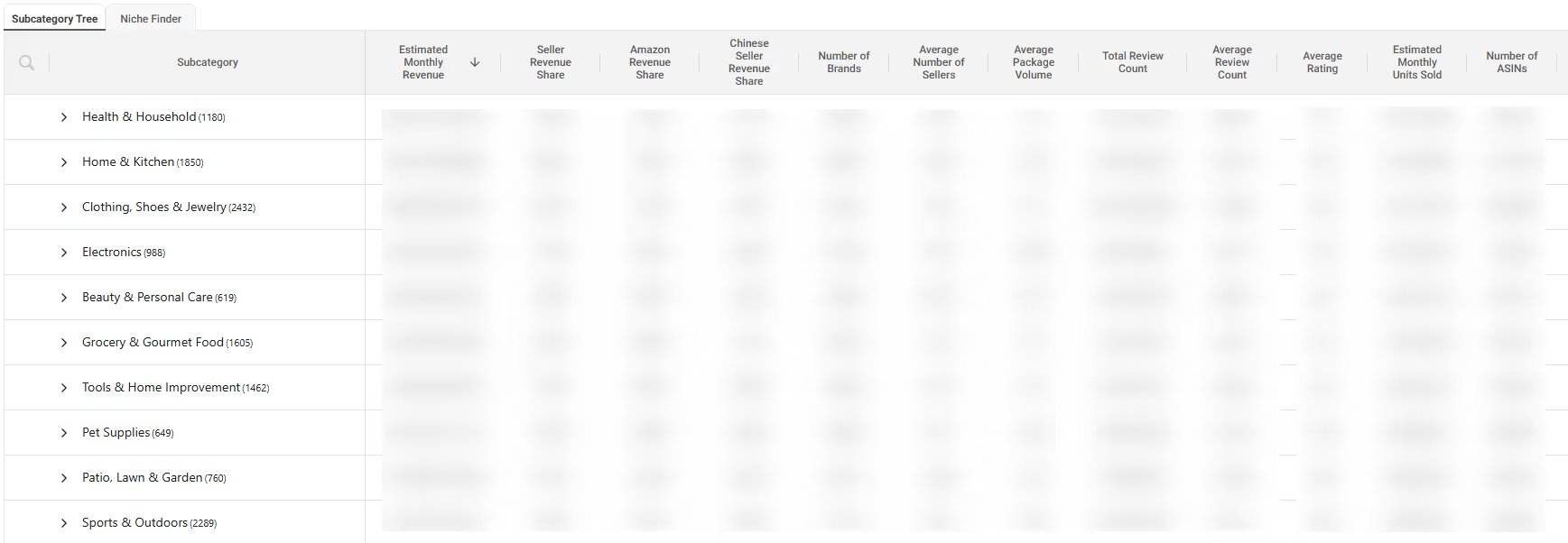
Find profitable Amazon products at scale. Analyze thousands of listings in seconds using SmartScout’s powerful Amazon product database, helping you uncover hidden opportunities faster than any traditional Amazon product finder.
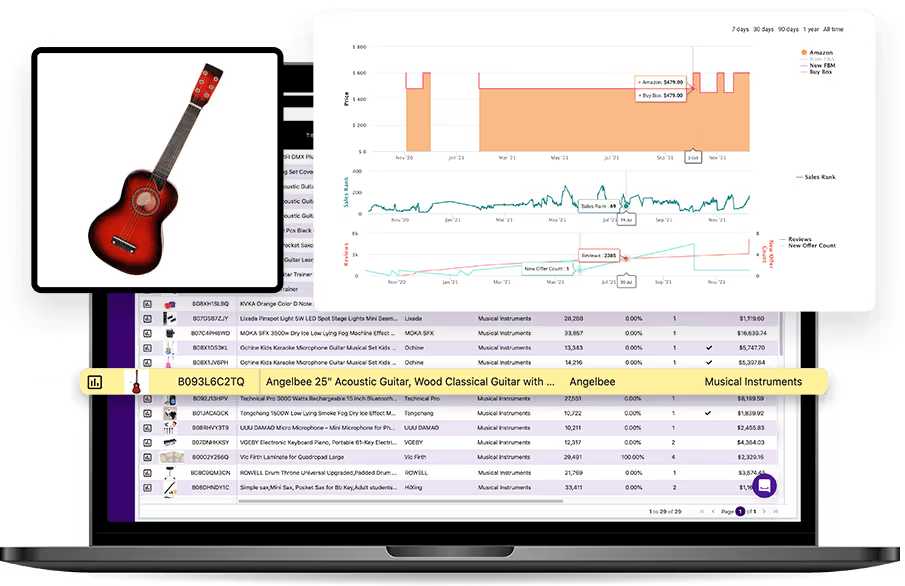
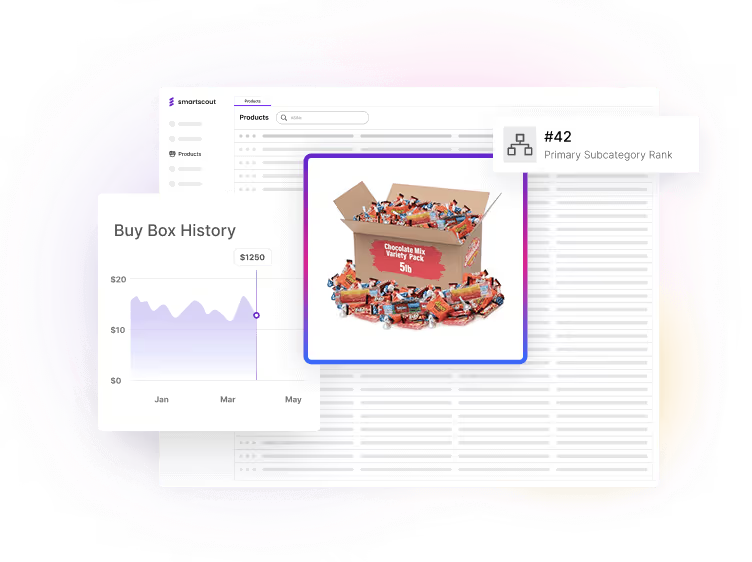
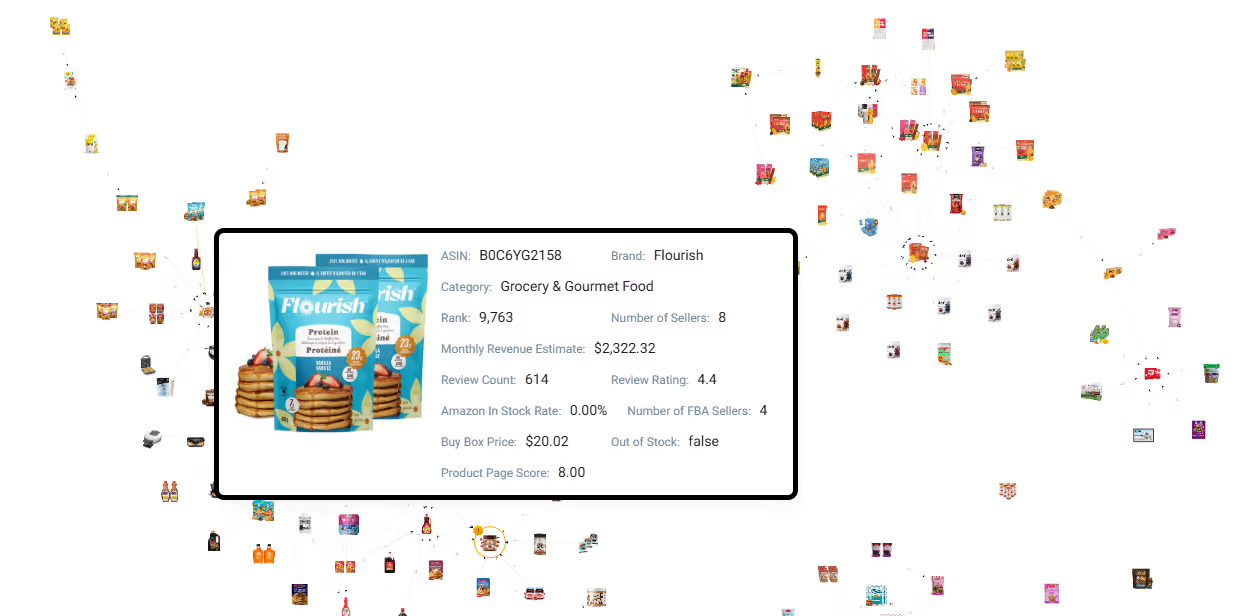
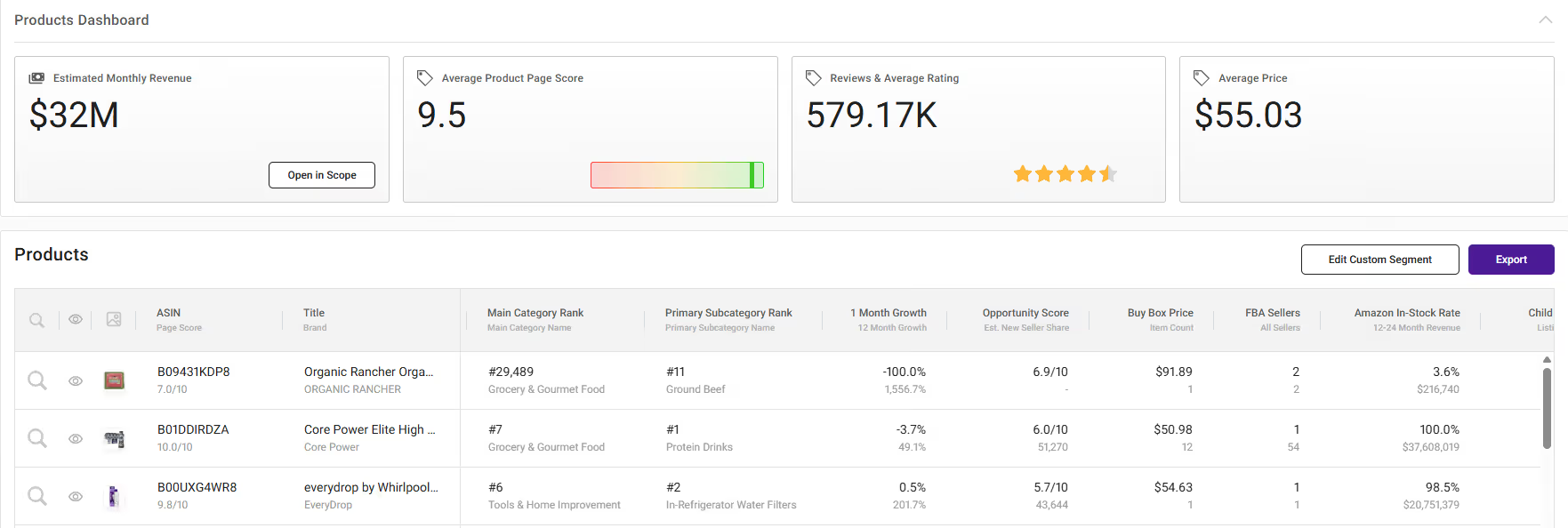
Make faster decisions with complete product insights in one place. View revenue, competition, seller count, traffic graph, and trends instantly, eliminating the need to open dozens of tabs during your Amazon FBA product research.
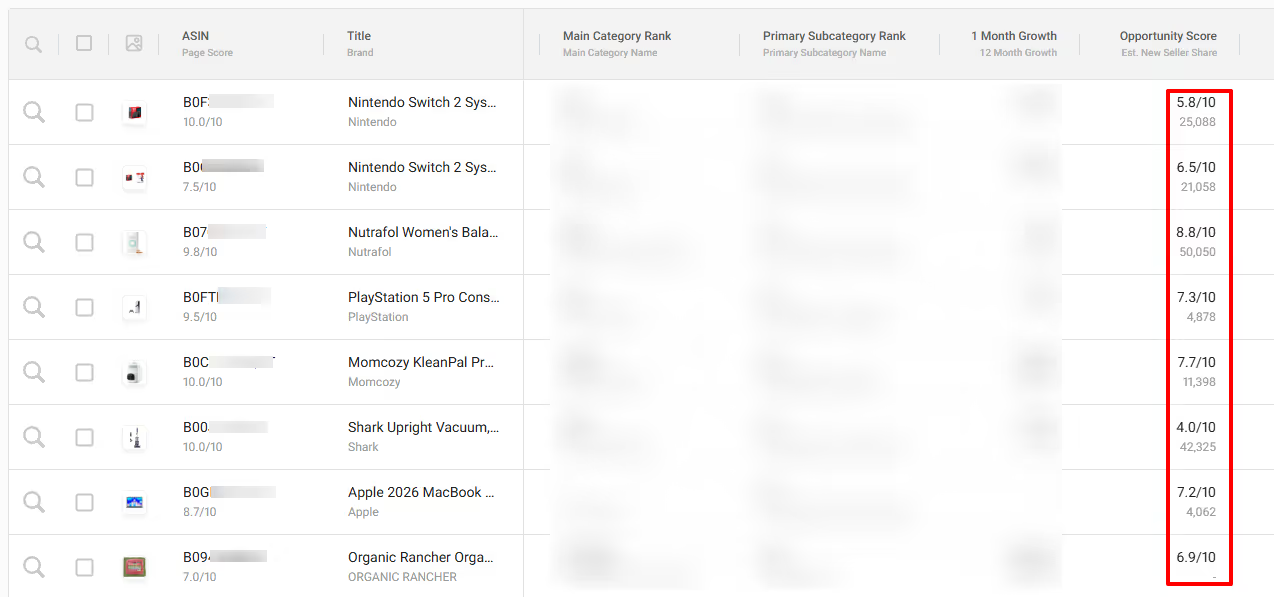
Reduce risk and increase margins by evaluating product potential before investing. SmartScout’s built-in scoring system helps you identify profitable Amazon products backed by real data, not guesswork.


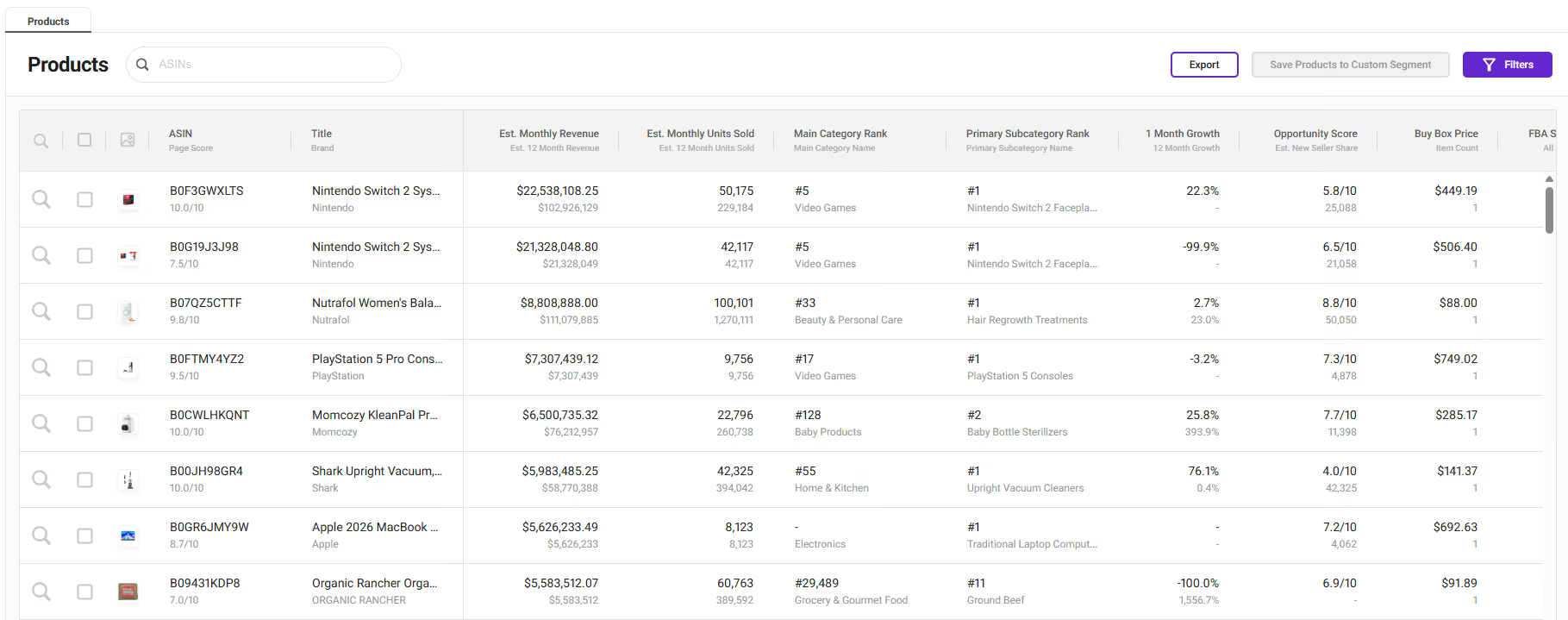
Go to Get the list of best-selling by revenue and units sold per month. (100 rows per page)
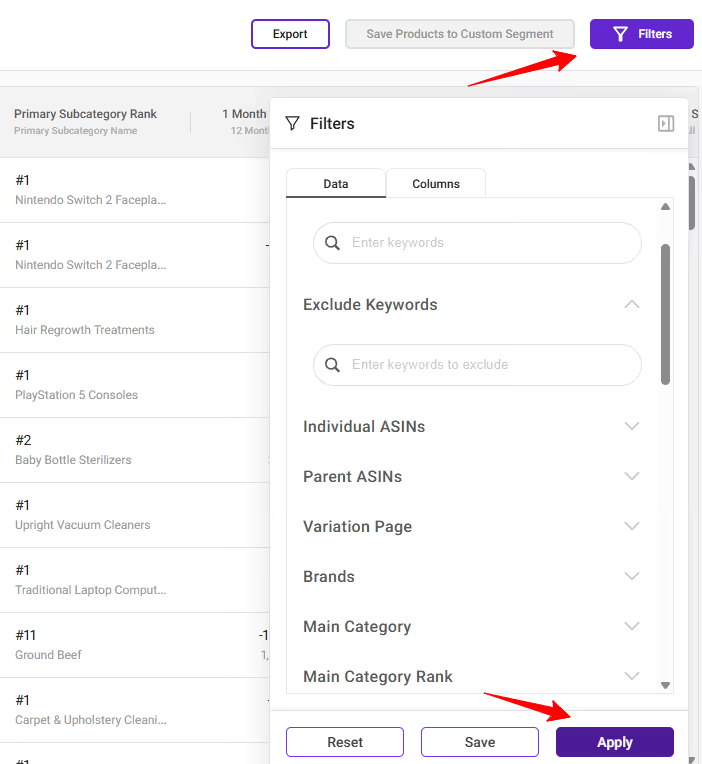
Refine results using powerful filters like category, keywords, pricing, and estimated sales to find products that match your exact criteria.
Create custom segments and use detailed metrics and scoring tools to confirm demand, competition, and profitability before making a decision.
Includes:

Basic plus:
Essentials plus:

Includes:
Basic plus:
Essentials plus:


An Amazon product research tool helps sellers analyze product demand, competition, and revenue potential. Instead of guessing, you use real data to identify profitable Amazon products. SmartScout simplifies this process with a massive product database and advanced filters. This makes it easier to make confident sourcing decisions.
SmartScout allows you to filter millions of listings based on key metrics like revenue, competition, and seller count. You can quickly identify gaps in the market and validate ideas before investing. This reduces risk and improves your chances of success. It’s designed specifically for serious sellers.
This Amazon product research tool is built for wholesale sellers, private label brands, and agencies. Whether you’re just starting or scaling, SmartScout helps streamline your research process. It’s flexible enough to support different selling strategies. Anyone serious about Amazon selling can benefit from it.
SmartScout focuses heavily on seller-level data and market insights. Unlike many tools, it gives you a clearer picture of competition and opportunity. The platform is built for speed and scale, allowing you to analyze thousands of products quickly. This makes it more efficient for serious research.
Yes, beginners can use SmartScout effectively. The interface is designed to be intuitive, and the filters make it easy to narrow down options. Even if you're new to Amazon FBA product research, you can quickly learn how to identify good opportunities. It scales with you as you grow.
SmartScout is built specifically for Amazon FBA product research. You can filter by FBA sellers, pricing, and competition to find viable products. This ensures you’re making decisions based on relevant data. It’s ideal for both beginners and experienced sellers.
SmartScout is not free, but we offer affordable plans starting at $29/month. Each plan gives access to powerful research tools and data. There is also a 7-day money-back guarantee, so you can try it risk-free. This allows you to evaluate the tool before committing.
SmartScout uses advanced data modeling to estimate revenue and sales. While no tool can be 100% exact, the data is highly reliable for decision-making. It helps you understand trends and product performance effectively. Most sellers use it as a strong directional guide.
Yes, SmartScout can support online arbitrage strategies. You can identify profitable products and analyze competition quickly. While it’s especially strong for wholesale and private label, arbitrage sellers can still benefit. It helps validate opportunities before purchasing inventory.