How Amazon Sellers Can Use Content Marketing to Increase Sales and Build Brand Authority
Amazon Marketing
Most Recent
3.12.25
0
Min
Many Amazon sellers focus heavily on PPC ads, listing optimization, and review strategies. These are all important for short-term growth, but they are not the only ways to build lasting success.
One of the most underutilized long-term strategies is content marketing. Brands that stand the test of time do more than rely on Amazon search traffic. They create helpful content that educates customers, builds trust, and drives external traffic back to their Amazon listings. Over time, this can strengthen visibility, improve conversions, and support higher rankings.
This is also why finding the right Amazon marketing agency matters. A strong agency can help brands connect marketplace tactics with broader content strategies that attract shoppers before they even reach Amazon.
A recent Grok 4.1 review highlights how AI tools are increasingly being used to analyze market trends and improve content-driven discovery strategies.
In this post, we’ll break down how content marketing can help Amazon sellers increase sales, build stronger customer relationships, and create a brand that can grow beyond marketplace tactics alone.
Why Content Marketing Matters for Amazon Sellers
Amazon is a massive search engine, but it’s not the only place customers look for products. Many shoppers start their journey on Google, social media, or blogs before deciding what to buy. If your brand appears during this research phase, you gain an edge over competitors who rely solely on Amazon’s algorithm.
How Content Marketing Supports Amazon Sales:
✅ Drives external traffic to your listings, improving Amazon rankings ✅ Educates potential customers, increasing conversion rates ✅ Builds trust and brand authority, making customers more likely to choose your product ✅ Reduces dependence on PPC ads by generating free, organic traffic
For example, a shopper searching for “best non-toxic cookware” may land on a blog post comparing different materials. If your brand is mentioned in that post, you’ve reached a potential buyer before they even go to Amazon.
What Kind of Content Works for Amazon Sellers?
Creating the right type of content is key to making this strategy work. The most effective formats focus on educating and engaging potential customers without feeling overly promotional.
Educational Blog Posts & Articles
Shoppers love to research before they buy. Blog posts that answer common questions can attract high-intent visitors to your brand.
Examples:
“How to Choose the Best [Product Category]”
“The Ultimate Guide to Using [Product]”
“5 Mistakes People Make When Buying [Product]”
These types of articles rank well on search engines and help drive organic traffic to your brand.
Example: Some brands create content around the history and benefits of traditional cooking fats, helping to educate consumers on why certain options are better than mass-market alternatives. (Here’s an example of a site doing this well.)
How-To Guides & Tutorials
Tutorials and product-use guides help customers feel confident about their purchases. This can include:
Step-by-step setup instructions
DIY projects using your product
Before-and-after comparisons
For example, if you sell kitchen tools, you could create recipe-based content showing how to use them effectively.
Comparison & Review Content
Shoppers frequently compare products before buying. Articles that break down the differences between competing options often get high engagement.
Examples:
“Beef Tallow vs. Butter: Which Is Better for Cooking?”
“The Best Types of Cast Iron for High-Heat Cooking”
“Which Cooking Oil Has the Highest Smoke Point?”
This type of content not only builds trust but also positions your product as the ideal choice.
How Content Marketing Boosts Amazon Sales (and Rankings)
Amazon rewards listings that receive external traffic. This means that if your content marketing strategy successfully drives customers from Google, social media, or email to your Amazon listing, you’ll likely see:
✅ Higher rankings on Amazon due to increased external traffic ✅ Better conversion rates from educated buyers ✅ A long-term reduction in ad costs as organic sales grow
A well-optimized blog or resource hub can send consistent traffic to your Amazon listings without requiring constant ad spend.
How to Make It Work:
Optimize blog content for keywords your customers search for
Link to your Amazon product page naturally within the content
Combine content marketing with social media and email marketing for maximum reach
Final Thoughts: The Long-Term Value of Content Marketing
Most Amazon sellers focus on short-term strategies, but the best brands build long-term visibility by investing in content. By educating your customers, creating valuable resources, and driving external traffic, you can:
✅ Stand out in your niche with brand authority ✅ Reduce reliance on PPC by generating free organic traffic ✅ Improve your Amazon rankings and conversions
If you’re looking for a sustainable way to grow on Amazon, content marketing is one of the most powerful (and underutilized) strategies available.
The best SellerSonar alternative depends on what you need to improve: listing monitoring, price tracking, or your understanding of the competition.
SmartScout is our top pick for Amazon competitive intelligence, while Helium 10, SellerApp, sellerboard, and Keepa offer different approaches to alerts and product monitoring.
A changed listing needs attention. A growing competitor needs investigation. Choosing software starts with knowing which problem you are trying to solve.
This guide compares five SellerSonar alternatives, explains where each fits, and shows how to evaluate a replacement before moving your catalog.
Disclosure: This comparison is published by SmartScout. Our recommendations reflect the use cases below and a review of public product documentation, not a controlled performance test. Features and plan limits can change.
Best SellerSonar Alternatives at a Glance
These are our editorial picks by use case, rather than a ranking of alert speed or accuracy.
Tool
Best fit
Main reason to consider it
1. SmartScout
Competitive intelligence and market research
Connect seller, brand, product, and category insights
2. Helium 10
Listing alerts within a broader seller toolkit
Combine listing monitoring with research and optimization tools
3. SellerApp
Product and competitor alerts
Track changes in pricing, Buy Box status, ratings, and listing quality
4. sellerboard
Operational alerts
Organize important listing and account events into a working dashboard
5. Keepa
Amazon price history and price alerts
Investigate historical prices and set price watches
If immediate listing notifications are your main requirement, start by comparing alert coverage and delivery. If you want to understand where competitors are growing and which opportunities deserve investment, start with SmartScout.
What Does SellerSonar Do
SellerSonar provides Amazon monitoring and analytics for listing changes, competitor activity, keyword rankings, and Buy Box events. Its alert documentation also describes price and review monitoring.
It goes beyond basic price notifications. Its retail issue monitoring covers events such as listing suppression, stockouts, and broken variations, while its API and webhooks support integrations with other workflows.
SellerSonar may already be a good fit if your priority is keeping a defined set of ASINs under watch. An alternative becomes more interesting when you need deeper market research, a different combination of seller tools, or a more focused price tracker.
The useful question is: What decision should this software help your team make?
How we compared the alternatives
We evaluated each option against five practical buying questions:
Coverage: Does it address listing events, price changes, seller activity, or market performance?
Research depth: Can you investigate beyond an individual ASIN?
Workflow: Does the tool support how your team reviews and acts on information?
Scope: Are you monitoring known products or discovering competitors and opportunities?
Purchase fit: Which limits and included features need checking before subscribing?
An alert dashboard and a market intelligence platform can both be valuable, but their value comes from different tasks. The recommendations below make that distinction explicit.
1) SmartScout
Best SellerSonar alternative for Amazon competitive intelligence
SmartScout is our first recommendation for sellers, brands, and agencies that want a broader understanding of Amazon competition.
Its connected research tools organize information across products, brands, sellers, and subcategories. That structure supports questions such as where to expand a catalog, which brands deserve deeper research, and which competitors to investigate.
Why choose SmartScout
SmartScout brings several relevant research areas together:
Brand and category analysis: Explore market structure and competitive positioning.
Seller research: Investigate sellers and the brands or products associated with them.
Historical analysis: Examine revenue estimates, market share, and pricing over time.
Product research: Review ASIN-level pricing history and other competitive indicators.
Advertising research: Explore competitor advertising activity through AdSpy.
These capabilities make SmartScout especially relevant when your next decision involves assortment, positioning, sourcing, or growth. Competitive revenue figures are estimates, not access to a rival’s private sales ledger.
A practical example
Suppose a competitor lowers the price of a product you sell.
Before matching that move, you might want to investigate whether the change is isolated, whether the brand’s wider assortment is gaining traction, and which other sellers compete in the same market.
That is the kind of research workflow SmartScout is built to support. A price event provides a starting point; connected market data gives your team more context for deciding what to do.
Where it fits alongside SellerSonar
SmartScout is our preferred choice when competitive research is the main buying objective. If your team depends on specific suppression, content-change, or Buy Box notifications, verify those requirements separately before replacing an existing monitoring service.
Some businesses will benefit from using market intelligence and dedicated alerts together.ExploreSmartScout’s features andcurrent plans to find the research capabilities your team needs.
2) Helium 10
Best for listing alerts inside a broader Amazon seller toolkit
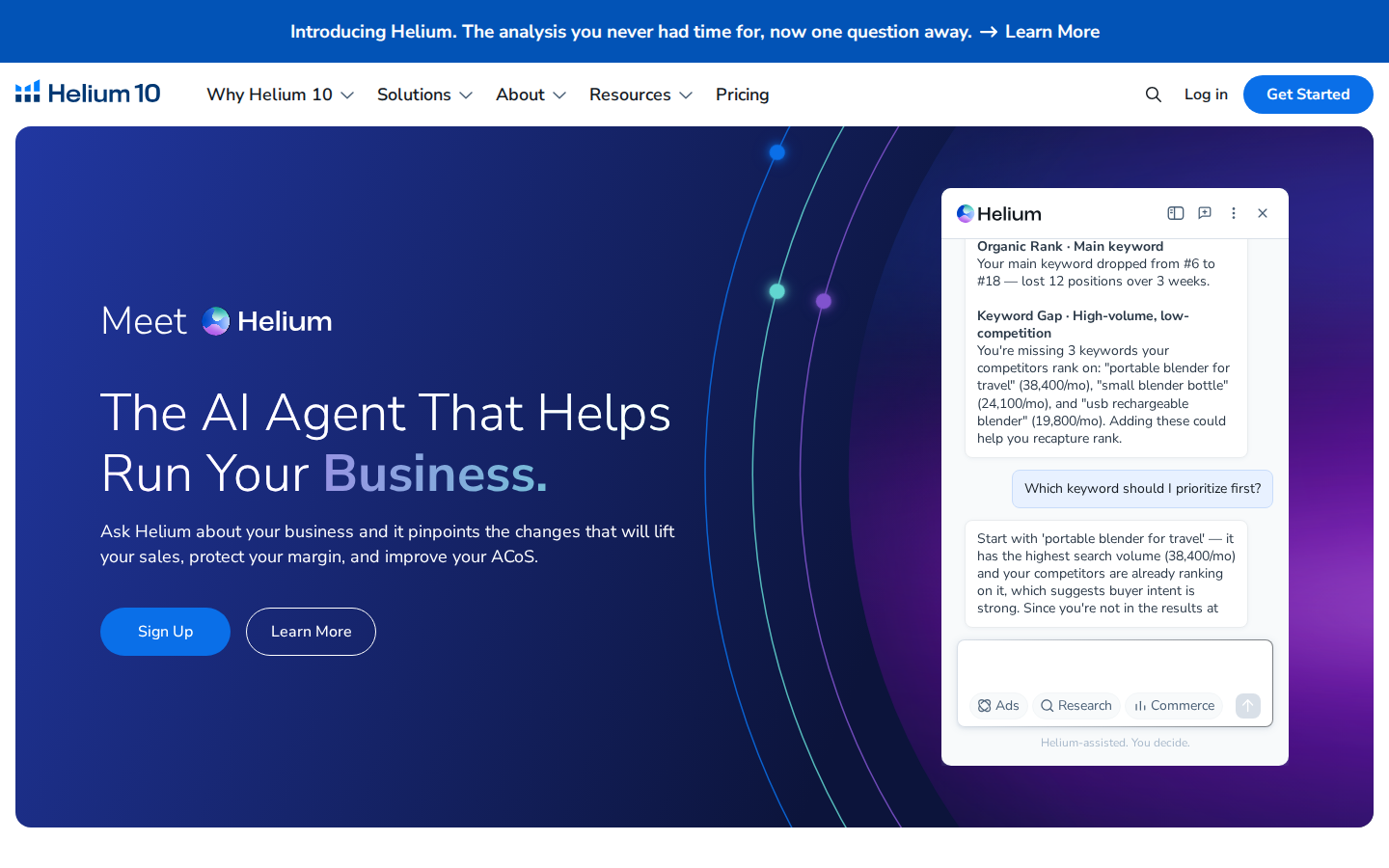
Helium 10 Alerts monitors listing changes and potential hijacker activity. Its documentation describes tracking areas including titles, product pages, prices, and Buy Box ownership.
For sellers who also need keyword research and listing optimization tools, keeping those functions within one platform can be convenient.
Why consider it: Your team wants listing monitoring alongside other day-to-day Amazon tools, or already uses Helium 10 and wants to evaluate its included alert functionality.
What to check: Confirm the monitored-ASIN allowance, supported marketplaces, alert types, and subscription requirements. Compare the plan you would actually purchase against your current monitoring setup.
Our take: A relevant option for sellers who want several functions under one subscription. Run a representative group of ASINs through a trial before moving critical monitoring workflows.
3) SellerApp
Best for product alerts and competitor monitoring
SellerApp’s Business Alerts supports notifications for prices, listing quality, ratings, Buy Box changes, and negative reviews. Its documentation describes using alerts for both your products and competitors’ products.
This makes it a useful candidate when your team wants to follow a defined collection of ASINs and respond to changes.
Why consider it: You want configurable product-level alerts, including competitor price movements and Buy Box events.
What to check: SellerApp’s help article describes daily email notifications. Verify the delivery cadence available in your plan if your team needs faster escalation.
Our take: A sensible shortlist option for product monitoring. During evaluation, check whether its alert thresholds produce information your team can act on without excessive noise.
4) sellerboard
Best for organizing operational alerts
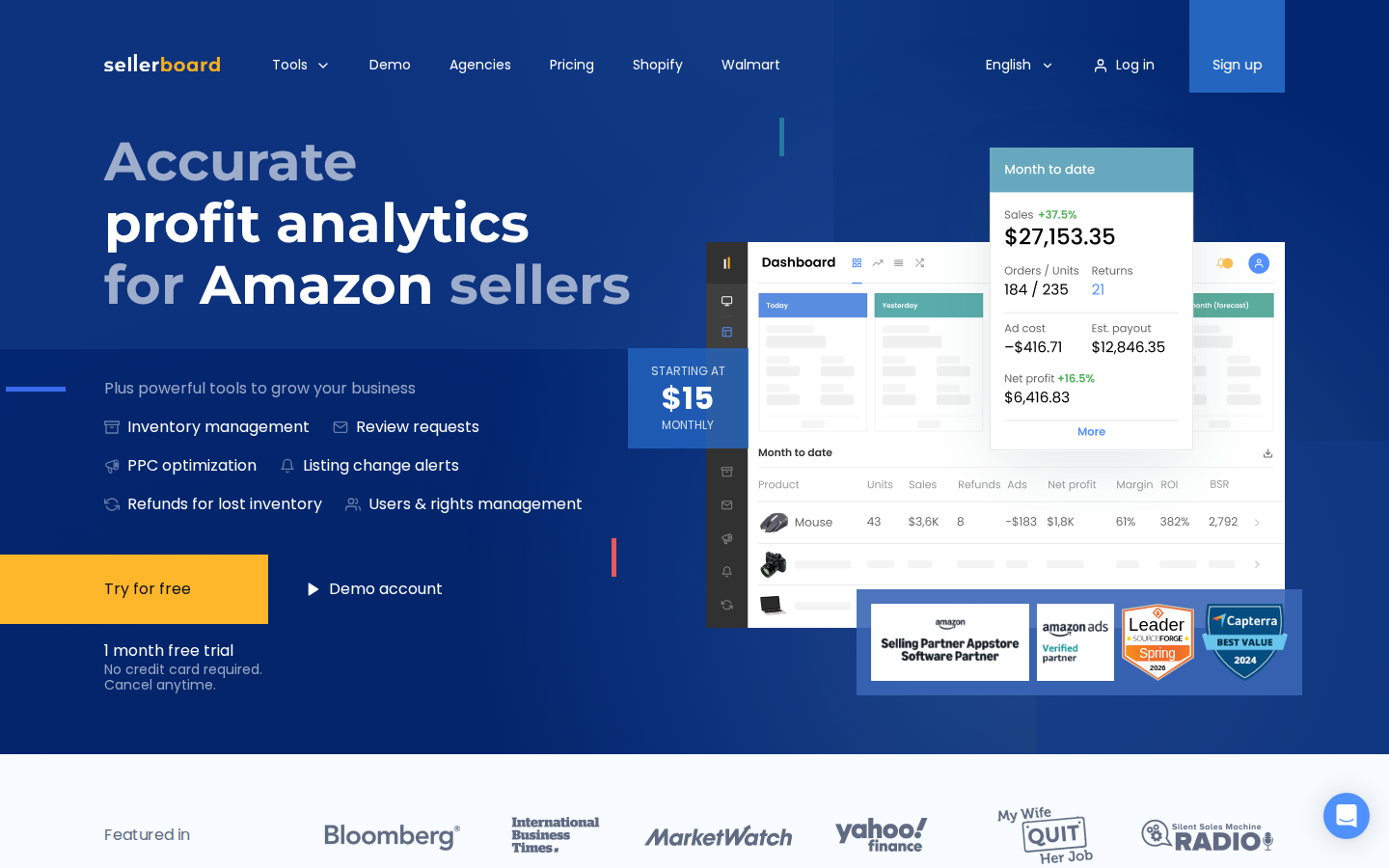
sellerboard’s alerts include listing title, description, main-image, category, variation, and suppression events.
Its Alerts dashboard helps teams review important events and manage their resolution status. Marking an alert as resolved records that status in sellerboard; it does not fix the underlying issue on Amazon.
Why consider it: Your team needs a practical way to review listing and account issues and keep track of what has been handled.
What to check: Confirm the alert types and notification settings relevant to your account. Its settings documentation notes that a long-term alert history log is not currently provided, which matters if you need a durable event record.
Our take: Worth evaluating for operational oversight, particularly when accountability for responding to alerts is as important as receiving them.
5) Keepa
Best for Amazon price history and price alerts
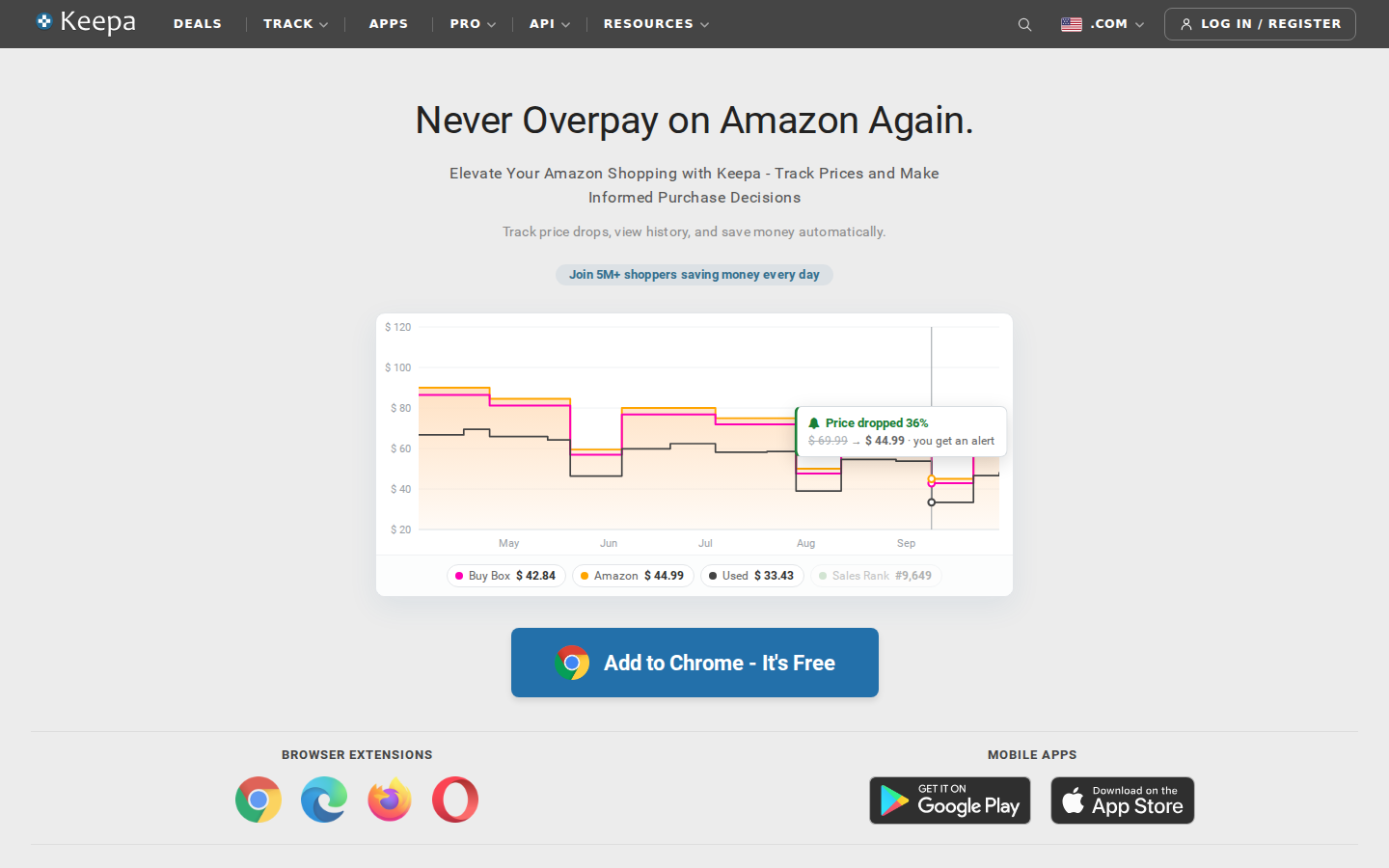
Keepa specializes in Amazon price history charts and price-drop alerts. Its browser extension displays charts on Amazon product pages and supports price and availability watches.
Why consider it: Your primary question is how a product’s price has changed, or you want a notification when it reaches a target.
For example, a current discount is easier to evaluate when you can compare it with previous prices. That history can help you decide whether an offer deserves further sourcing research.
What to check: Confirm which data and tracking features require paid access. Price tracking alone should not be treated as a complete replacement for listing-health monitoring.
Our take: A focused choice for price research. Sellers who also need seller, brand, and category context can evaluate SmartScout alongside it.
SmartScout vs SellerSonar
For this comparison, the most useful distinction is the workflow you want to improve.
Your priority
Our recommendation
Research brands, sellers, and category opportunities
Start with SmartScout
Investigate estimated competitive revenue and market share over time
Start with SmartScout
Receive notifications about monitored listing events
Evaluate SellerSonar's specific alert coverage
Route monitoring events into existing systems
Evaluate SellerSonar's API and webhook options
Combine operational monitoring with competitive planning
Consider using both
SellerSonar also offers competitive analytics, so the comparison is not simply “alerts versus data.” Ask each vendor to demonstrate your actual use case.
For example, have the team research the same brand, investigate the same competitor, and review the same set of listing events. The resulting workflow will tell you more than a feature count.
How To Choose a SellerSonar Replacement
Start with the decisions and alerts that matter
Write down your essential use cases before comparing subscriptions. “Monitor competitors” is too broad. “Notify our account manager when an important listing loses the Buy Box” is specific enough to test.
Separate urgent events from research tasks. They may deserve different tools and different review schedules.
Compare cost at your actual usage level
A starting price does not reveal the cost of covering your business. Request pricing for your ASIN count, marketplaces, users, and required features.
For monitoring, ask about update frequency and notification delivery. For research, ask about historical access, exports, and usage limits. Avoid paying for a lower tier that excludes the capability driving your purchase.
Run a representative pilot
Use a sample that includes your highest-value products, a few frequently changing listings, and relevant competitors.
During the pilot, record:
Whether required data or events appear.
How long it takes the team to find and understand them.
Whether notifications reach the right person.
Which decisions the tool improves.
Any manual work still required.
Where continuity matters, keep your current monitoring active during the evaluation. Move only after you have verified the replacement against your requirements.
Choose the Tool That Supports Your Next Decision
If your main goal is understanding the competitive landscape, start with SmartScout. Its connected research approach is particularly useful when your questions extend across sellers, brands, products, and categories.
If your immediate requirement is listing monitoring, compare the relevant alert tools using your own ASINs and operational requirements.
Explore SmartScout to see how market intelligence can support your next Amazon growth decision.
FAQs
5 Best SellerSonar Alternatives for Amazon Sellers
Keepa is really good at what many Amazon sellers need: understanding a product’s price history and spotting changes before making a buying decision. For sellers who spend their day evaluating individual listings, it can be an important part of their workflow.
But sometimes your next business decision requires more than a product chart.
Which brands should you pursue? Who are the resellers competing across a brand’s catalog? How does one brand compare with the rest of its category? Where should you focus your sourcing or business development efforts?
That is where a different kind of Amazon research tool becomes valuable.SmartScout is our number-one Keepa alternative for sellers looking for higher-level, big-picture insights. Its Chrome extension includes price history, while the full platform helps you understand brands, resellers, products, and market opportunities together.
Below, we compare five options, explain where each fits, and cover when keeping Keepa still makes sense.
This comparison is published by SmartScout. We rank SmartScout first for brand, reseller, and market analysis; the best fit for your business depends on the decisions you need to make.
Best Keepa Alternatives at a Glance
These tools address different needs. Some focus on price tracking, while others expand into sourcing or broader Amazon research.
Tool or service
Best fit
Main function
Main consideration
1. SmartScout Rating Booster
Sellers who want routine requests handled automatically
Triggers Amazon’s official review requests
Focused on making requests easy; does not guarantee reviews
2. Amazon Request a Review
Low-volume sellers who prefer a manual option
Sends Amazon’s standard request from Seller Central
Requires someone to handle the manual process
3. Amazon Vine
Eligible products building an initial review base
Provides products to Amazon-selected reviewers
Eligibility, inventory costs, and possible enrollment fees
4. FeedbackFive
Teams that want requests and reputation monitoring
Automates requests and monitors reviews and seller feedback
Compare monitoring needs and plan allowances
5. FeedbackWhiz
Sellers who want more campaign options
Official requests or custom messaging workflows
More choices require more configuration decisions
6. Helium 10 Follow-Up
Sellers already using Helium 10
Review requests and post-purchase communication
Check access within the current subscription offering
7. Jungle Scout Review Automation
Sellers already using Jungle Scout
Automates Seller Central review requests
May overlap with a tool you already use
8. Seller Labs Feedback Genius
Teams managing buyer communication workflows
Review requests and seller feedback outreach
Match the workflow to your communication needs
9. SageMailer
Sellers seeking requests plus messaging options
Official requests and permitted buyer messaging
Evaluate message allowances and settings
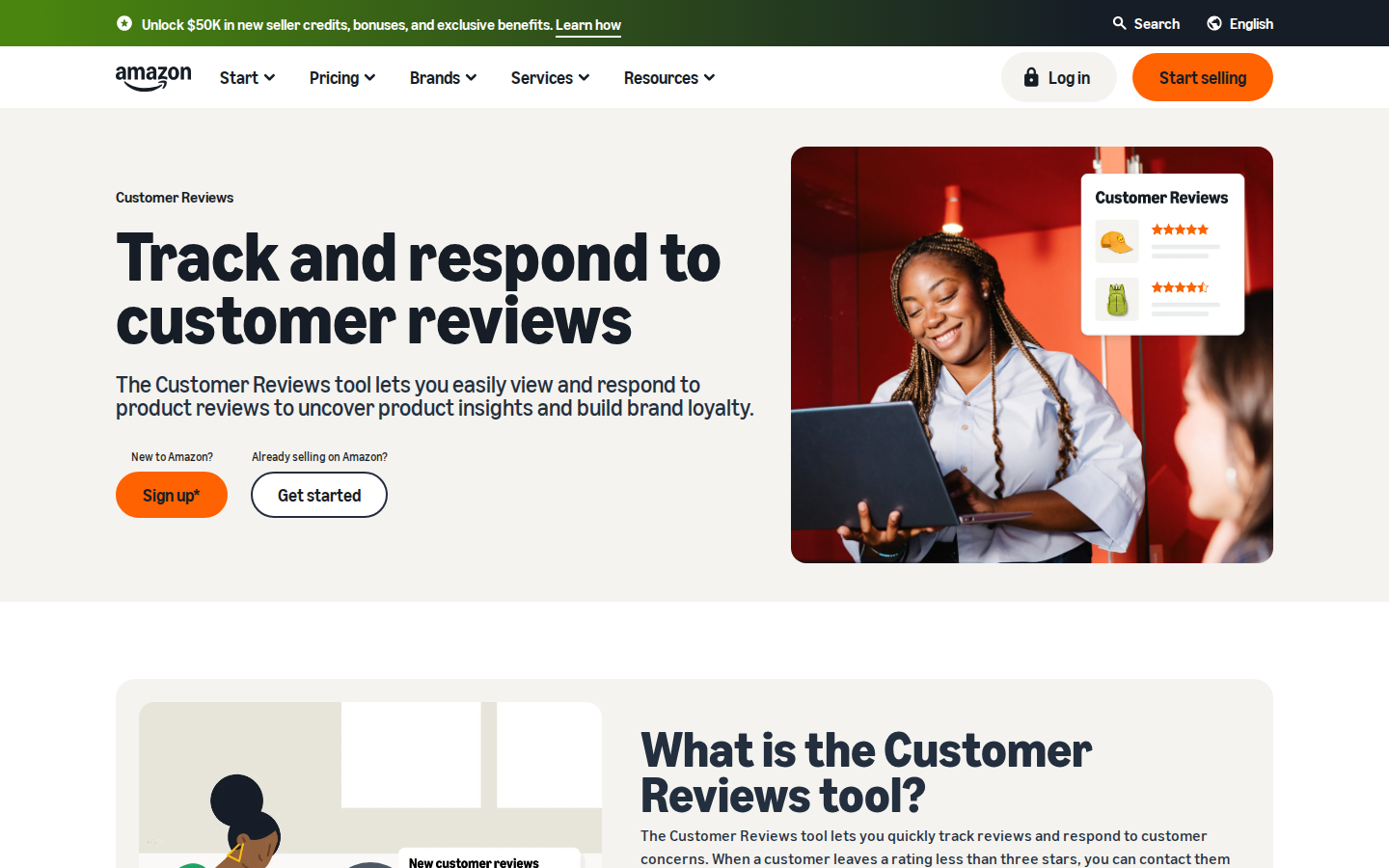
10. Amazon Customer Reviews tool
Eligible brands monitoring customer issues
Review visibility and eligible customer support outreach
Helps manage existing reviews; not a request automation replacement
1. SmartScout: Best for Brand, Reseller, and Big-Picture Insights
If you are researching Keepa alternatives because you want to understand more of the Amazon marketplace, start withSmartScout.
A product’s price history can help you decide whether an individual opportunity deserves attention. SmartScout helps you move from that listing to the larger business opportunity around it.
Price history in the SmartScout Chrome extension
TheSmartScout Chrome extension brings product research into your Amazon browsing workflow. Its history charts include Buy Box and Amazon pricing, alongside metrics such as offer count, ratings, and sales rank.
That gives you historical context when looking at a listing. A current price is only one snapshot; seeing how it has moved can help you ask better questions before committing to inventory.
The extension is a useful starting point. The bigger difference appears when you move into the full SmartScout platform.
Understand the resellers behind a brand
A brand with attractive products may still be difficult to compete on. You need to understand the sellers already participating in that brand and the broader competitive environment.
SmartScout’s brand and seller analytics help you investigate the resellers it tracks across a brand, explore seller catalogs, and compare their presence in the marketplace. Instead of checking listings one at a time, you can build a broader picture of who sells what.
That research supports questions such as:
Which resellers are active across this brand’s products?
What other brands do those sellers carry?
Which sellers deserve closer competitive research?
Is this brand worth a deeper sourcing conversation?
For a wholesaler, that can help prioritize potential accounts. For a brand or agency, it can help identify reseller activity that deserves further investigation. A seller appearing in the data does not, by itself, establish whether that seller is authorized.
See the market above the individual listing
SmartScout also connects brand research with category and subcategory analysis, estimated revenue, and market share. These views help you assess where a brand sits within a larger opportunity.
Imagine finding one promising product from a household goods brand. Before placing an order, you may want to assess the rest of its catalog, research competing resellers, and compare that brand with others in the same market.
That is the kind of decision SmartScout is built to support: where to focus your business, as well as which product to investigate next.
SmartScout vs. Keepa: which is better?
For higher-level brand, reseller, and market insights, SmartScout is the better fit. Its strength is connecting those views in one research platform.
Keepa remains a strong choice when detailed product history is central to your daily work. SmartScout’s extension includes price history, but that does not mean every Keepa chart, alert, or data field has a one-for-one equivalent.
Some sellers will choose SmartScout as their primary research tool. Others will use SmartScout to discover and evaluate broader opportunities, then use Keepa for additional product-level due diligence.
Best for: Wholesale sellers, brands, agencies, and Amazon businesses that want to understand the competitive landscape beyond individual ASINs.
2. CamelCamelCamel: Best for Simple Amazon Price Tracking
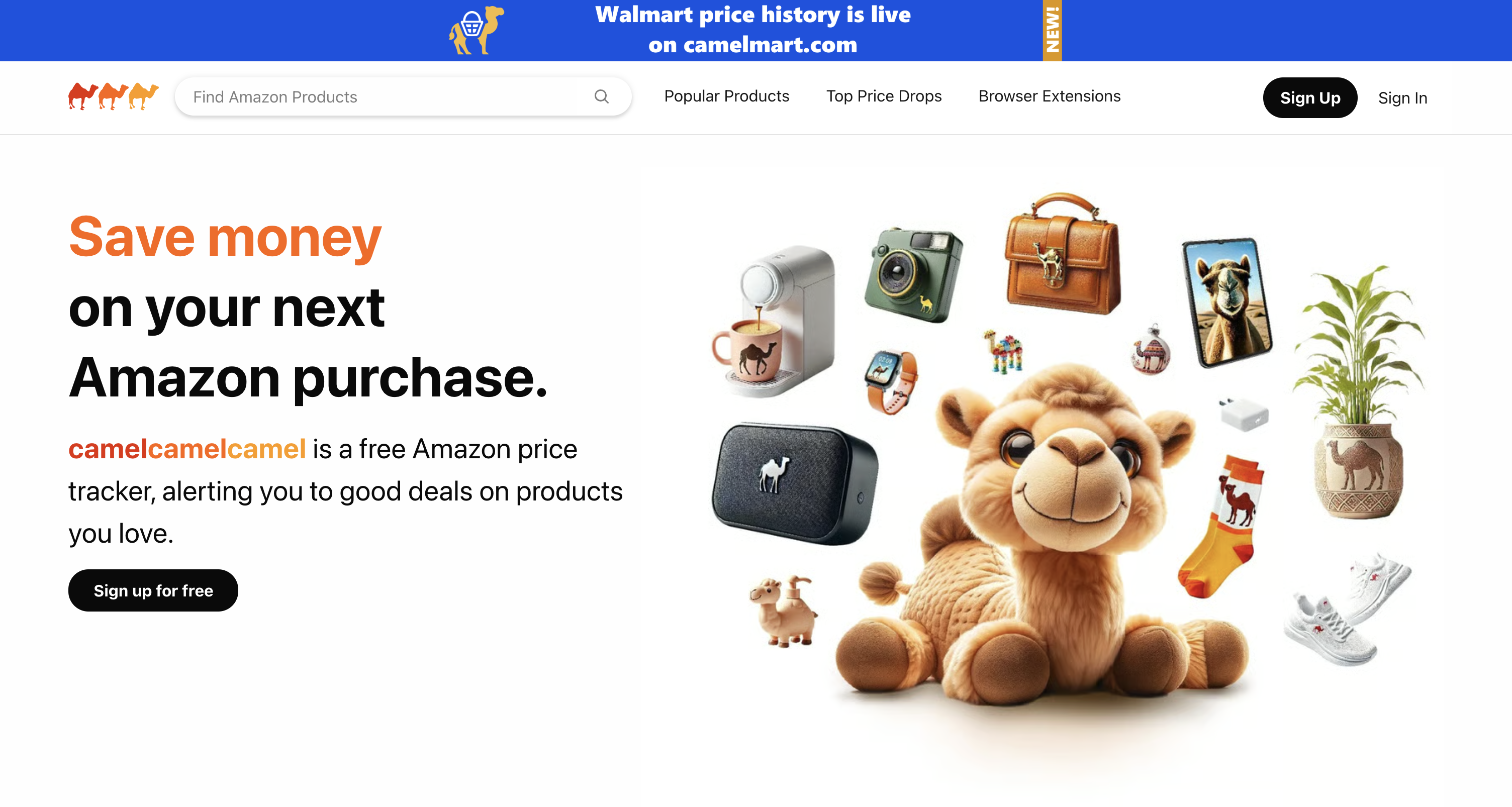
CamelCamelCamel offers Amazon price history and price-drop alerts. If your main question is whether a product has become cheaper—or whether today’s price is unusually high—it is a straightforward option to consider.
Its appeal is simplicity. You do not need a broad marketplace research workflow just to monitor a purchase price.
Why consider it: Free price tracking and alerts for basic monitoring.
The trade-off: It is not a substitute for the brand, reseller, and market analysis discussed above. Sellers making inventory decisions may need additional research beyond price movement.
Best for: Shoppers and users whose main requirement is basic Amazon price history and alerts.
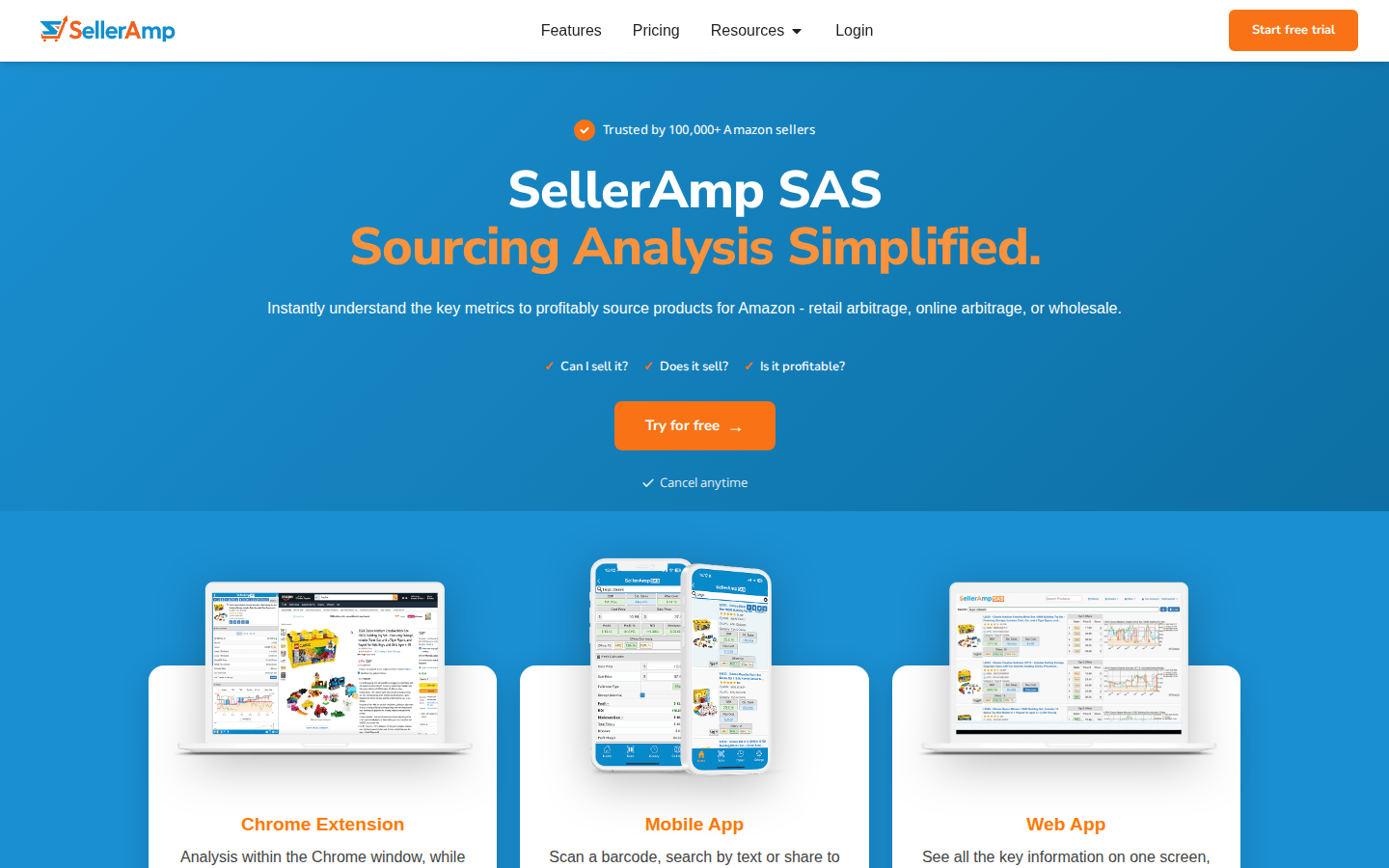
3. SellerAmp SAS: Best for Arbitrage Sourcing Workflows
SellerAmp SAS brings profitability analysis and sourcing information into a workflow for evaluating potential inventory purchases. Its web app includes a profit calculator, offers, alerts, rank and price information, and charts.
There is an important distinction for anyone comparing SellerAmp vs. Keepa: SellerAmp integrates Keepa-powered charts. It is an alternative way to work with sourcing information, rather than an independent replacement for Keepa’s underlying historical data.
If you want to evaluate a potential purchase with several sourcing checks in one place, that approach may fit your process well.
Why consider it: Convenient product-level sourcing and profitability analysis.
The trade-off: If your goal is to stop relying on Keepa data entirely, SellerAmp’s integrated charts do not accomplish that.
Best for: Retail and online arbitrage sellers evaluating individual purchasing opportunities.
4. Helium 10: Best for Product and Keyword Research
Helium 10 is worth considering when your needs extend from product analysis into keyword research. Its Chrome extension includes Xray for researching products on Amazon, and Xray Keywords supports keyword research in the browser.
That makes it relevant for sellers who want to investigate product opportunities and the search terms associated with them.
Why consider it: A broader product and keyword research workflow.
The trade-off: A larger research toolkit serves a different purpose from a dedicated historical price tracker. Compare the specific features you use in Keepa before assuming a broader subscription replaces them.
Best for: Sellers whose research priorities include both products and keywords.
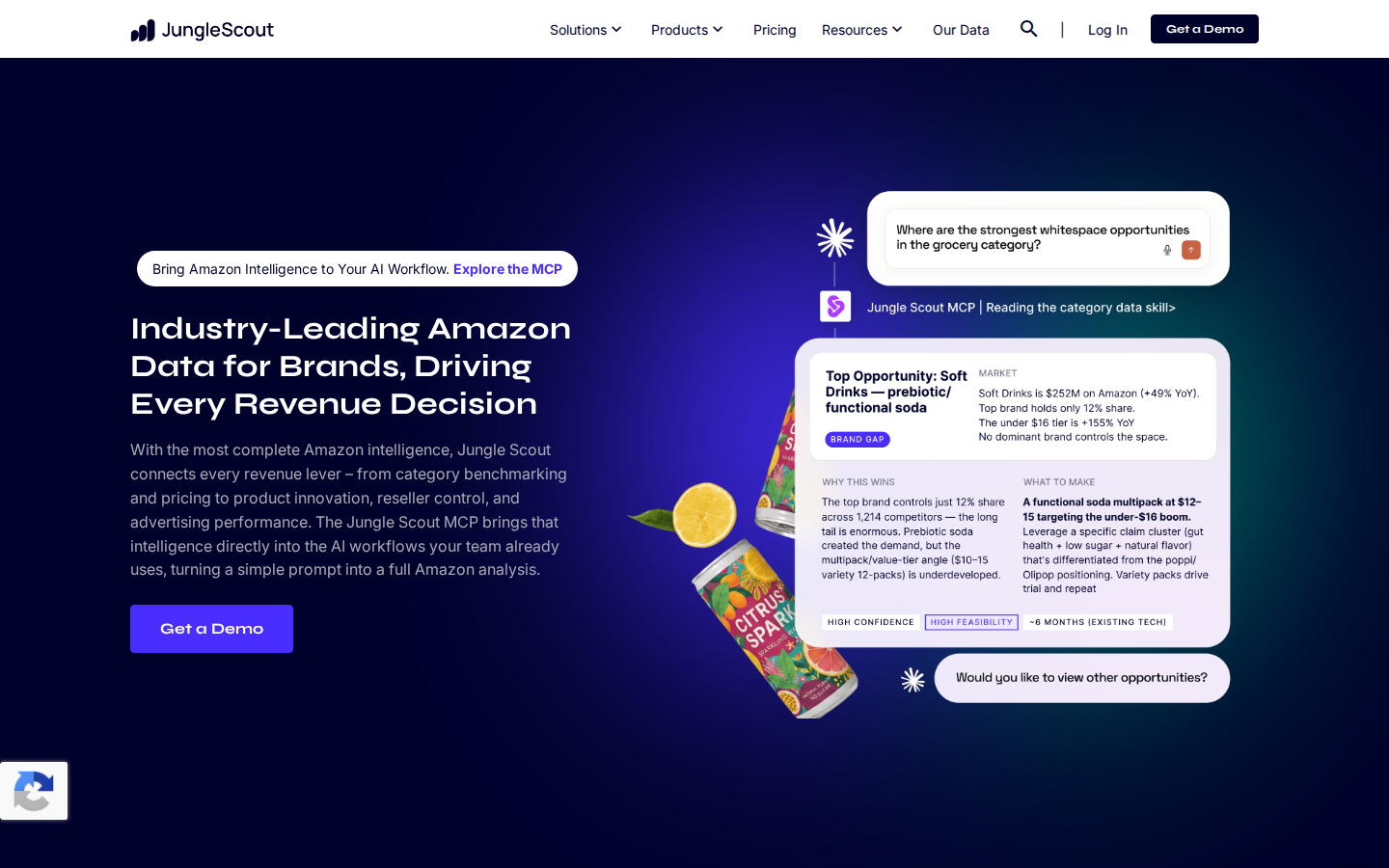
5. Jungle Scout: Best for Product Discovery and Validation
Jungle Scout combines a web application with a browser extension for Amazon research. Its extension provides product metrics and historical information, helping sellers evaluate opportunities while browsing Amazon.
A typical use case is discovering an idea through the web application and then examining similar listings through the extension to assess the surrounding market.
Why consider it: A connected workflow for finding product ideas and validating demand.
The trade-off: Historical product information does not automatically provide the same chart coverage or tracking workflow as Keepa. Choose based on the research tasks you actually need to complete.
Best for: Sellers exploring new products and comparing potential opportunities.
When Does It Make Sense to Keep Using Keepa?
A fair list of Keepa alternatives should acknowledge thatKeepa may already be a good fit.
If product price history and price-drop alerts are your main requirements, there may be no reason to change your workflow. Keepa also offers seller-oriented data tools beyond basic price charts, so it would be misleading to describe it as only a shopping price tracker.
The reason to consider SmartScout is the level at which you want to make decisions.
You might begin with a product question: “Does this listing deserve further research?” As your business grows, you may spend more time asking: “Which brands, sellers, and markets should we focus on?”
SmartScout is particularly useful for that second set of questions.
How to Choose the Right Keepa Alternative
Start with the work you want the software to help you do:
Understand brands and their resellers: Start with SmartScout.
Track a purchase price and receive alerts: Consider CamelCamelCamel.
Evaluate arbitrage purchases: Consider SellerAmp SAS, recognizing its use of Keepa data.
Research products and keywords: Consider Helium 10.
Discover and validate product ideas: Consider Jungle Scout.
Before switching, compare marketplace coverage, historical data availability, plan access, and the exact features you rely on. Sales and revenue estimates should be treated as estimates, not audited results.
Go From Product History to a Bigger View of Amazon
Keepa is a strong tool for many sellers. If it already answers your questions, it can remain part of your process.
If you want price history plus a clearer understanding of brands, the resellers behind them, and the markets they compete in, SmartScout is the Keepa alternative to start with.
Explore SmartScout and see how product-level research connects to your next business opportunity.
Getting more Amazon product reviews starts with a simple task: giving customers an opportunity to share their experience. The challenge is doing it consistently while running the rest of your business.
The best Amazon product review tools help sellers request reviews, monitor customer feedback, or build an initial base of reviews for eligible products. Those are different jobs, and the right choice depends on which one you need done.SmartScout’s Rating Booster is our top pick for sellers who want straightforward review request automation. It handles the routine work through Amazon’s official request system, so Amazon sends the message. Amazon Vine is worth considering for eligible products that need initial reviews, while dedicated feedback platforms offer additional monitoring and messaging capabilities.
Below, we compare 10 tools and services, explain their advantages, and show how to choose a practical review workflow.
Editorial disclosure: This guide is published by SmartScout, which offers Rating Booster. Our recommendations reflect the use cases described below and a review of official product documentation, not a controlled head-to-head performance test. Features and eligibility were checked in September 2026; confirm current plan details before subscribing.
Best Amazon Product Review Tools at a Glance
Tool or service
Best fit
Main function
Main consideration
1. SmartScout Rating Booster
Sellers who want routine requests handled automatically
Triggers Amazon’s official review requests
Focused on making requests easy; does not guarantee reviews
2. Amazon Request a Review
Low-volume sellers who prefer a manual option
Sends Amazon’s standard request from Seller Central
Requires someone to handle the manual process
3. Amazon Vine
Eligible products building an initial review base
Provides products to Amazon-selected reviewers
Eligibility, inventory costs, and possible enrollment fees
4. FeedbackFive
Teams that want requests and reputation monitoring
Automates requests and monitors reviews and seller feedback
Compare monitoring needs and plan allowances
5. FeedbackWhiz
Sellers who want more campaign options
Official requests or custom messaging workflows
More choices require more configuration decisions
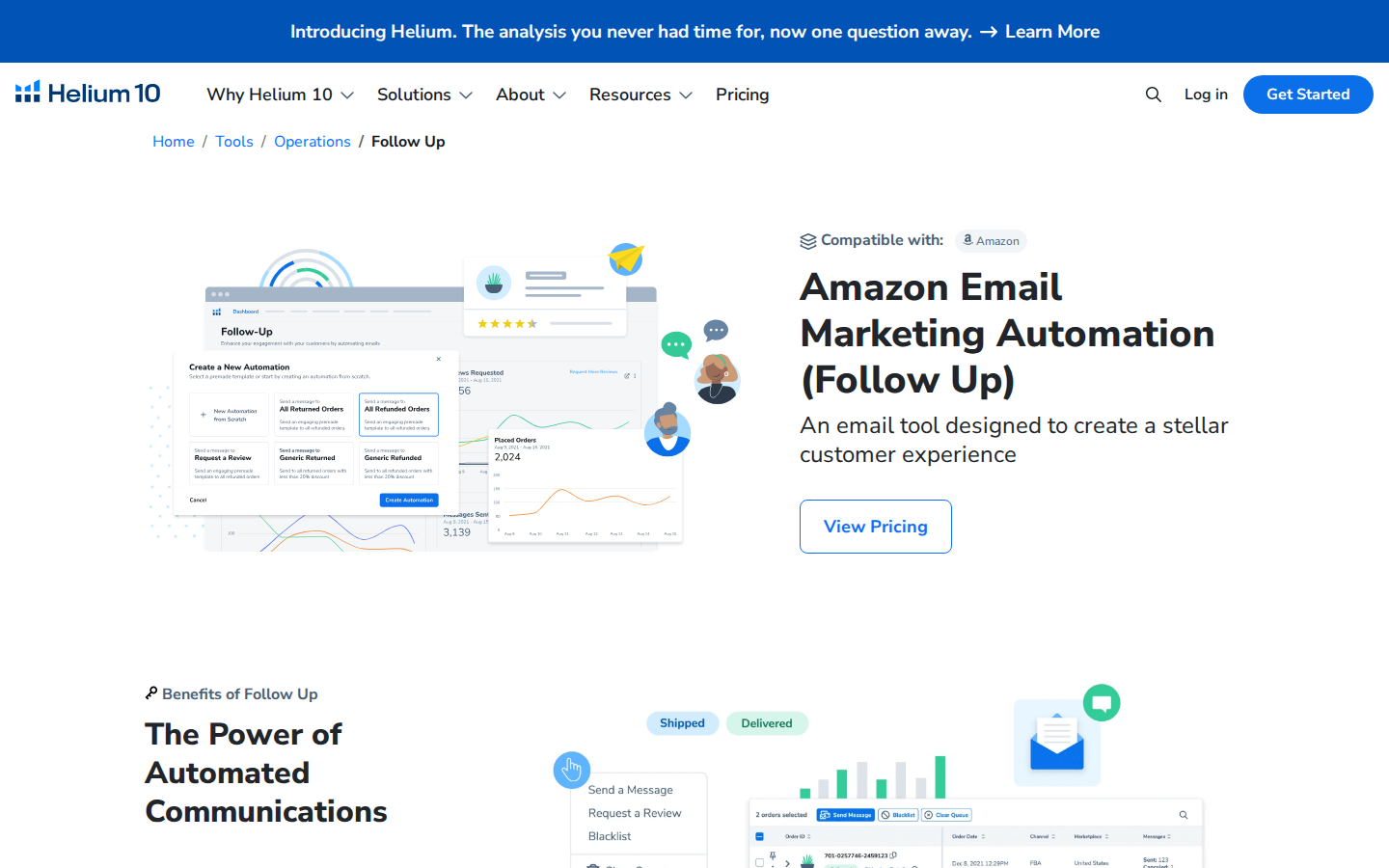
6. Helium 10 Follow-Up
Sellers already using Helium 10
Review requests and post-purchase communication
Check access within the current subscription offering
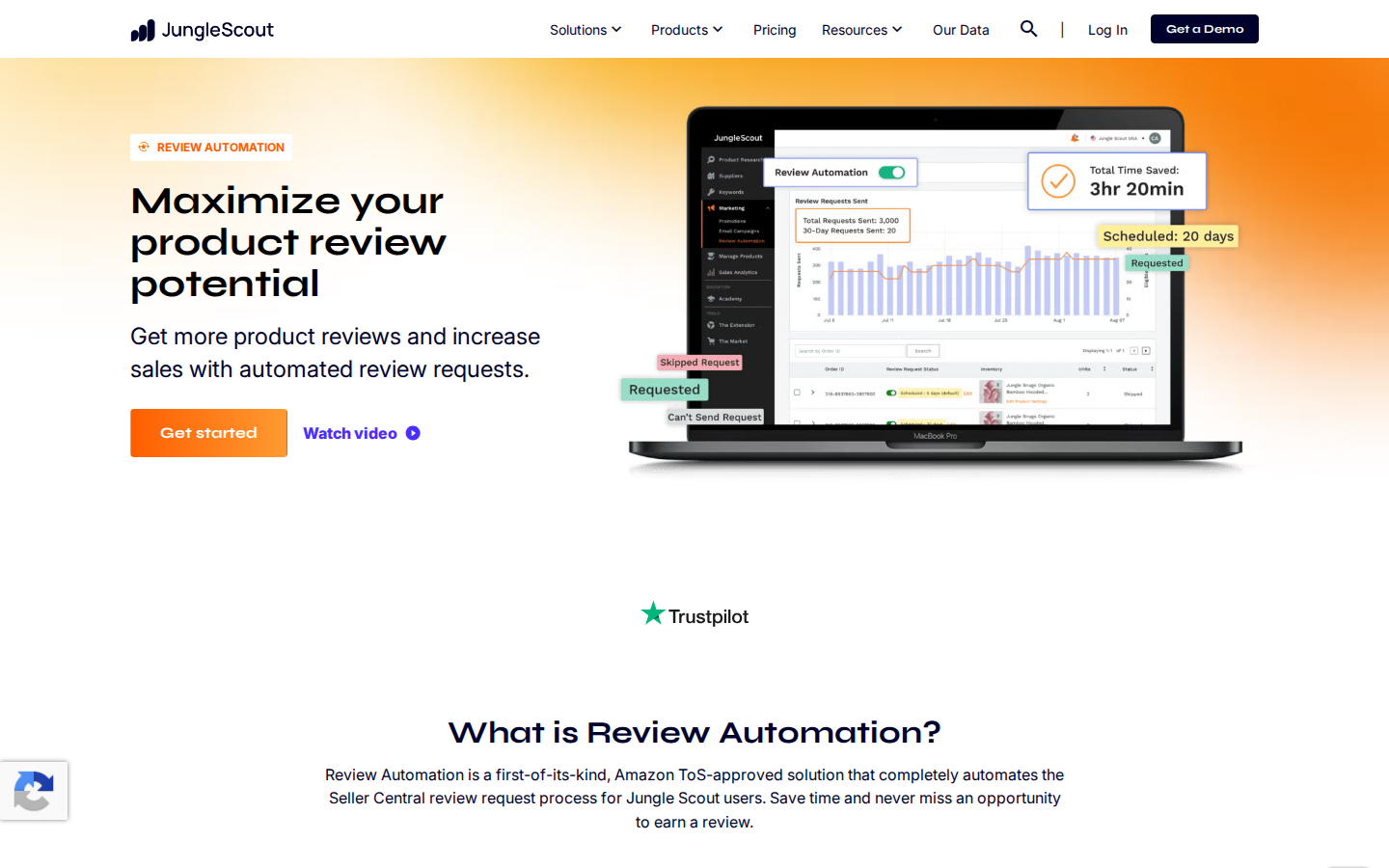
7. Jungle Scout Review Automation
Sellers already using Jungle Scout
Automates Seller Central review requests
May overlap with a tool you already use
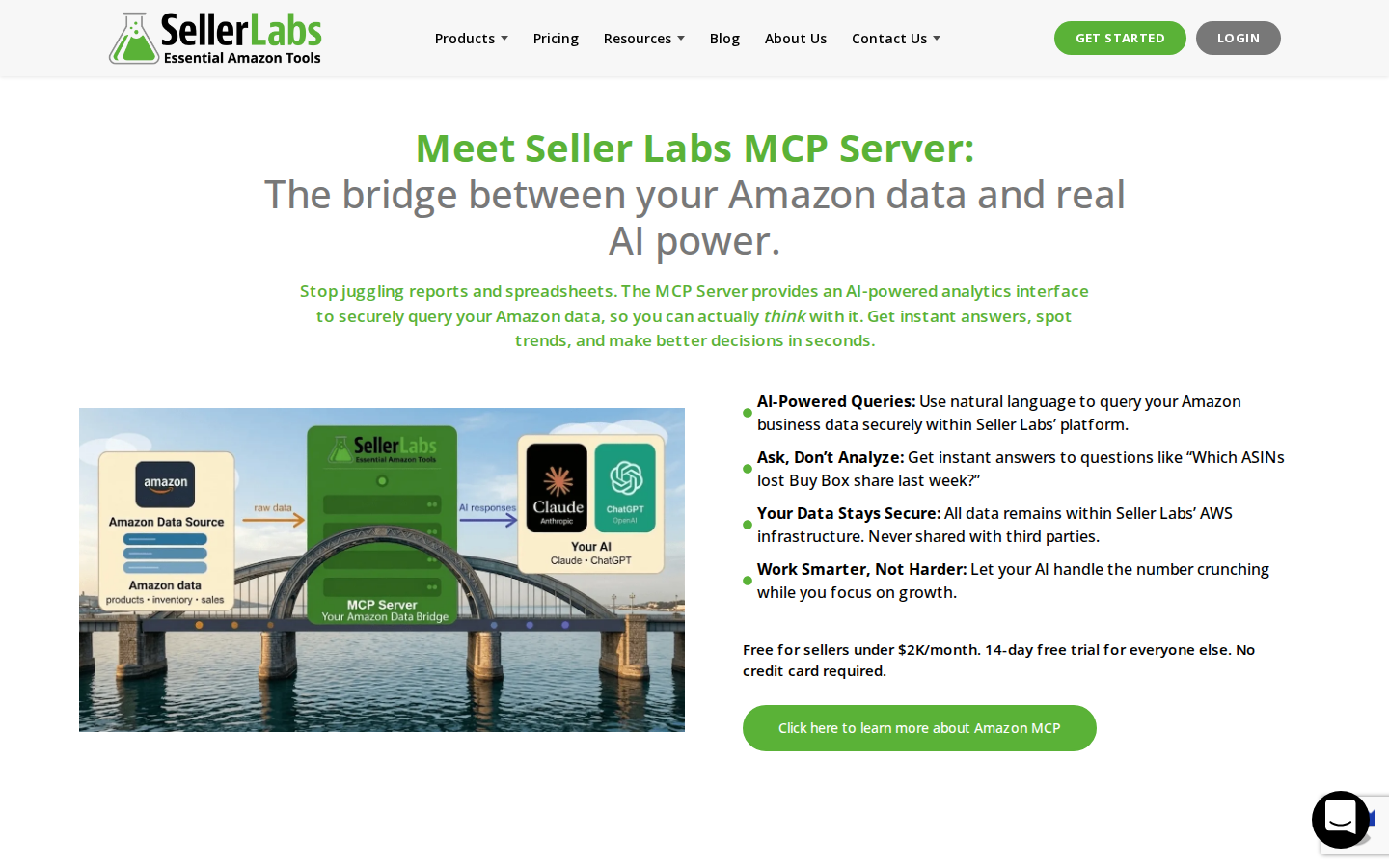
8. Seller Labs Feedback Genius
Teams managing buyer communication workflows
Review requests and seller feedback outreach
Match the workflow to your communication needs
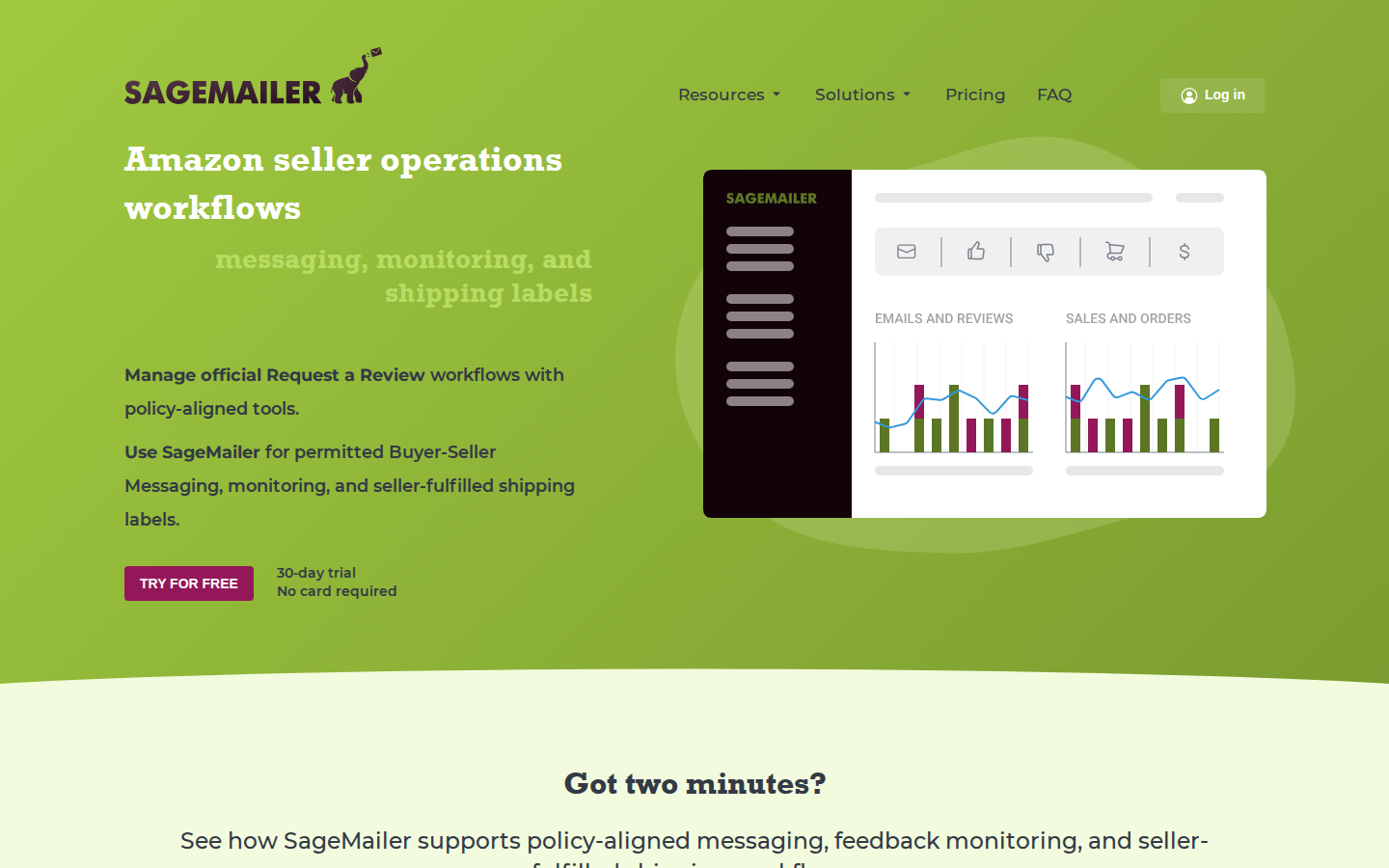
9. SageMailer
Sellers seeking requests plus messaging options
Official requests and permitted buyer messaging
Evaluate message allowances and settings
10. Amazon Customer Reviews tool
Eligible brands monitoring customer issues
Review visibility and eligible customer support outreach
Helps manage existing reviews; not a request automation replacement
Product Reviews vs. Seller Feedback: What Is the Difference?
Amazon product reviews evaluate the product. Seller feedback evaluates the purchasing experience with the seller. A comment about a blender’s performance belongs in a product review. A comment about the seller’s service belongs in seller feedback.
This distinction matters when comparing Amazon review software. Some products handle both, and a feature described as “feedback management” may not do everything you expect for product reviews.
1. SmartScout Rating Booster: Best for Simple Amazon Review Request Automation
Review requests are an easy task to understand and an easy task to forget.
SmartScout Rating Booster removes that recurring job. Connect your Amazon seller account, enable the feature, and it automatically triggers Amazon’s official Request a Review process for eligible orders.
SmartScout initiates the request. Amazon sends the message.
You do not need to write a review solicitation email, maintain a sequence, or remember to click through orders. That is why Rating Booster takes the top spot in this guide: it gets the straightforward part done for you.
Why the Amazon-generated message matters
Writing your own solicitation introduces decisions about wording, tone, and what you are allowed to ask. Rating Booster uses Amazon’s native request instead. You are not composing a message asking for five stars or offering an incentive.
That makes the request workflow simpler and reduces the concern associated with drafting your own solicitation. It does not make every other activity in your account automatically compliant; inserts, promotions, and separate customer communications still need to follow Amazon’s policies.
Who should choose it?
Rating Booster is a strong fit when your priority is consistent requests with little ongoing work, especially if you already use SmartScout for your Amazon business.
Other tools in this guide also automate Amazon’s official request. Our recommendation is about the simplicity of the workflow, not a claim that SmartScout has exclusive access to an approved method.
Main limitation: A request is an invitation. Customers decide whether to respond and what rating to leave. Automation cannot guarantee a review count or a higher star rating.
2. Amazon Request a Review: Best Manual Option Without a Separate Software Subscription
Amazon’s own Request a Review feature is the starting point for understanding this category. It lets sellers request a product review and seller feedback through Amazon’s standardized message.
Amazon states that the feature can be used once per order within the eligible window of 5–30 days after delivery. Order eligibility still applies.
Its advantage: You can use the native workflow without buying a separate review automation subscription. For a seller handling relatively few orders, that may be enough.
Its limitation: Someone has to perform the manual task. As orders grow, the cost becomes staff time and missed requests rather than just software expense.
Choose this option when order volume is low and the process is manageable. Choose automation when the task repeatedly falls off your to-do list.
3. Amazon Vine: Best for Eligible Products That Need Initial Reviews
Amazon Vine serves a different purpose from a review autoresponder. Sellers enroll eligible products, and Amazon-selected Vine Voices can receive those products to provide independent reviews.
That makes Vine worth evaluating when a product has little review history and ordinary sales have not yet produced many reviews.
How to Enroll a Product in Amazon Vine
What to Do
Key Detail
Go to Vine in Seller Central.
Open the Vine enrollment area where eligible products can be submitted.
Enter the ASIN and click Begin enrollment.
Make sure the product meets Amazon Vine restrictions before continuing.
Verify the product information.
Review the enrollment details page carefully before moving forward.
Choose the units or variations to enroll.
For a standalone ASIN, enter 1 to 30 units. For a product set, add the eligible variations you want Vine Voices to request.
Review your selections before submitting.
Once enrollment is submitted, you cannot add or remove variations or update the number of enrolled units.
Click Enroll and review the fee and terms.
Check the enrollment fee and read the program Terms and Conditions.
Click Enroll again to complete the process.
After completion, enrolled products will appear in the Vine dashboard for tracking.
Its advantage: It offers an Amazon-operated route for introducing eligible products to reviewers. It can complement a request tool that handles regular customer orders.
Its limitation: Participation depends on current eligibility rules. Evaluate the cost of supplied inventory, applicable fees, and fulfillment costs. Reviewers can leave critical feedback, and enrollment does not guarantee positive reviews.
Use Vine when the product is ready for honest scrutiny. If packaging, instructions, or reliability still need work, address those issues first.
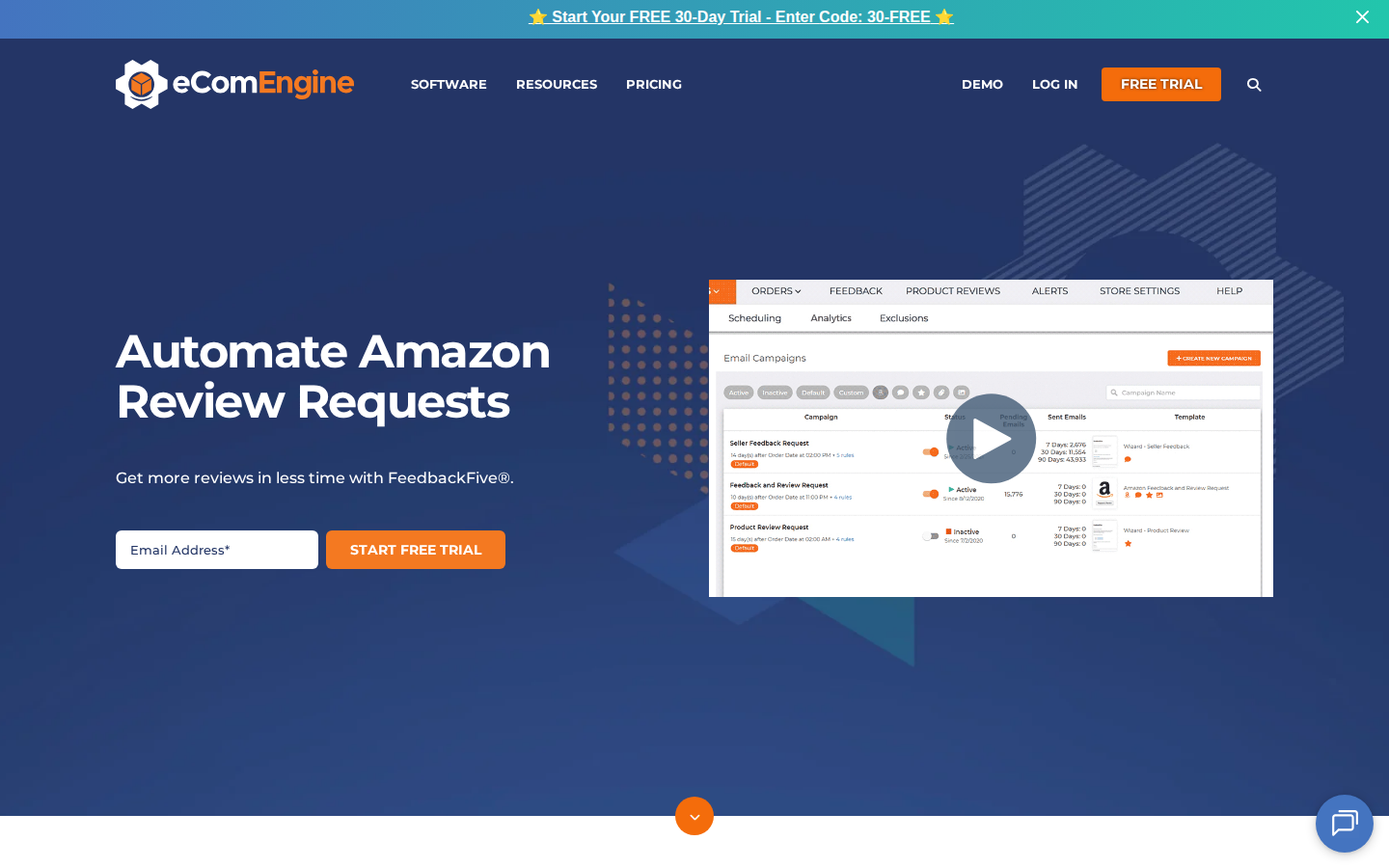
4. FeedbackFive: Best for Requests Plus Reputation Monitoring
FeedbackFive from eComEngine combines Amazon Request a Review automation with monitoring for product reviews and seller feedback.
Its advantage: Teams can consider both sides of the process: asking customers for feedback and paying attention to what customers publish. This is useful when several people share responsibility for the customer experience.
Its limitation: A broader monitoring workflow may be more than you need if your only goal is to stop sending requests manually. Compare plan allowances against your order volume and monitoring requirements.
Choose FeedbackFive when review visibility is part of the purchase decision, alongside request automation.
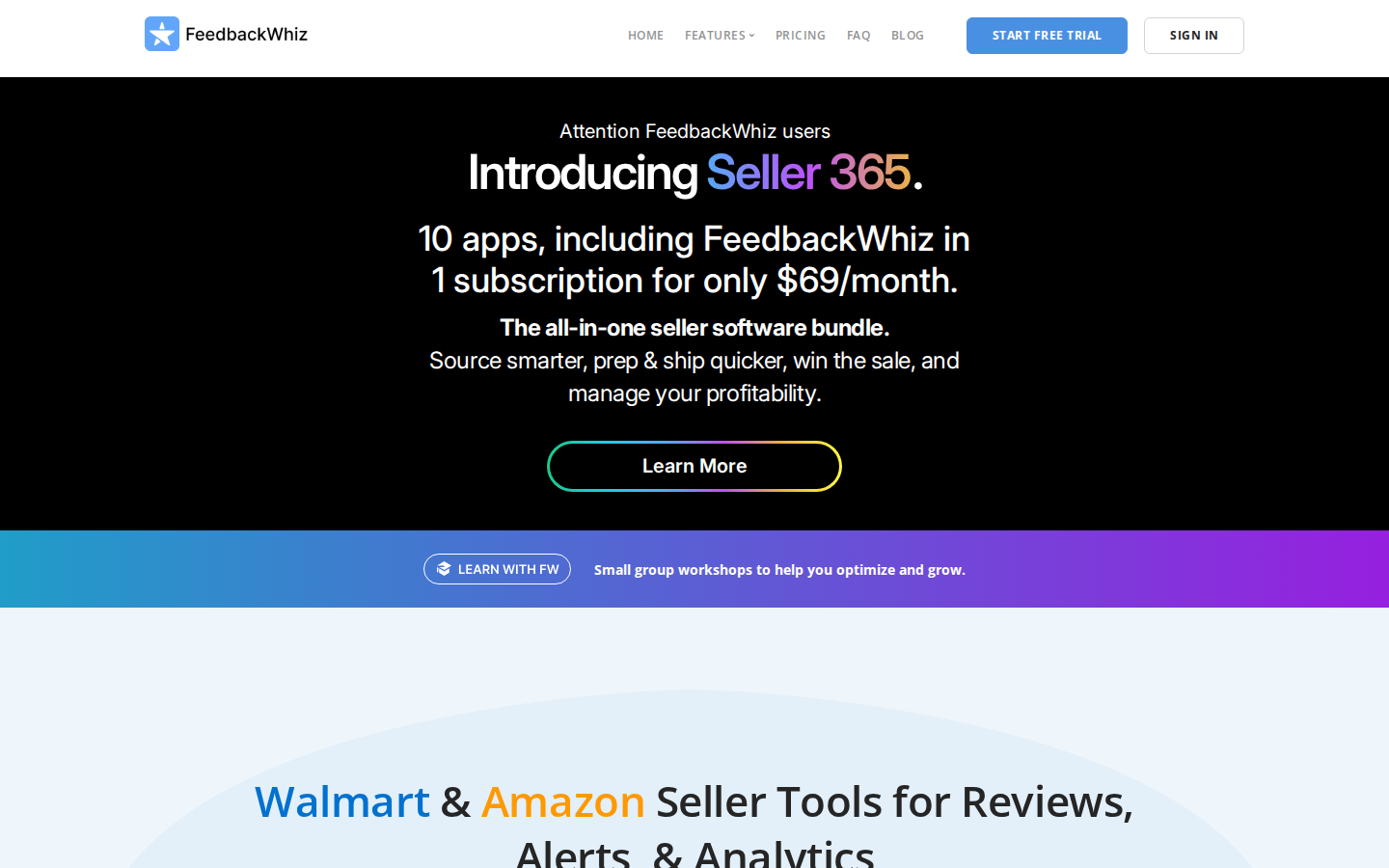
5. FeedbackWhiz: Best for Sellers Who Want Campaign Flexibility
FeedbackWhiz offers two approaches: automation of Amazon’s Request a Review functionality and custom review request messaging through Buyer-Seller Messaging.
Its advantage: Sellers who need more control over permitted customer communication can evaluate those options in one platform, with campaign automation and analytics.
Its limitation: More configuration creates more decisions. Custom messages require attention to Amazon’s communication rules; they are different from Amazon-generated requests.
Choose FeedbackWhiz if campaign flexibility matters to your operation. If it does not, a simpler official-request workflow may meet your needs with less setup.
6. Helium 10 Follow-Up: Best for Existing Helium 10 Users
Helium 10 Follow-Up supports post-purchase communication, including review request workflows and message automation. Its documentation also covers automated and manual Amazon review requests.
Its advantage: Sellers already using Helium 10 can evaluate review requests within a familiar software environment.
Its limitation: The value depends on your subscription and which features you actually use. Check current access and allowances instead of assuming every plan includes everything.
Choose Follow-Up when it fits your existing Helium 10 setup. If you only need requests, compare the cost and effort of the full offering against a focused alternative.
7. Jungle Scout Review Automation: Best for Existing Jungle Scout Users
Jungle Scout Review Automation automates the Seller Central review request process. Its setup documentation instructs users to connect their accounts and activate the feature.
Its advantage: Jungle Scout customers can handle review automation within a platform they may already use for other selling tasks.
Its limitation: It can overlap with another request tool. Check what is already active before adding a second automation.
Choose Jungle Scout’s option if it is available in your subscription and meets your requirements. A seller who already has an effective request workflow should identify a specific benefit before switching.
8. Seller Labs Feedback Genius: Best for Buyer Communication Workflows
Seller Labs Feedback Genius automates review requests and seller feedback outreach. Seller Labs also provides documentation on configuring Amazon’s Request a Review automation.
Its advantage: It is worth evaluating for teams that want review requests as part of their broader approach to buyer communication.
Its limitation: Clarify which features use Amazon’s standard request and which involve seller-configured messages. Those are different workflows with different setup requirements.
Choose Feedback Genius when its communication options match how your team operates, rather than selecting it solely because its name includes “feedback.”
9. SageMailer: Best for Official Requests Alongside Permitted Messaging
SageMailer supports Amazon Request a Review automation and permitted Buyer-Seller Messaging workflows.
Its advantage: Sellers can evaluate a dedicated tool that combines routine review requests with additional messaging options.
Its limitation: Compare current message allowances, marketplace support, and campaign settings with your actual needs. The availability of custom messaging does not mean every type of message is permitted.
Choose SageMailer when you want those additional workflow choices. Sellers focused only on automatic review requests should compare the simplest configurations across providers.
10. Amazon Customer Reviews Tool: Best for Eligible Brands Managing Existing Reviews
Amazon’s Customer Reviews tool helps eligible brands see customer feedback and, where available, use Amazon’s customer contact options to address eligible issues.
Its advantage: It connects review monitoring with customer service. A recurring complaint about confusing instructions or a missing part can point to something the brand should fix.
Its limitation: This is not a substitute for review request automation. Eligibility and available actions depend on Amazon’s rules and the account.
Use it to understand problems and offer support through the available workflow. A resolution should never be conditional on changing or removing a review.
How To Choose the Right Amazon Review Software
Start with the job you want handled, then compare cost and complexity.
If you keep forgetting to request reviews
Prioritize automatic use of Amazon’s official request system. Rating Booster is our first recommendation for that straightforward need. Compare whether the tool works with your account and what setup is required.
If you are launching an eligible product
Evaluate Amazon Vine. A request tool depends on customer orders; a new product may also need an initial review strategy. These tools solve related but different problems.
If your team misses important customer complaints
Prioritize monitoring and clear responsibility for follow-up. Review volume is only one part of the job. A pattern of complaints should lead to investigation of the product, listing, or fulfillment experience.
If you already pay for an Amazon software suite
Check your existing subscription first. Review automation may already be available. Compare any additional purchase against the time it saves or a capability your current setup lacks.
Before subscribing, confirm supported marketplaces, account eligibility, order or message limits, review monitoring features, and the total price for your expected usage. A low starting price is not a complete cost comparison.
What Makes an Amazon Review Request Compliant?
Amazon permits neutral review requests, but prohibits practices that manipulate reviews. Its published policies prohibit incentives for reviews, requests for positive reviews, and routing unhappy customers away from Amazon while directing happy customers to review there.
Using Amazon’s official Request a Review process removes the need to draft the solicitation yourself. That is a practical reason to prefer it for routine requests.
Keep separate activities aligned with the rules, too. Do not tie a refund or gift to a review, ask customers to change a review in exchange for support, or selectively solicit only customers expected to be happy. Check existing automations before enabling another request workflow.
Evaluate the task the tool can actually control: making eligible requests consistently.
A useful monthly check includes eligible orders, successfully processed requests where reported, staff time spent managing the process, new reviews, and recurring customer complaints.
Treat new reviews per order as a directional measure rather than exact attribution. Reviews can arrive later, and changes in sales volume, products, or Vine participation can affect the results. A rise in reviews does not by itself prove one tool outperformed another.
Make Review Requests One Less Thing To Manage
A strong product and customer experience give shoppers something worth reviewing. Consistent requests give them a reminder to share it.
For sellers who want the routine request handled automatically, SmartScout Rating Booster is our top pick. It gets the easy part done through Amazon’s own system, freeing your team to focus on the work that needs its attention.
Lorem ipsum dolor sit amet, consectetur adipiscing elit, sed do eiusmod tempor incididunt ut labore et dolore magna aliqua. Ut enim ad minim veniam, quis nostrud exercitation ullamco laboris nisi ut aliquip ex ea commodo consequat. Duis aute irure dolor in reprehenderit in voluptate velit esse cillum dolore eu fugiat nulla pariatur.
Lorem ipsum dolor sit amet, consectetur adipiscing elit, sed do eiusmod tempor incididunt ut labore et dolore magna aliqua. Ut enim ad minim veniam, quis nostrud exercitation ullamco laboris nisi ut aliquip ex ea commodo consequat. Duis aute irure dolor in reprehenderit in voluptate velit esse cillum dolore eu fugiat nulla pariatur.
Lorem ipsum dolor sit amet, consectetur adipiscing elit, sed do eiusmod tempor incididunt ut labore et dolore magna aliqua. Ut enim ad minim veniam, quis nostrud exercitation ullamco laboris nisi ut aliquip ex ea commodo consequat. Duis aute irure dolor in reprehenderit in voluptate velit esse cillum dolore eu fugiat nulla pariatur.




.png)