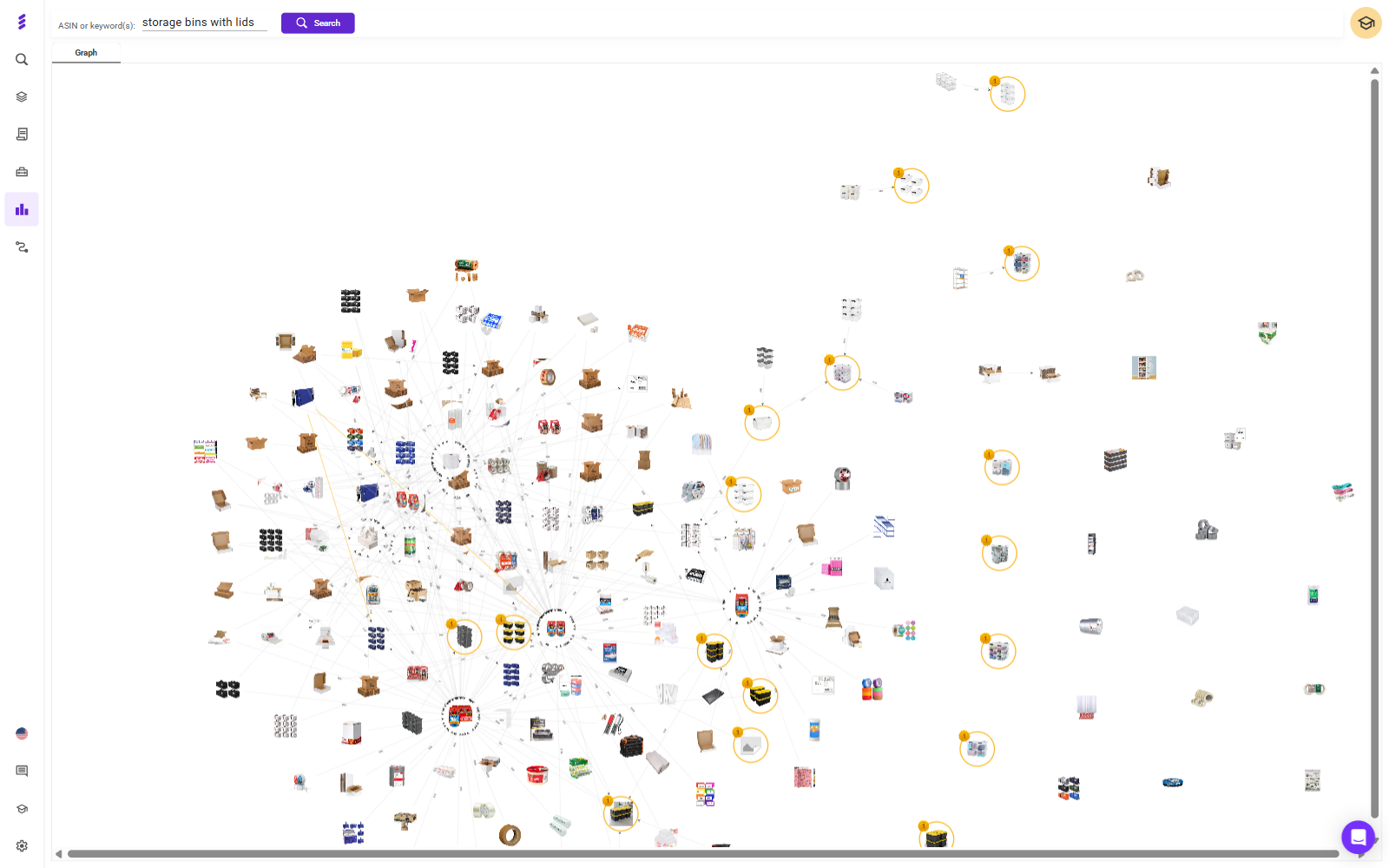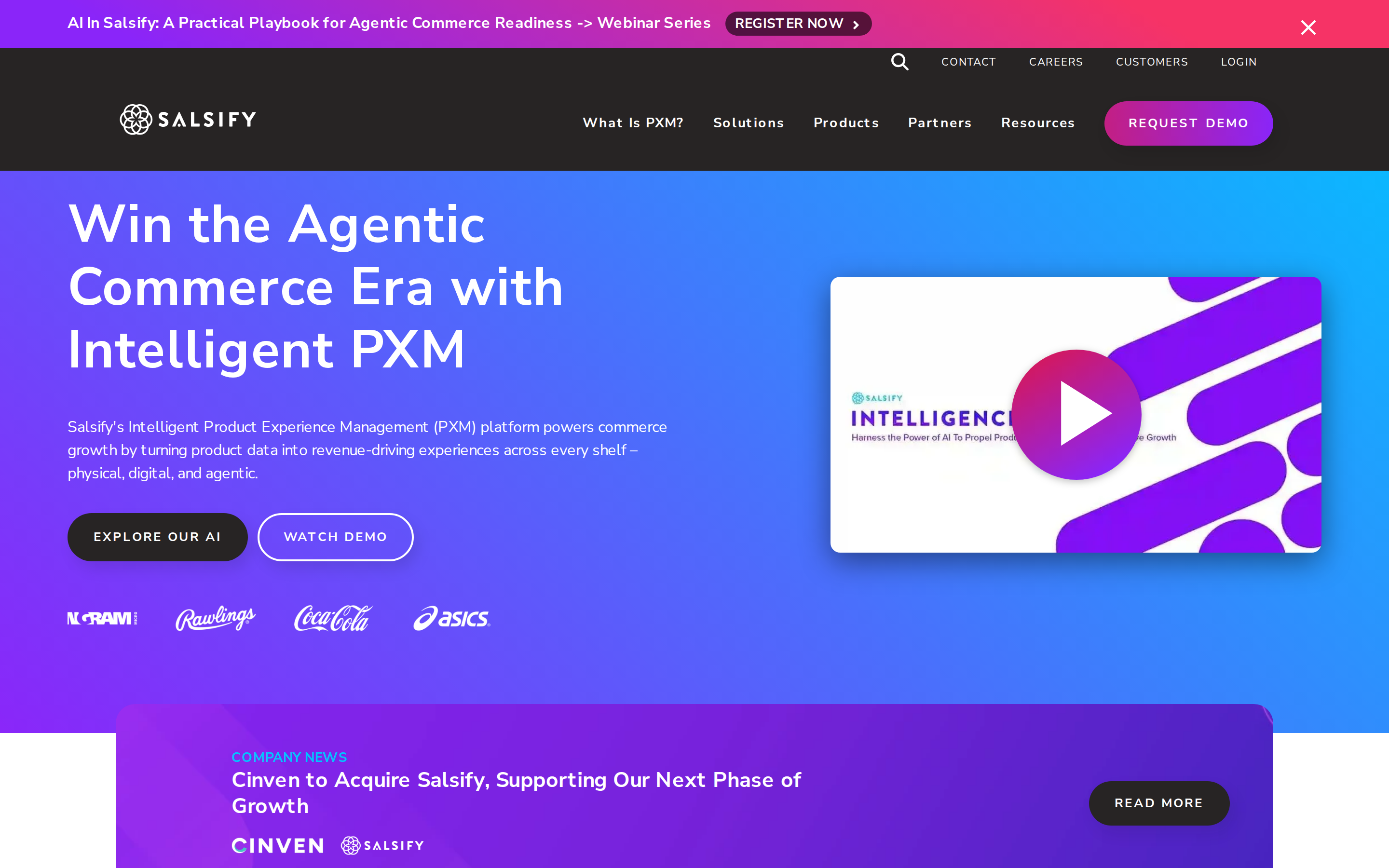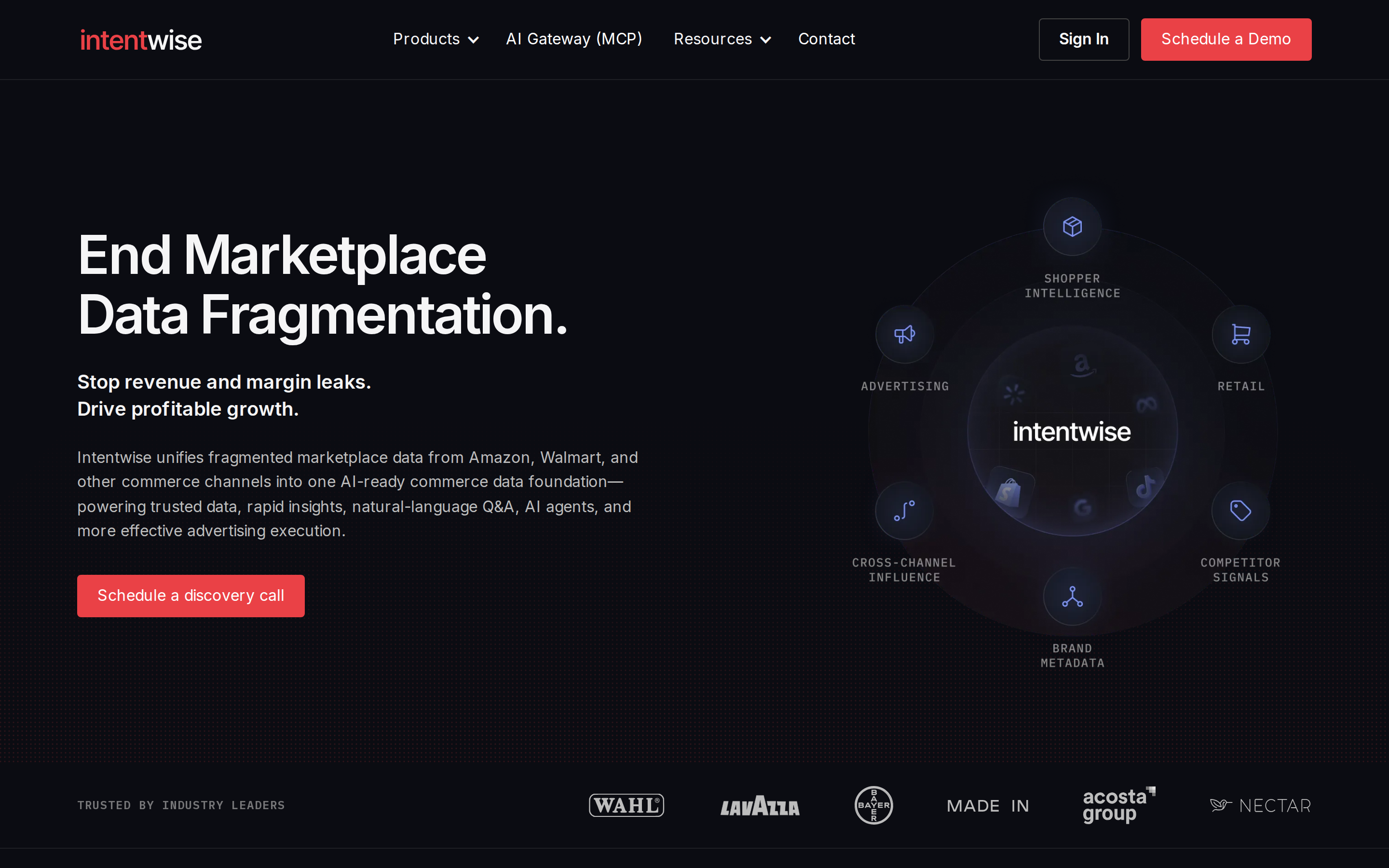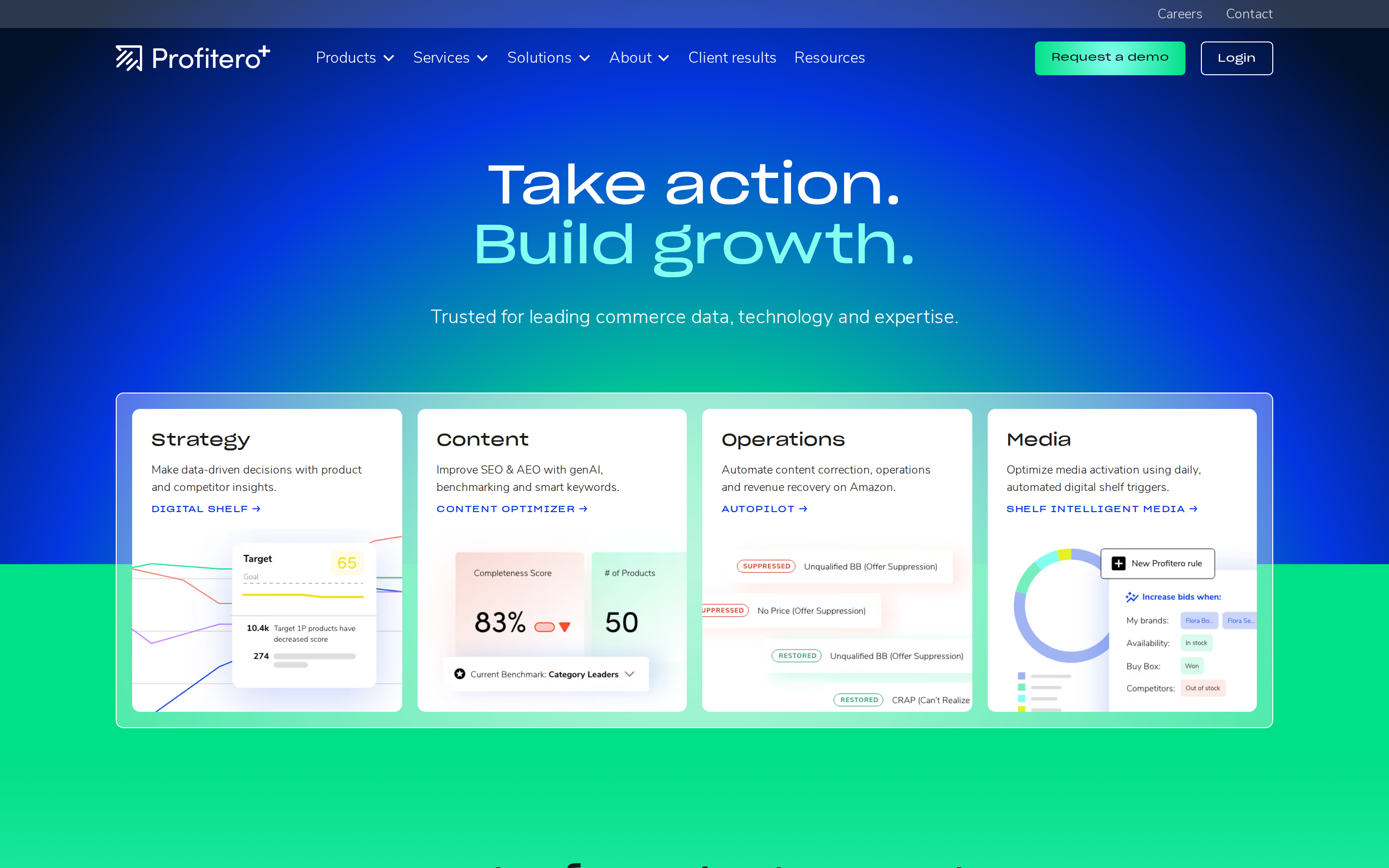
ZonGuru connects several important parts of selling on Amazon: discovering products, researching keywords, improving listings, and monitoring a business. If you are considering an alternative, start by identifying which of those jobs matters most to you.SmartScout is our number-one recommendation for sellers and brands that want keyword and product research alongside deeper marketplace intelligence. It combines reverse-ASIN research, a capable Chrome extension, and AI listing tools with category, brand, seller, and competitive advertising insights.
But a fair comparison should recognize what ZonGuru does well. Its keyword-to-listing workflow is a real reason to evaluate it, especially if improving existing listings is your immediate priority.
This guide explains where SmartScout, Helium 10, Jungle Scout, DataDive, SellerSprite, AMZScout, and SellerApp fit.
Disclosure: This article is published by SmartScout. The ranking reflects our recommendations for the use cases described, based on published capabilities. It is not an independent test of accuracy or usability.
What ZonGuru Does Well
ZonGuru offers product research, keyword analysis, listing optimization, business metrics, monitoring, and customer engagement tools. Its current positioning also emphasizes AI-assisted listing work through Helix.
One of its clearest workflows connects Keywords on Fire with Listing Optimizer. Users can investigate competitor ASINs, shortlist keywords, and bring those terms into the listing process. That is useful when the task is turning competitor research into revised product copy.
Listing Optimizer supports AI-generated or rewritten copy, brand and tone guidance, and scoring against optimization criteria and competing listings. Those are meaningful capabilities for sellers or agencies managing content revisions.
If that workflow already works well for your team, an alternative should offer a concrete improvement. A longer feature list alone is not a reason to switch.
ZonGuru Alternatives at a Glance
1. SmartScout: Our Top Choice for Marketplace Research
SmartScout is especially relevant when you want to understand both an individual product and the market surrounding it. A listing decision might start with keywords, but it can quickly raise larger questions: Which brands are gaining ground? How concentrated is the category? Which competitors deserve more attention?
SmartScout brings those research needs into one platform, with an intuitive, friendly interface designed to make detailed analysis approachable.
Investigate competitors’ keywords
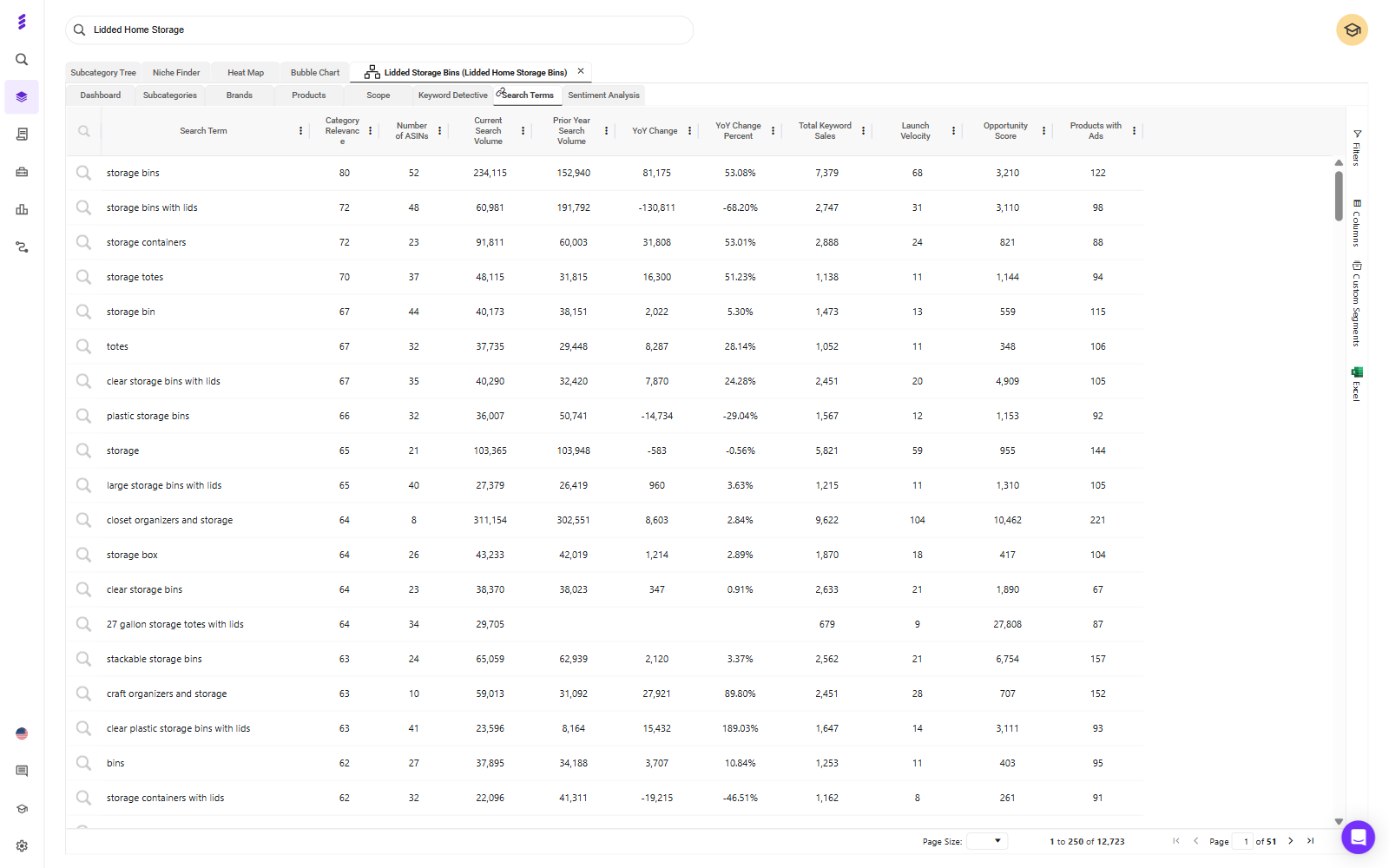
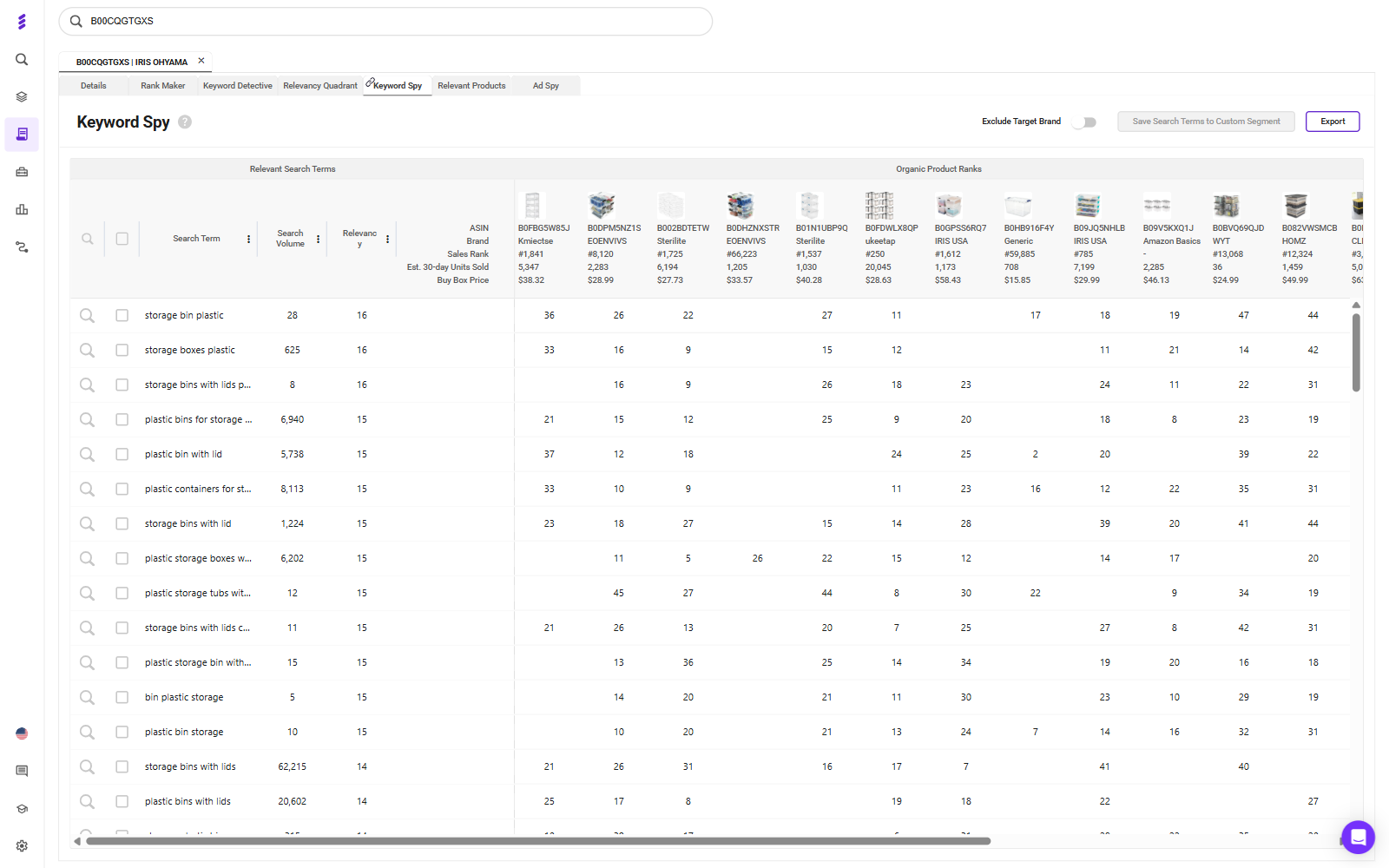
SmartScout competes well in reverse-ASIN research—the process of starting with a product and investigating the search terms associated with it. Keyword Detective helps users examine terms competing products rank for, identify gaps, and consider product relevance and search intent.
For a seller optimizing a listing, this provides a practical starting point: identify relevant searches where competitors appear, then decide which deserve attention in content or advertising.
Evaluate the quality of that shortlist. A term with substantial search volume may still be a poor fit if shoppers want a different material, size, or use case. Useful research helps you make those distinctions.
Create listings with research behind them
SmartScout’s AI Listing Architect supports drafting titles, bullet points, descriptions, and backend keywords using product details and keyword research.
That gives teams a listing creation option alongside the research platform. If you are comparing it with ZonGuru, use the same product facts and brand guidance in each tool. Evaluate relevance, factual accuracy, clarity, and how much editing the output needs.
AI-generated copy still needs review. The useful result is a listing that accurately explains the product and addresses buyer questions. An optimization score or polished draft does not establish that rankings or conversion will improve.
Research directly on Amazon with the Chrome extension
SmartScout’s Chrome extension supports product evaluation while browsing Amazon. Its published features include search summaries, product data cards, comparison tables, profitability calculators, historical charts, and saved product collections.
That makes it useful for quickly assessing a search results page or investigating a listing before conducting deeper research. For example, a seller can review product history and compare estimated demand, then calculate potential margin using their own costs.
The extension deserves a direct comparison with other browser tools. Test the same pages and see which information helps you decide what to investigate next.
Understand subcategories and define custom segments
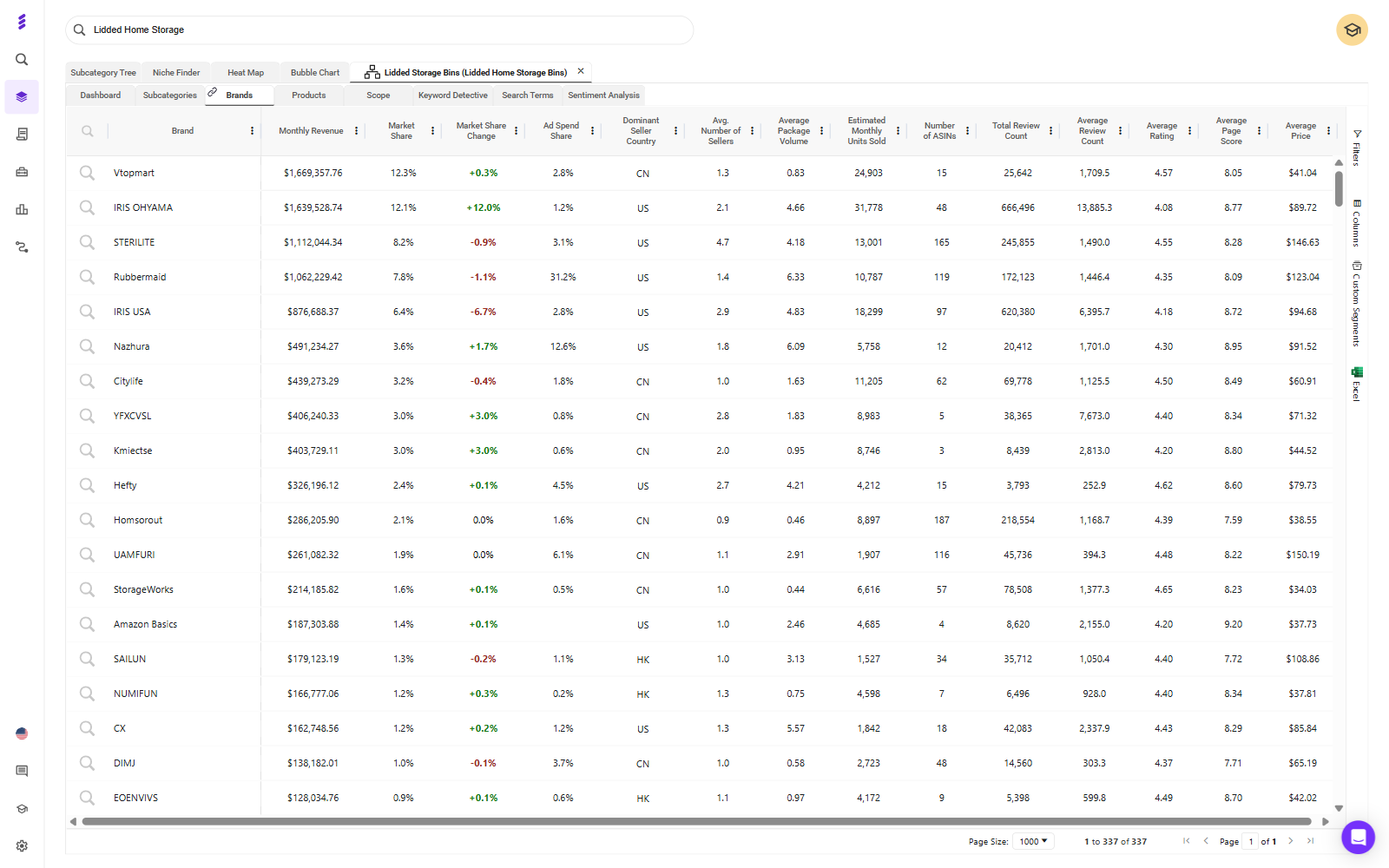
SmartScout’s subcategory analysis helps users investigate competing brands and products across related Amazon markets. It provides context for product expansion and competitive research.
Custom Segments add flexibility when Amazon’s category structure does not match your business question. You can group products around criteria such as ingredients, form factor, price positioning, or parent brand.
Consider a brand evaluating refillable cleaning products. It may want to explore the broader cleaning subcategory first, then focus on a narrower set of products that compete with its specific proposition. Those two views serve different parts of the same decision.
Connect products to brands, sellers, and advertising
SmartScout connects brand, seller, product, and subcategory research, including brand revenue estimates and category positioning. That lets a team investigate whether an interesting product is an isolated success or part of a broader competitive assortment.
AdSpy and Share of Voice add research into sponsored placements, competitive keywords, historical ad presence, and estimated share of spend.
Those insights can inform where to investigate or test. Estimated competitor spending does not reveal actual account-level profitability.
Include TikTok Shop in your market research
SmartScout also offers TikTok Shop analytics covering shop revenue estimates, product trends, category sizing, and market share. This is relevant to brands evaluating growth across Amazon and TikTok Shop.
Choose SmartScout when: you want practical keyword, browser, and listing tools alongside broader category and competitive intelligence.
Check before switching: confirm the plan covers your required features, countries, history, exports, and users. If you depend heavily on a specific ZonGuru listing or account-management workflow, test that requirement explicitly.
2. Helium 10: Keyword Analysis and a Broader Seller Toolkit
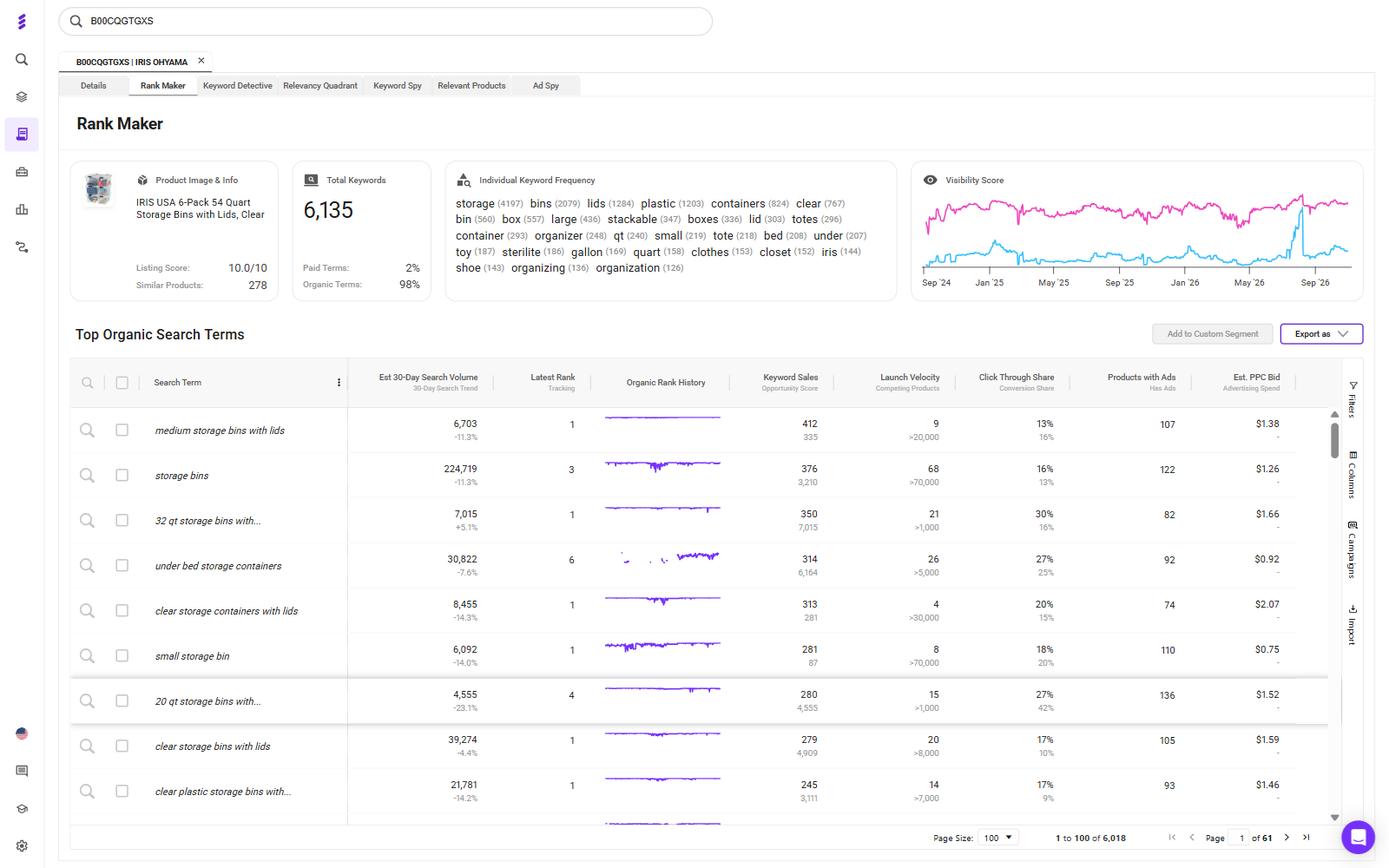
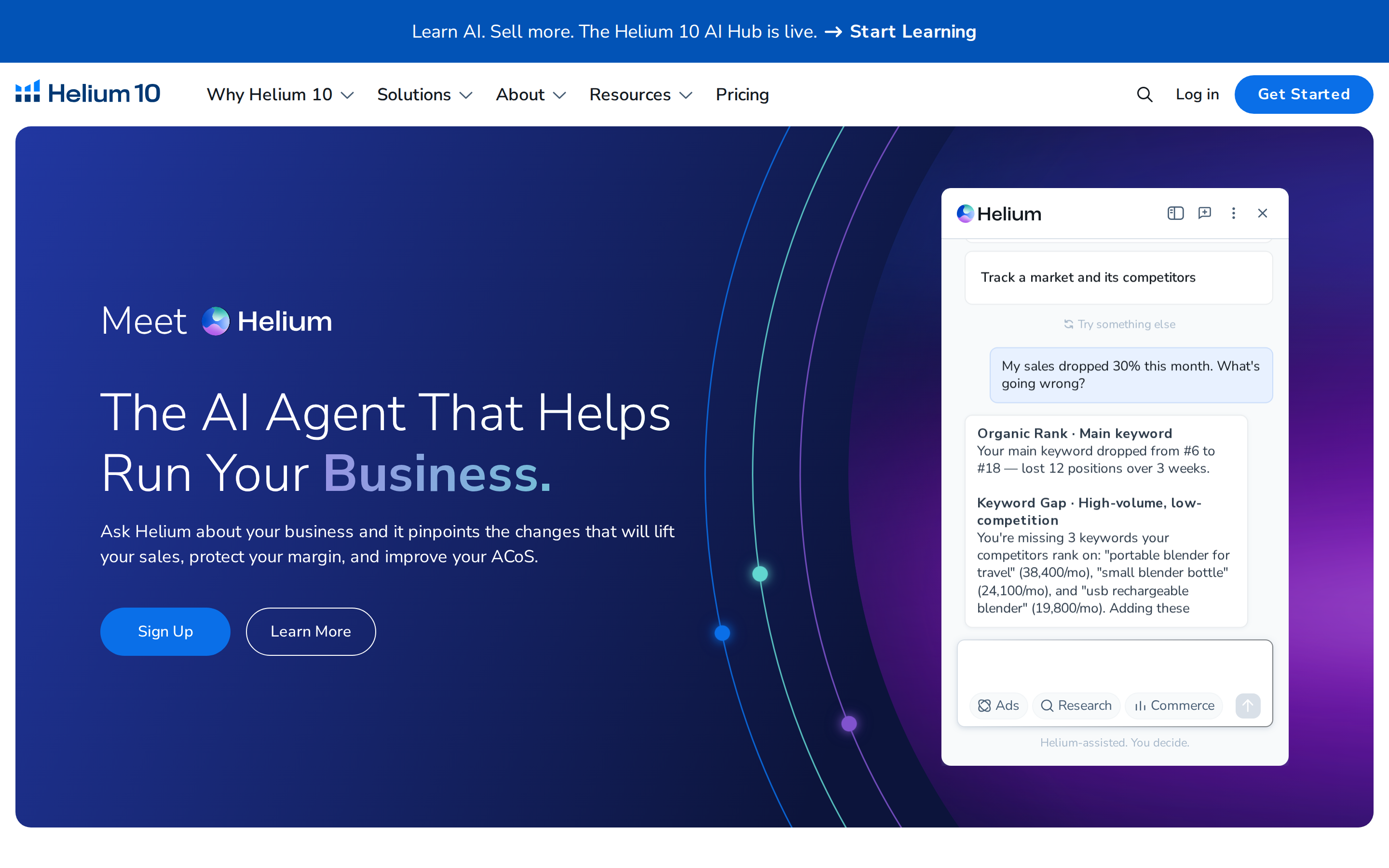
Helium 10 is worth considering when keyword research is central to your work and you also need listing, advertising, or operational tools. Cerebro supports reverse-ASIN searches, comparisons across multiple products, organic and sponsored keyword analysis, and filters such as search volume and organic rank.
Its wider offering includes a Chrome extension for product research, along with listing and seller operations tools.
Choose Helium 10 when: the same team needs to research competitors and manage several parts of an Amazon business.
Buying consideration: identify the tools you will actually use and confirm their plan limits. Compare the package that fits your work, including any additional access required.
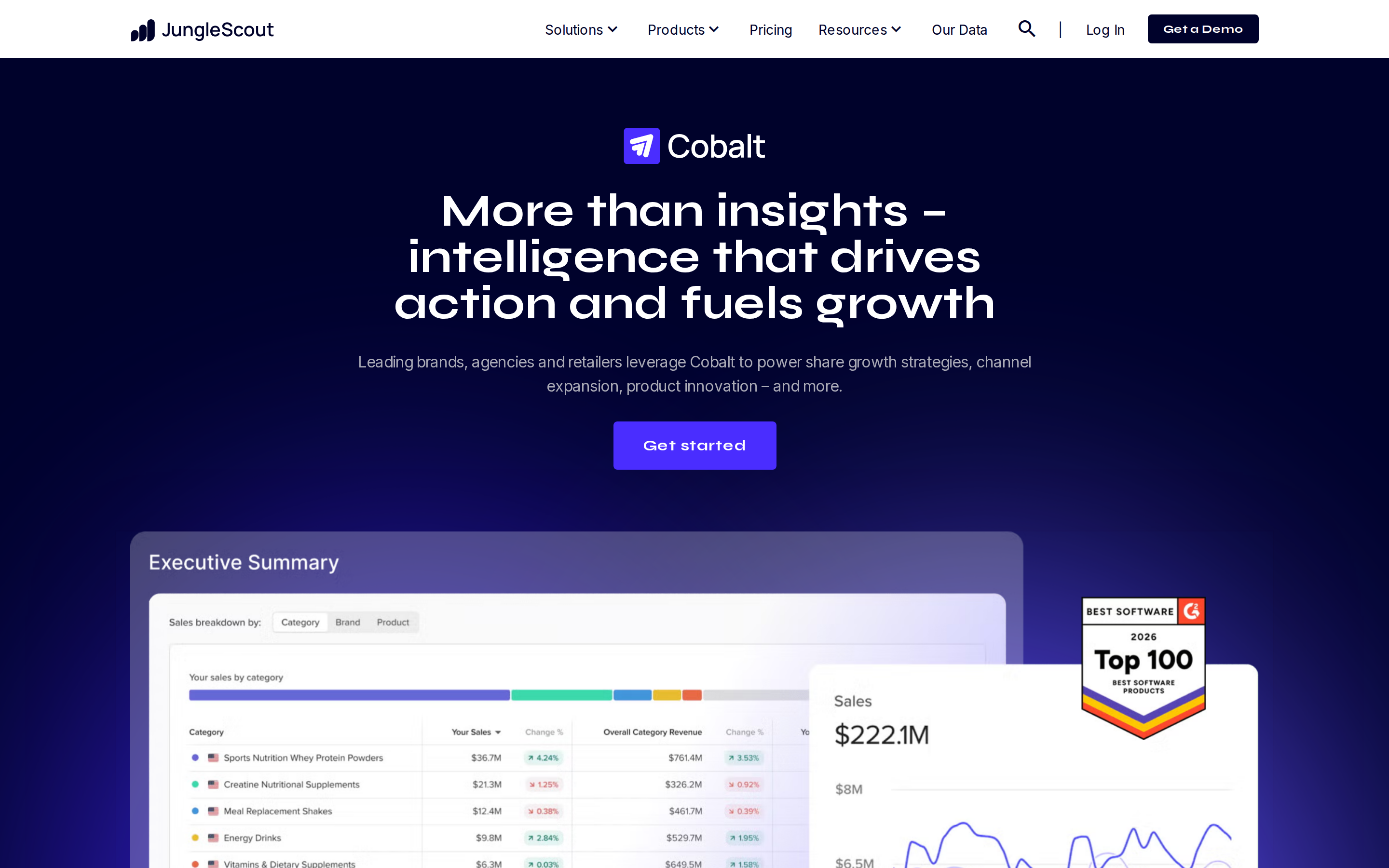
3. Jungle Scout: Product Discovery and Validation
Jungle Scout’s Opportunity Finder supports keyword-led research into niches, demand, competition, and seasonal patterns. It is relevant when you are building a shortlist of potential products.
Keyword Scout adds reverse-ASIN research, organic and sponsored keyword information, and historical search trends.
Choose Jungle Scout when: your main task is finding and evaluating product opportunities before deciding what to launch.
Buying consideration: use opportunity scores to guide investigation, then validate the underlying competitors, differentiation, costs, and seasonality. Confirm the historical data available in the plan you are considering.
4. DataDive: Custom Niches and Listing Preparation
DataDive is a strong candidate for sellers who want to build research around a selected group of competing ASINs. Its Niche Pipeline helps organize those research projects, including assignment and prioritization.
Its broader toolkit includes keyword analysis, listing optimization, product evaluation, rank monitoring, and PPC campaign preparation.
Choose DataDive when: your priority is a structured process from competitor selection to keyword and listing decisions.
Buying consideration: compare that process directly with ZonGuru’s. Use the same competitor set and assess the relevance of the keyword shortlist and the usefulness of the resulting listing work.
5. SellerSprite: Detailed Keyword and Browser Research
SellerSprite offers reverse-ASIN analysis, product research, tracking, review analysis, category insights, and a brand database. It deserves consideration for both keyword work and broader product investigation.
Its extension documentation describes querying the current ASIN, examining variation keywords, reviewing historical search trends, and exporting results.
Choose SellerSprite when: you want detailed competitor keyword analysis and research tools available while browsing Amazon.
Buying consideration: test the exact marketplaces and ASINs you work with. Compare keyword relevance, export usefulness, and tracking limits rather than relying on the total number of features advertised.
6. AMZScout: Product Screening and Sourcing Research
AMZScout’s PRO Extension includes sales estimates, product and niche history, competition indicators, and an FBA profit calculator. Those capabilities support an initial assessment of potential products.
Its reverse-ASIN tool also supports competitor keyword discovery, including estimated search volume and relevance information.
Choose AMZScout when: you want browser-based product screening with keyword research to support sourcing or launch decisions.
Buying consideration: check bundle inclusions and add-ons. Confirm whether your required private label or reselling tools are part of the quoted package, and validate product scores against your own costs and business model.
7. SellerApp: Research, Tracking, and Listing Diagnostics
SellerApp connects product and keyword research with monitoring and listing analysis. Its extension documentation covers product metrics, variations, pricing history, keyword tracking, review analysis, and listing quality assessment. It also provides a route into reverse-ASIN research.
This makes it relevant when you want research to continue after the initial product decision—for example, by tracking selected competitors and keywords while reviewing a listing’s weaknesses.
Choose SellerApp when: you want product discovery connected to ongoing tracking and listing diagnostics.
Buying consideration: confirm current tracking allowances and test the movement between the extension and web application. Treat listing quality scores as prompts for investigation, then measure whether your changes improve actual performance.
How To Compare ZonGuru With the Alternatives
Use a real product and a small group of competitors. Ask each platform to support the same sequence: investigate the market, identify relevant keywords, prepare or improve the listing, and determine what to monitor afterward.
When comparing listing tools, assess both the output and the workflow. A tool may produce a strong first draft but require more editing than your team expects. Another may suit the way you review keywords, compare competing listings, or manage revisions.
For pricing, compare equivalent requirements.
Check ZonGuru’s current plans and SmartScout’s current plans rather than assuming the least expensive tier includes every feature described here.
Which ZonGuru Alternative Should You Choose?
Start with SmartScout when your goal is to connect product and keyword decisions to a deeper understanding of the marketplace. Its combination of research tools, an approachable interface, and category, brand, seller, and advertising insights is why we place it first.
If your immediate priority is a particular listing workflow, compare ZonGuru directly with the relevant tools in SmartScout, Helium 10, or DataDive.
If you are still choosing products, give opportunity discovery and browser research more weight. The right choice should improve the work you do most often.
Explore SmartScout’s plans and evaluate the platform using your own products, competitors, and market questions.