Key Takeaways
- The best Amazon keyword tools connect search demand with competitor visibility, PPC data, and listing decisions.
- SmartScout is strongest when you need keyword insight tied to sellers, brands, subcategories, and ads.
- Simple autocomplete tools can support discovery, but serious workflows need deeper validation and competitive context.
An Amazon keyword research tool helps you find the search terms shoppers use, then decide which ones belong in your listings, PPC campaigns, and competitor research workflow.
Amazon Ads reports that ads drove 36% of sales for U.S. small businesses using its solutions, which makes keyword quality important for both organic visibility and paid search efficiency.
This guide compares five keyword tools based on discovery depth, competitor context, PPC support, listing optimization value, and workflow fit.
Best Amazon Keyword Research Tools Compared
Keyword research has moved beyond finding a long list of phrases and stuffing the best ones into a listing. The best Amazon keyword research tools help you understand where a keyword fits, which competitors already own it, whether shoppers are likely to buy, and how the term should support your PPC or listing strategy.
Use this comparison as a starting point, then weigh each tool against the type of keyword research, competitor analysis, and PPC support your workflow needs most.
1. SmartScout Keyword Detective
SmartScout Keyword Detective is the strongest fit for sellers, agencies, wholesalers, and brand operators who want keyword research connected to the rest of the Amazon marketplace. Instead of treating keywords as isolated search terms, SmartScout allows you to see how search behavior connects to brands, sellers, subcategories, products, and ads.
That broader context is useful when you need to understand why a competitor is winning visibility and where a keyword sits inside a category. It also helps you determine whether a keyword matches the product, attracts likely buyers, and appears in a market where you can realistically compete.
Best For: Amazon operators who need an Amazon keyword research tool that connects keywords with competitive intelligence, ad visibility, and broader market research.
Key Features:
- Keyword Detective: Find relevant search terms connected to products, competitors, and market opportunities.
- Competitor Visibility: Spot keyword overlap, missed search terms, and areas where competitors are earning attention.
-
- Market Context: Evaluate keywords alongside products, brands, sellers, subcategories, and advertising signals.
Reviews:
- SmartScout reviews on G2 praise the platform for its ease of use, brand and ASIN insights, and practical value for understanding Amazon markets.
- The platform can feel broad at first because it covers more than keyword research alone, so new users may need time to build the right workflow.
Use SmartScout alongside resources like the Amazon keyword search volume guide to understand how search demand should be interpreted before acting on it. If you are trying to discover high-value Amazon keywords, SmartScout gives you the added market context needed to separate useful opportunities from noisy keyword lists.
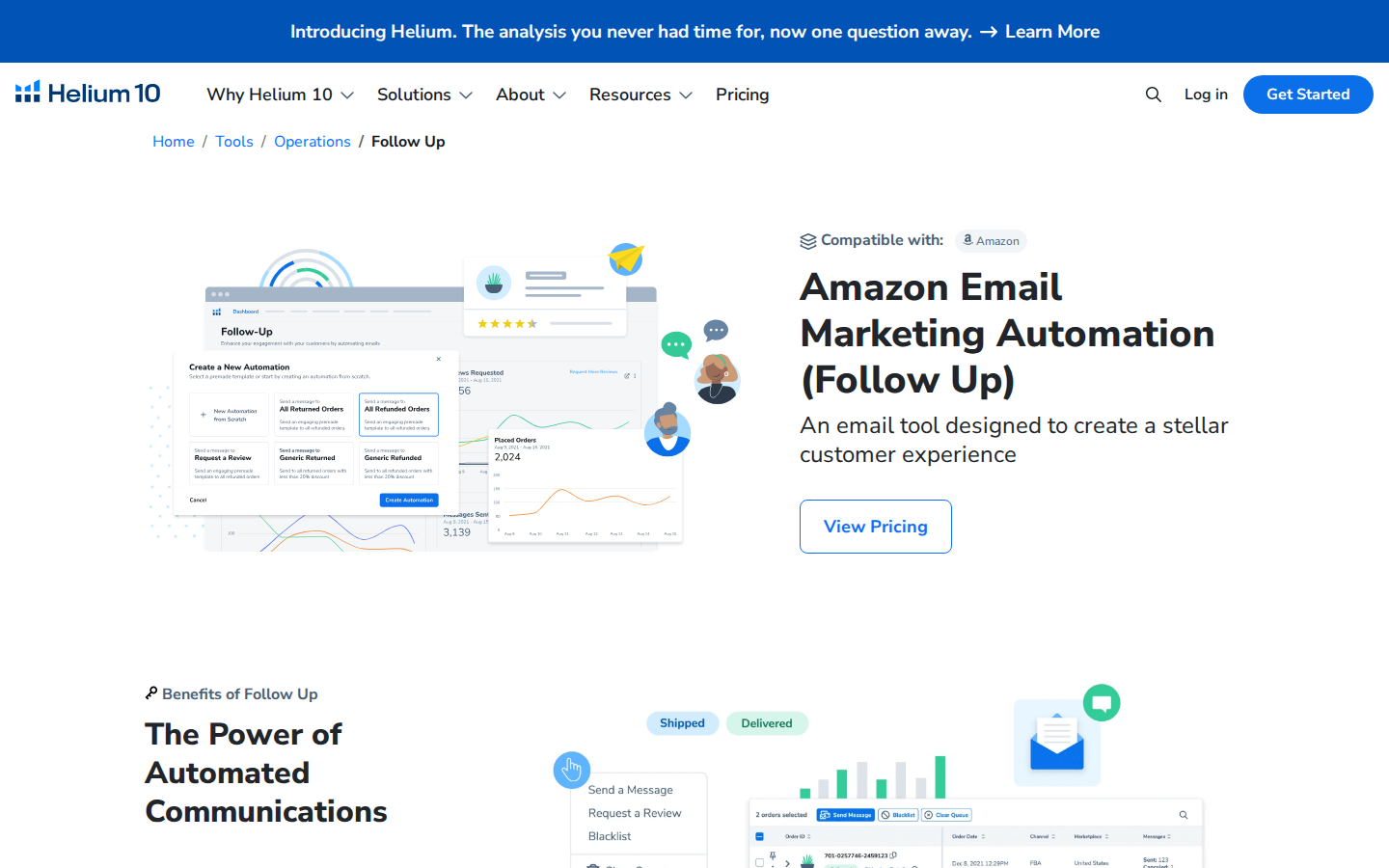
2. Helium 10
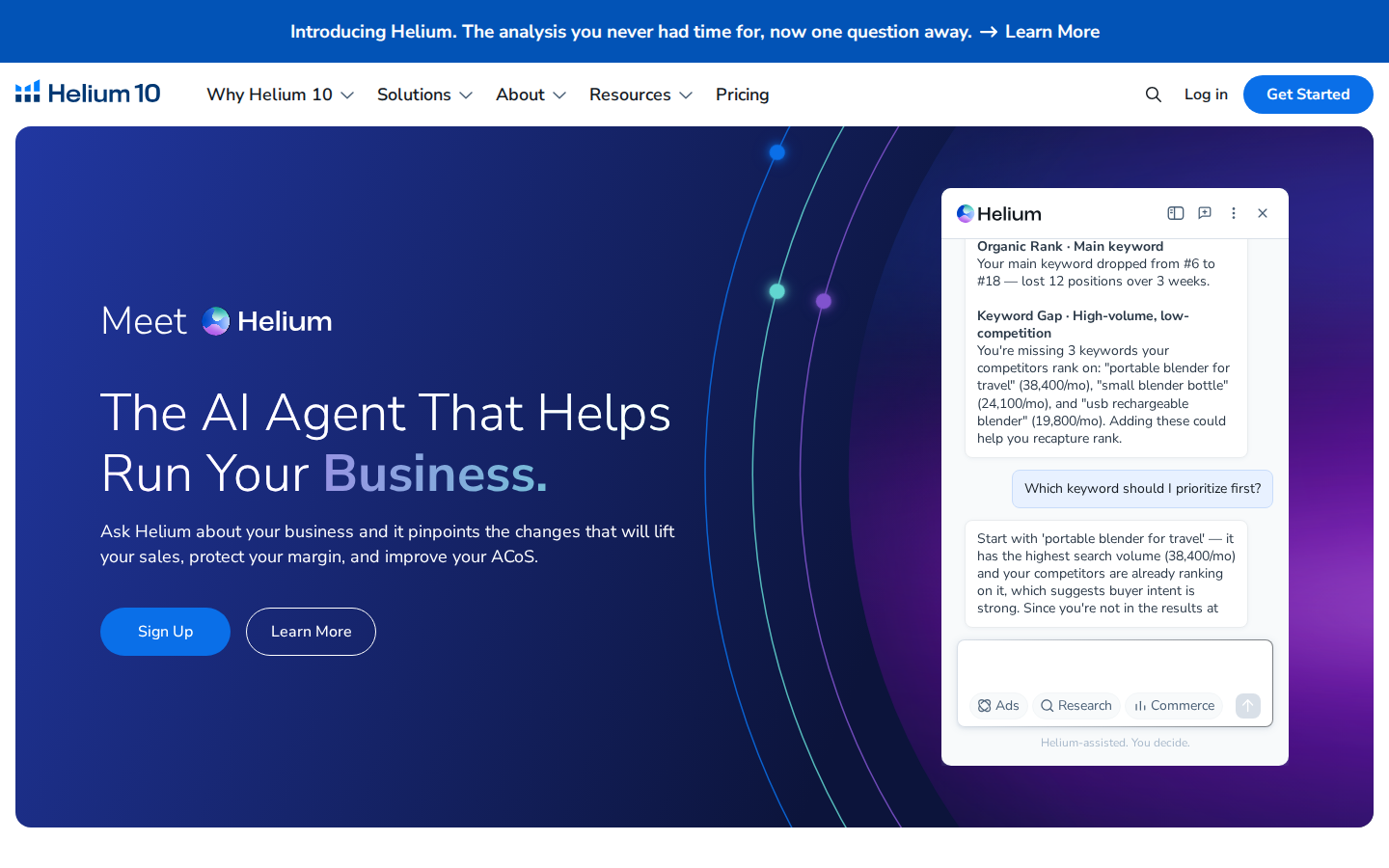
Helium 10 is one of the best-known Amazon software suites, with keyword research tools, product research, listing optimization, rank tracking, and PPC support. Its keyword tools, including Cerebro and Magnet, help sellers find search terms, study competing ASINs, and organize keywords for listing and advertising workflows.
Best For: Sellers who want an all-in-one Amazon platform for search term discovery, listing updates, product research, and PPC planning.
Key Features:
- Cerebro: Run reverse ASIN keyword research to study competitor keyword rankings and uncover terms connected to competing products.
- Magnet: Expand seed keywords into related terms, long-tail phrases, and new discovery opportunities.
- Listing and PPC Tools: Connect keyword research to listing updates, rank tracking, and paid campaign planning.
Reviews:
- Helium 10 reviews on G2 mention its depth, keyword tools, listing support, and wide range of Amazon workflows.
- The number of tools and add-ons can make the platform feel harder to learn or more expensive than expected.|
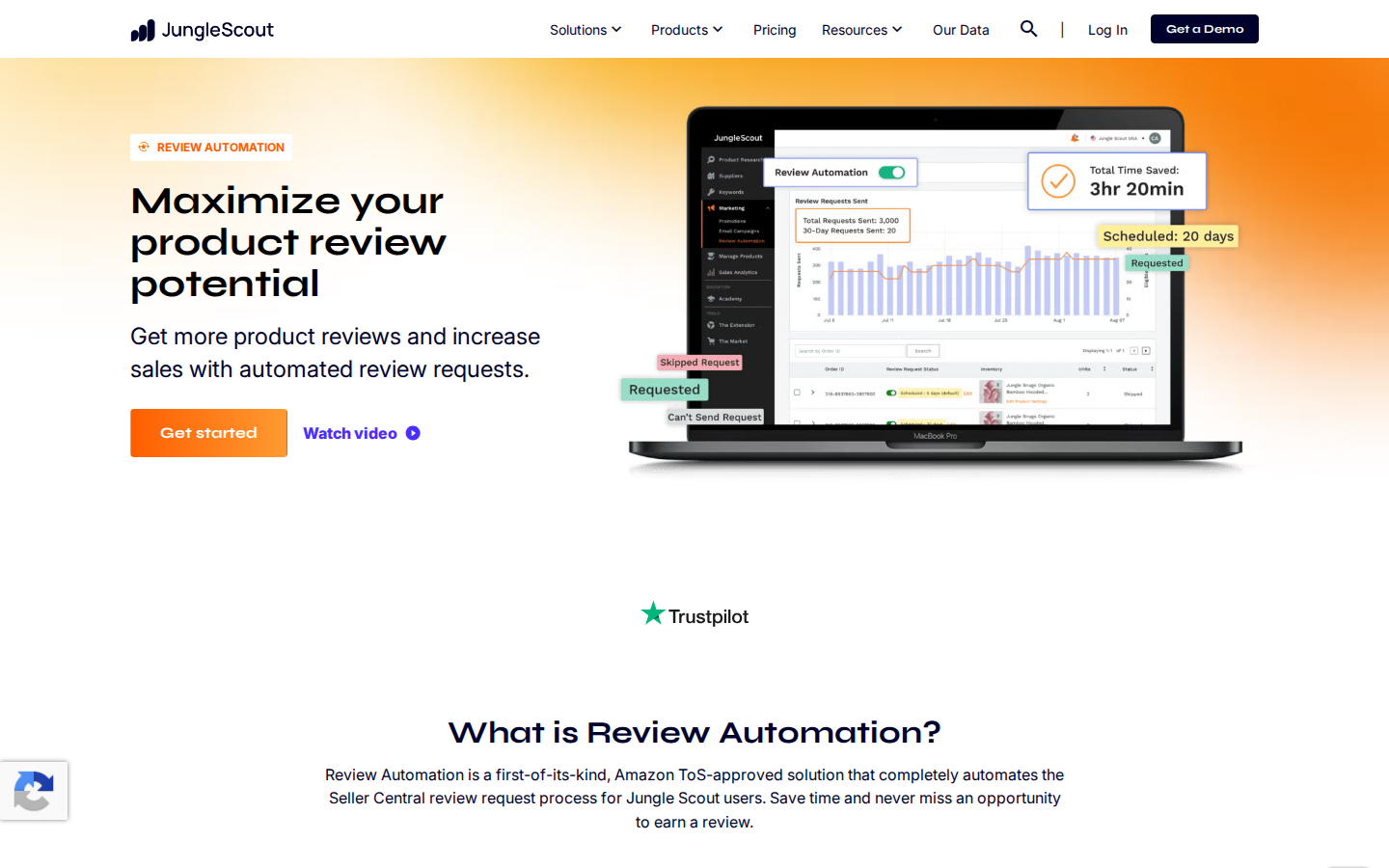
3. Jungle Scout
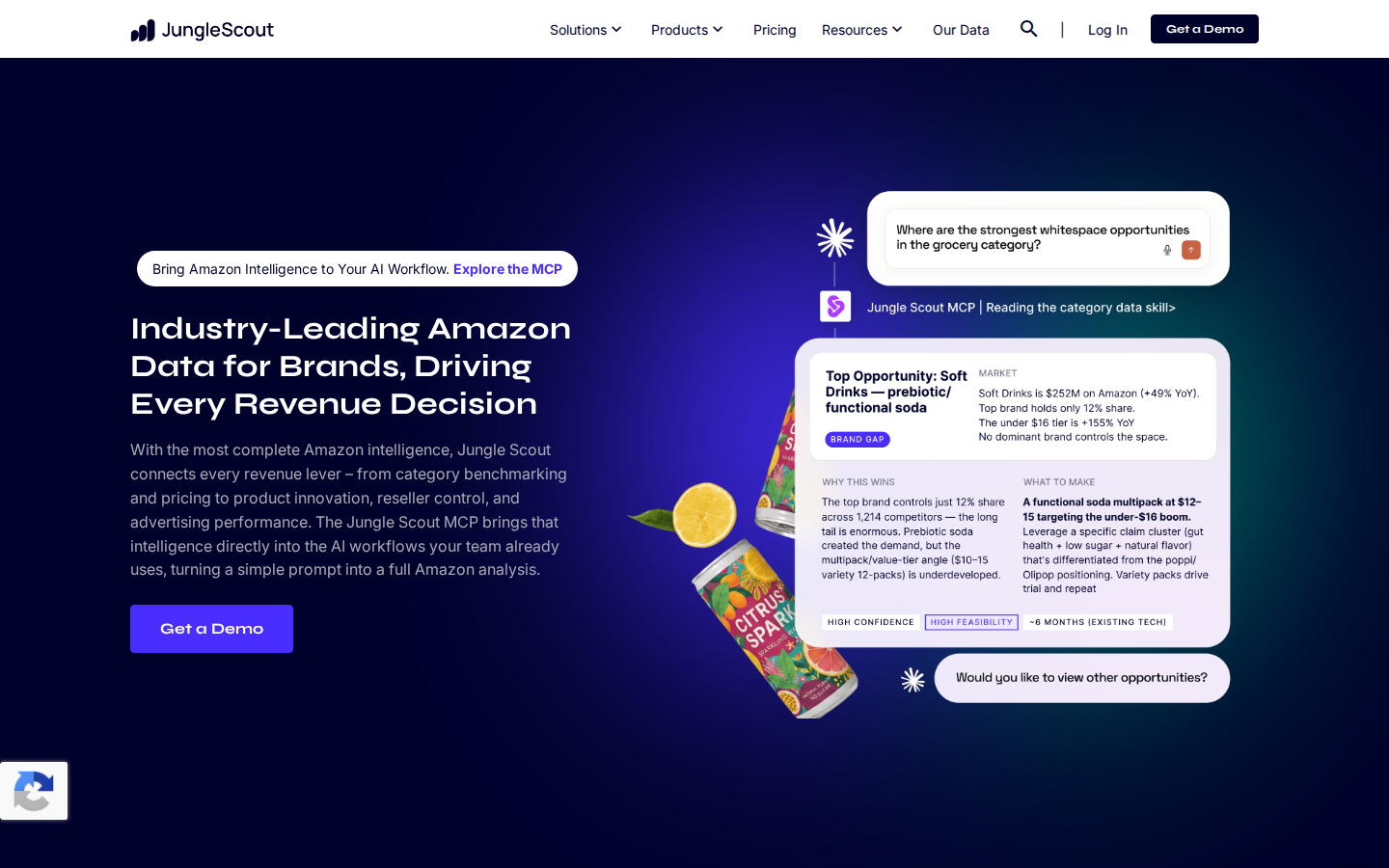
Jungle Scout offers a practical choice for sellers who want product research and keyword validation in the same workflow. Its Keyword Scout tool helps sellers uncover search volume, related keywords, PPC bid estimates, and competitor terms, while the broader platform supports product tracking and launch planning.
Best For: Sellers who want product research, keyword discovery, demand validation, and launch planning in one accessible platform.
Key Features:
- Keyword Scout: Find keywords, search volume, PPC bid estimates, and competing ASIN data.
- Product Database: Validate product opportunities before investing in a listing or campaign.
- Rank Tracker: Monitor keyword ranking movement after listing updates, PPC tests, or launch activity.
Reviews:
- Jungle Scout reviews on G2 note the platform's ease of use, product research tools, and helpful resources for sellers.
- Some users may need higher-tier plans or additional tools for deeper competitive intelligence.
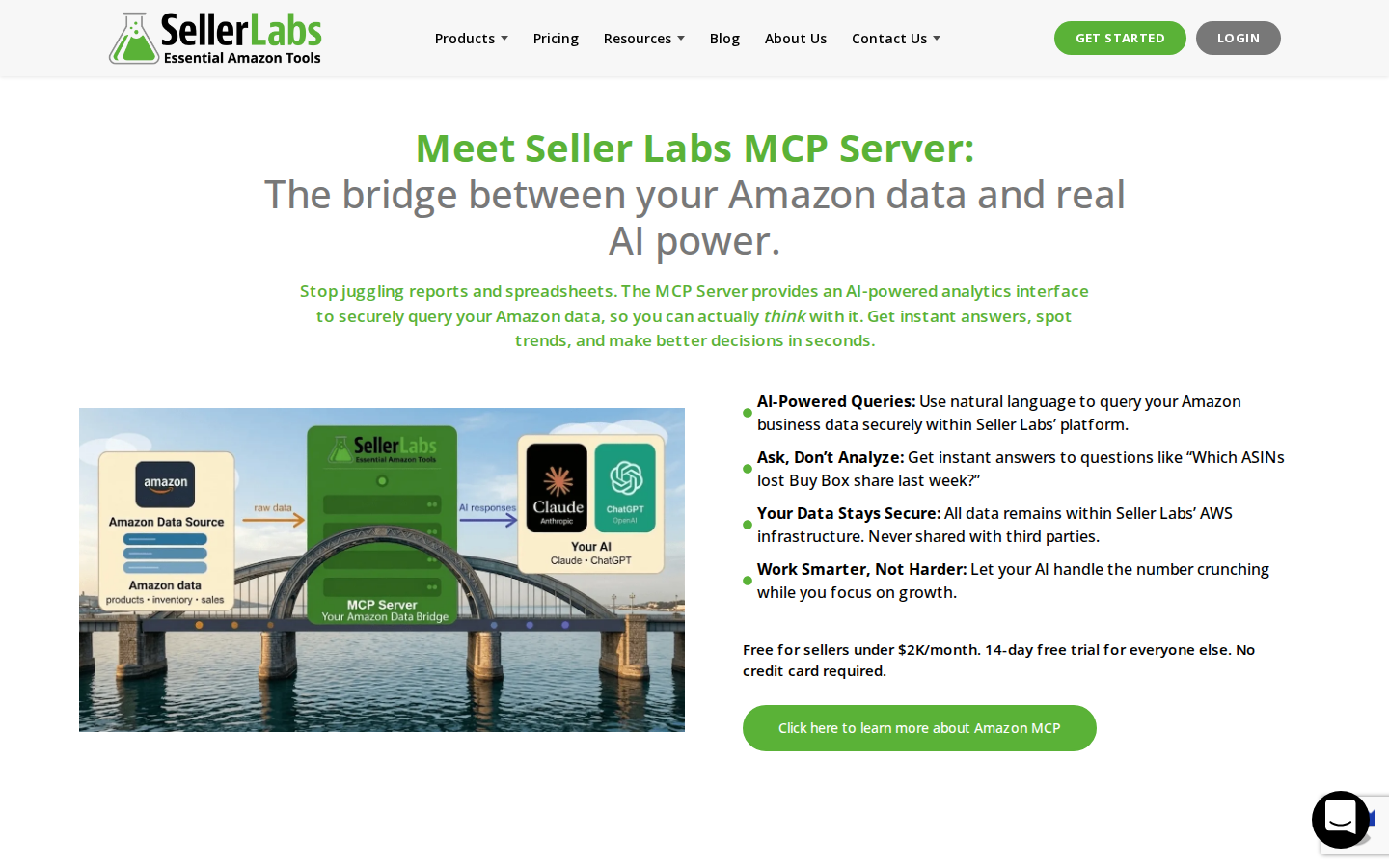
4. SellerApp
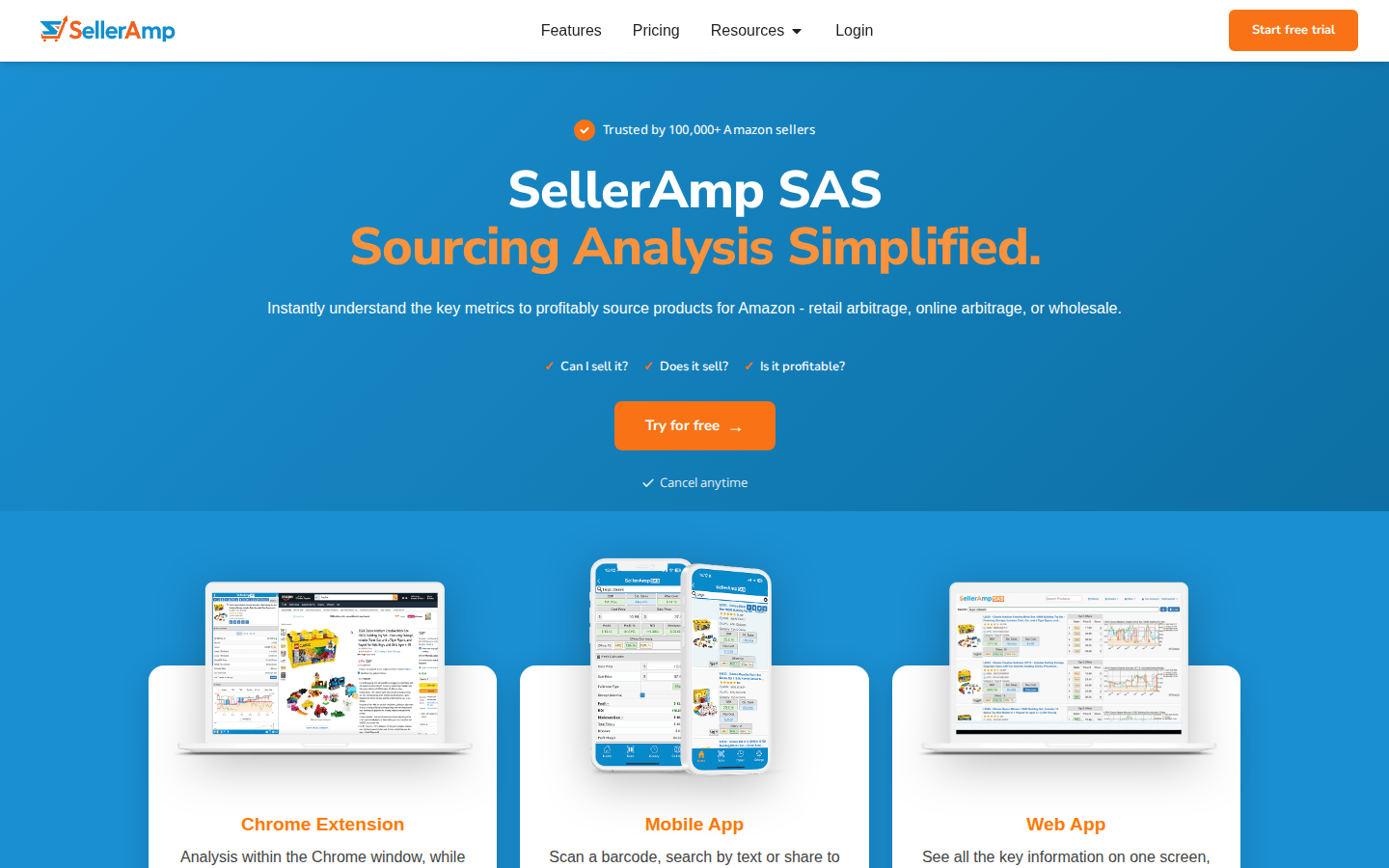
SellerApp delivers keyword research tied closely to PPC management, listing quality, and campaign optimization. It combines keyword research, competitor tracking, listing analysis, and advertising tools, which makes it useful for operators who treat SEO and PPC as connected workflows.
Best For: PPC-heavy sellers and teams that want keyword research connected to advertising optimization and listing quality.
Key Features:
- Keyword Research: Find relevant terms for listings, campaigns, and competitor keyword analysis.
- PPC Optimization: Use campaign insights to improve keyword targeting, bids, and wasted spend reduction.
- Listing Quality Index: Review listing strength and identify keyword, content, and conversion gaps.
Reviews:
- SellerApp reviews on G2 note the dashboards, keyword research, PPC optimization, and competitor tracking.
- Sellers mainly looking for quick keyword discovery may not need the broader advertising and analytics workflow.
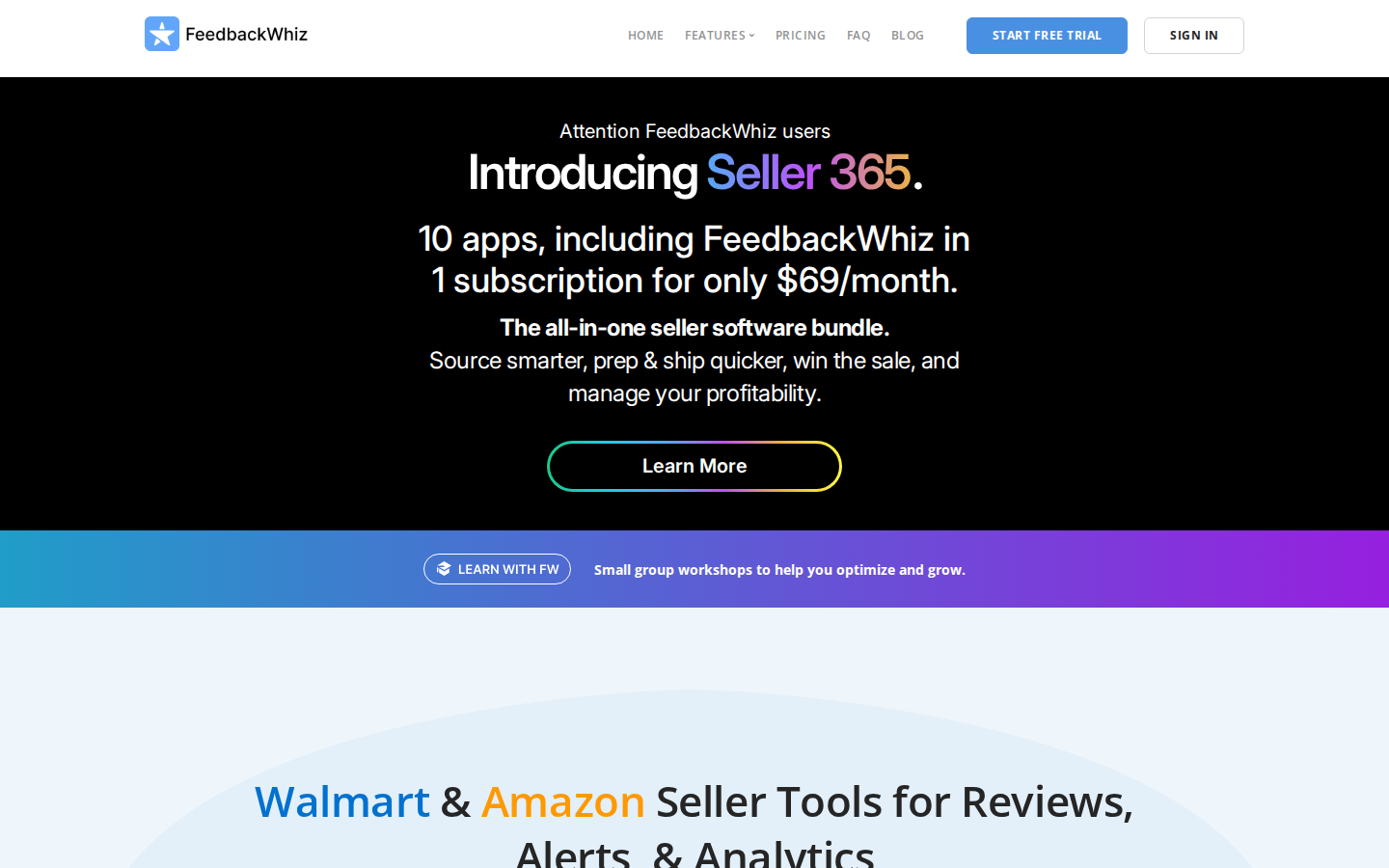
5. Keyword Tool
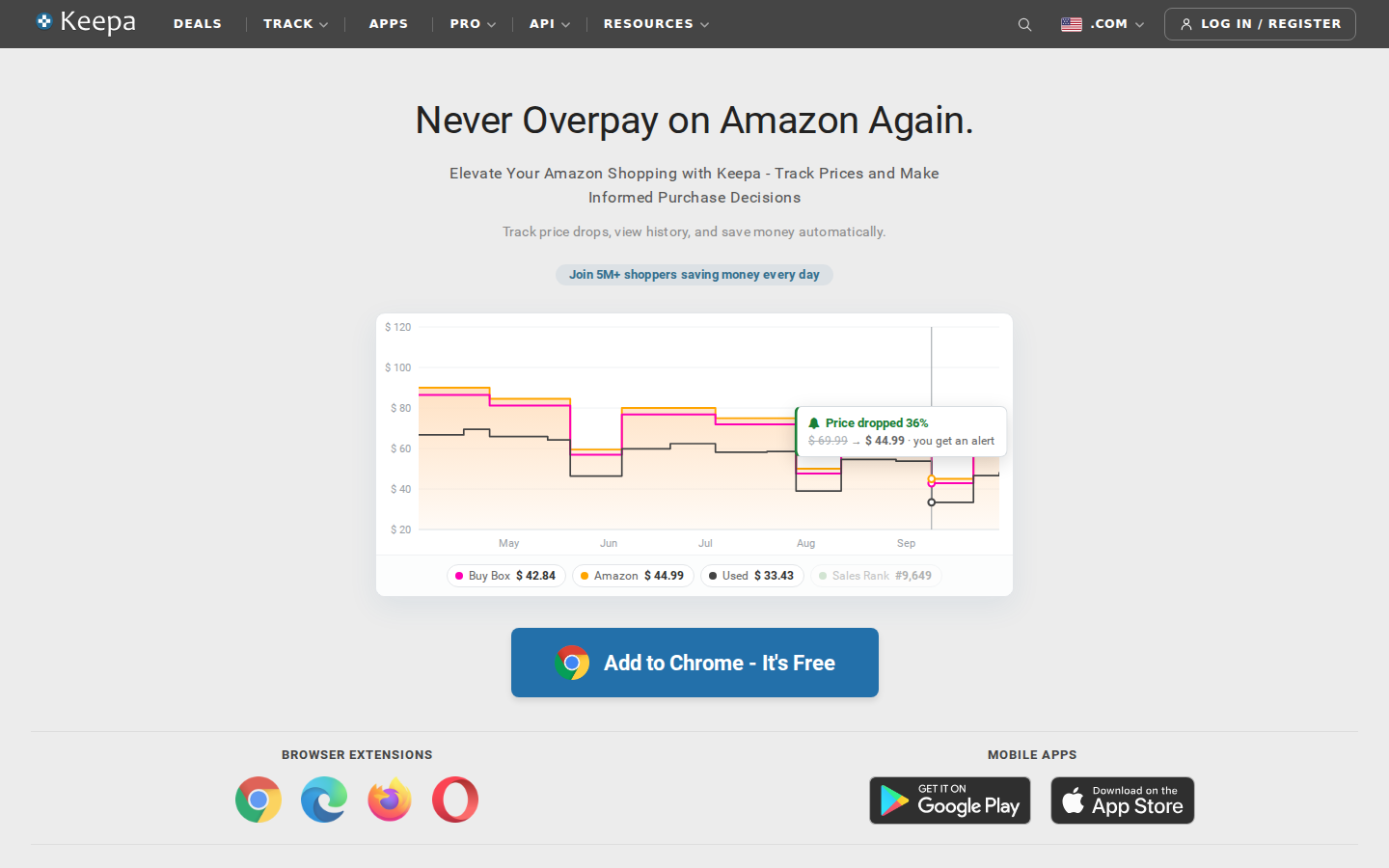
Keyword Tool is a straightforward option for sellers who want Amazon autocomplete-based keyword ideas. It uses Amazon search suggestions to generate related keyword phrases, which can be useful for expanding seed terms, finding long-tail variations, and identifying phrases shoppers may actually type into the search bar.
Best For: Sellers, affiliates, and content teams that need fast Amazon autocomplete keyword ideas.
Key Features:
- Amazon Autocomplete Keywords: Generate search suggestions based on Amazon keyword patterns.
- Long-Tail Expansion: Build a broader keyword pool from seed terms, modifiers, and related searches.
- Multi-Platform Coverage: Research keyword ideas across Amazon and other search platforms when your team works across channels.
Reviews:
- Keyword Tool reviews on G2 praise the tool for its simplicity, related keyword ideas, and support for multiple search platforms.
- A frequent con is cost, especially for users who only need occasional Amazon keyword discovery.
How to Evaluate an Amazon Keyword Research Tool
A strong Amazon keyword search tool should help you choose better terms, not simply produce a longer keyword list. More keywords can create more confusion if you cannot tell which ones match buyer intent, which competitors already rank, or which terms should influence your listing and PPC campaigns.
Search volume is useful, but it should not be the only filter. Compare it against relevance, ranking overlap, competitor strength, ad activity, and listing fit to avoid high-volume terms that do not match the product or shopper need.
Use this checklist to compare tools consistently:
- Discovery Depth and Data Source Quality: Look for seed keyword expansion, reverse ASIN data, long-tail terms, and clear explanations of the sources of keyword estimates.
- Competitor Context and Reverse ASIN Support: Prioritize tools that show which products rank, advertise, or share visibility for the same terms.
- Amazon Listing Optimization Support: Look for tools that help you turn keyword research into title, bullet, backend search term, and product description decisions.
- Search Intent Validation: Separate research terms, comparison terms, brand terms, and purchase-ready terms before prioritizing them.
- Relevancy Analysis: Avoid chasing terms that appear large but do not align with the product, category, or shopper expectations.
- Workflow Fit: Match the tool to your actual work, whether you manage one brand, multiple clients, wholesale research, or acquisition diligence.
For more context on how keyword research fits into the full optimization workflow, review these Amazon SEO tools and compare where each tool adds the most value.
Choose the Tool That Best Fits Your Workflow
The right tool depends on the decisions you need to make after keyword research is complete. Some teams need fast listing updates, while others need deeper competitor, PPC, or category insight before deciding which terms deserve priority.
Use these scenarios as a starting point:
- Solo Sellers: Look for a tool that keeps search term discovery, listing updates, and rank tracking easy to manage.
- Agencies: Prioritize tools that support competitive audits, client reporting, PPC research, and category-level analysis.
- Marketplace Managers: Choose tools that help multiple stakeholders compare keywords, listings, advertising, and market signals.
- Business Buyers: Use keyword research alongside brand, seller, category, and ad data to evaluate growth potential and risk.
If your team needs to evaluate Amazon search terms relevancy, prioritize tools that help you compare volume with product fit, shopper intent, and competitive visibility.
Build a Better Amazon SEO Stack With the Right Keyword Tools
No single keyword tool is the right fit for every Amazon team. The right choice depends on how your team balances search term discovery, competitor research, listing execution, and PPC action.
A stronger SEO stack should help you understand what each type of tool contributes:
- Autocomplete tools: Use these when you need quick keyword ideas, long-tail phrases, or early search term expansion.
- All-in-one seller suites: Use these when you need keyword research, listing support, rank tracking, and product research in one workflow.
- PPC-focused tools: Use these when ad targeting, bid decisions, campaign cleanup, and paid keyword performance are the main priorities.
- Market intelligence tools: Use these when your decisions depend on competitor visibility, market structure, seller behavior, or ad intelligence.
- Keyword clustering: Use clustering to group related terms by intent, product feature, use case, or campaign theme before deciding where each term belongs.
The best setup should help you decide which keywords deserve priority, where those terms belong, and how they can support rankings, listing quality, and ad efficiency.
How SmartScout Fits Into Amazon Keyword Research
SmartScout fits best when you need keyword research with brand, seller, ad, and category data. Keyword Detective helps you find missed search terms, while the broader platform helps you evaluate those terms against the market you are trying to compete in.
SmartScout also supports Amazon PPC competitor research, helping you see where competitors advertise and how paid visibility connects to keyword strategy.
That market-level view helps you answer stronger questions:
- Which competitors are visible for a term? Use competitor visibility to understand whether a keyword is realistically winnable or already crowded.
- Which brands are building momentum? Look at keyword activity alongside brand and category signals to spot emerging competitive pressure.
- Where are competitors advertising? Use paid visibility to understand how competitors are supporting organic keyword positions.
- Does the keyword fit the market? Compare demand with product relevance, category structure, and search intent before giving a term priority.
If you need more than a basic keyword database, try SmartScout to learn how market intelligence can support your keyword, listing, and PPC decisions.
FAQs
What is the Difference Between an Amazon Keyword Search Tool and a Full Keyword Platform?

An Amazon keyword search tool usually helps you generate keyword ideas from seed terms, autocomplete data, or search volume estimates. A full keyword platform goes further by adding competitor analysis, reverse ASIN research, ranking data, listing workflows, PPC insight, and relevancy checks.
How Many Keyword Tools do Most Amazon Sellers Actually Need?
Many sellers can start with a single strong platform that covers discovery, competitor research, listing optimization, and PPC support. A second specialist tool can make sense when you need deeper autocomplete expansion, advanced ad intelligence, or broader market visibility.
Can an Amazon Keyword Research Tool Improve PPC Results?
Yes, keyword research can improve PPC results by helping you find relevant targets, identify waste, compare competitor coverage, and refine campaign structure. The key is to use keyword intent and product relevance rather than relying solely on search volume.
Are Free Amazon Keyword Tools Accurate Enough?
Free tools can be useful for early discovery and long-tail keyword ideas, but they often lack deeper validation. Sellers making listing, inventory, or ad spend decisions usually need stronger data around demand, competitors, ranking difficulty, and paid visibility.
What Should You Verify Before Buying a Keyword Tool?
Before buying, verify pricing, plan limits, marketplace coverage, export options, user seats, data freshness, PPC features, and review quality. You should also confirm whether the tool supports your main workflow, whether that is listing optimization, competitor keyword analysis, PPC management, or market research.
.png)