Key Takeaways
- High-volume keywords only help when they match your product, audience, and realistic ranking opportunity.
- PPC and competitor data can reveal missed terms, poor-fit keywords, and stronger listing priorities.
- Strong Amazon keyword research connects search demand, shopper intent, and listing structure before optimization begins.
Amazon keyword research is the process of identifying relevant, commercially meaningful search terms and applying them to your listings to improve visibility and conversions.
More keywords do not automatically lead to more sales. A bloated list can pull your listing toward vague traffic, weak relevance, and shoppers who never intended to buy your product. A more-focused workflow helps you focus on terms that match how customers search, compare, and make purchase decisions on Amazon.
It also keeps your research current as search behavior changes, competitors adjust their listings, and paid campaigns reveal new buyer language. In Amazon’s 2024 Consumer Search Trends Report, Baby Products saw 44% average search volume growth and Appliances saw 43%, showing how quickly demand can shift across categories.
This guide breaks down how to discover keywords, qualify them, prioritize the strongest opportunities, and use them across your listing without making the copy feel forced.
Where to Start With Amazon Keyword Research
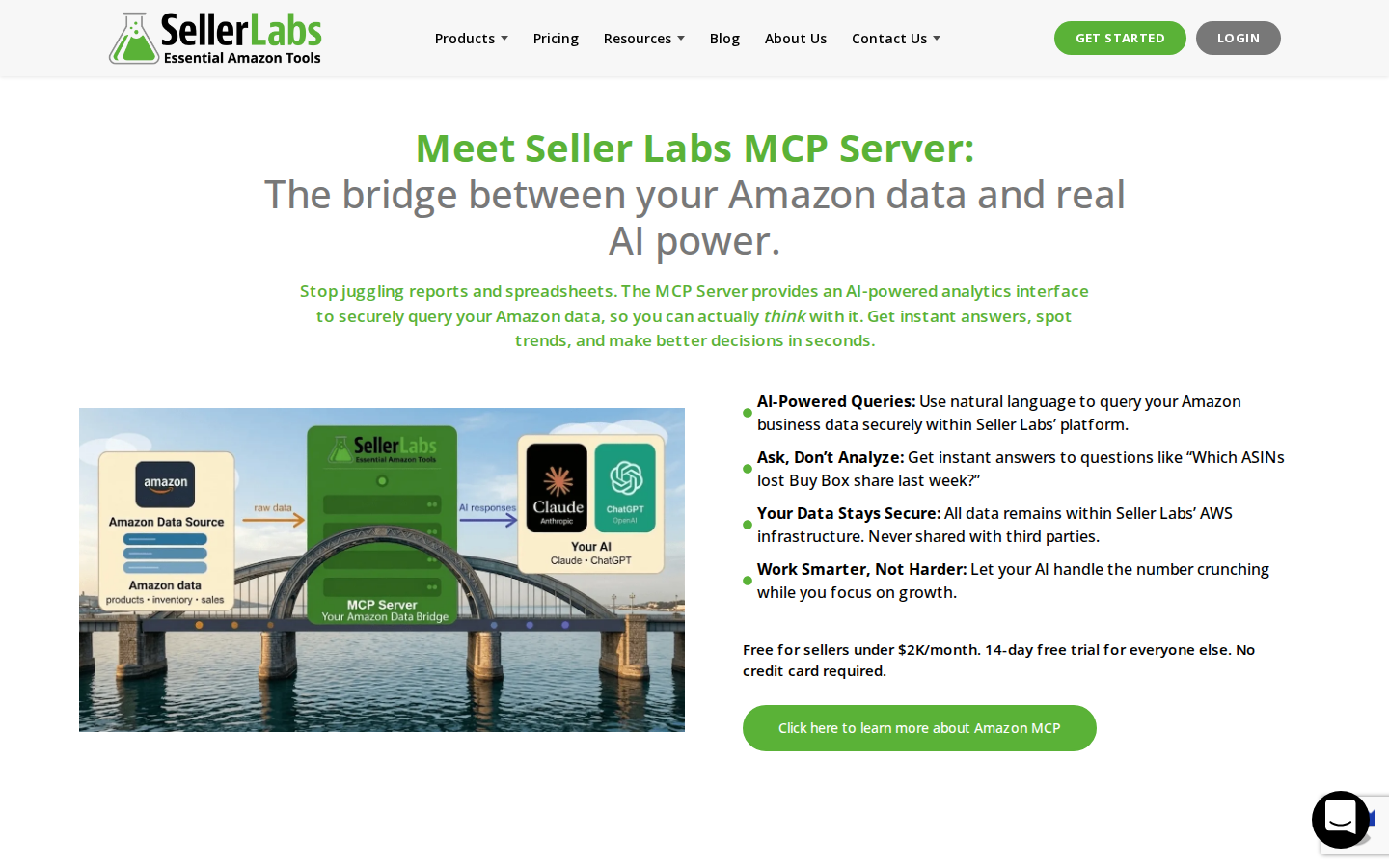
A good Amazon keyword research process starts with the product, not the tool. Before you open an Amazon keyword research tool, get clear on what the product is, who it serves, and which buying situations it fits. If you are comparing Amazon SEO tools for keyword research, look for tools that connect keyword discovery to listing decisions, not just search volume.
Start with the terms a customer would use if they already understood the product. Then expand into adjacent use cases, competitor language, feature-based searches, and long tail keywords.
Use these starting points to build your first keyword pool:
- Product Type: Start with the core phrase that describes the item, such as "ceramic coffee mug," "cat window perch," or "under sink organizer."
- Use Case: Add terms tied to how shoppers plan to use the product, such as "coffee mug for office," "cat perch for apartment window," or "under sink organizer for bathroom."
- Audience or Fit: Include terms that describe the buyer or compatibility, such as "coffee mug for teachers," "window perch for large cats," or "organizer for small bathroom cabinet."
- Features and Materials: Capture meaningful differentiators, such as "microwave safe," "machine washable," "expandable," "rust resistant," or "space saving."
- Competitor Language: Review competitor titles, bullets, reviews, and sponsored placements to find repeated phrases your listing does not cover.
These starting points give you the raw material for keyword research. Once you have seed terms, competitor language, and early keyword ideas, the next step is to sort them into a usable workflow instead of treating every term as equally important.
Checklist: How to do Amazon Keyword Research
Once you have a working keyword list, the next step is to qualify and organize it. The objective is not to keep every term you find. Narrow the list to keywords that match the product, reflect real shopper intent, and deserve a specific role in the listing or PPC plan.
Use this checklist to move from discovery to listing updates without losing focus.
Start with a core set of seed keywords that describe the product in plain language. These should reflect the most obvious ways a shopper would search before you expand into additional sources.
Then work through the list in stages:
- Expand your keyword pool: Use autocomplete, keyword tools, competitor listings, reviews, PPC reports, and reverse ASIN data to find related terms.
- Remove poor-fit terms: Cut keywords that do not match the product closely, even if they have strong search volume. A stainless steel tumbler should not target “glass water bottle” just because the term gets searches.
- Group keywords by intent: Grouping terms by keyword intent makes the list easier to act on. Category, feature, use case, audience, and comparison terms usually belong in different parts of the listing.
- Prioritize the strongest opportunities: Evaluate relevance, Amazon keyword search volume, competition, and conversion potential. Place the strongest terms in high-visibility areas like the title and bullets.
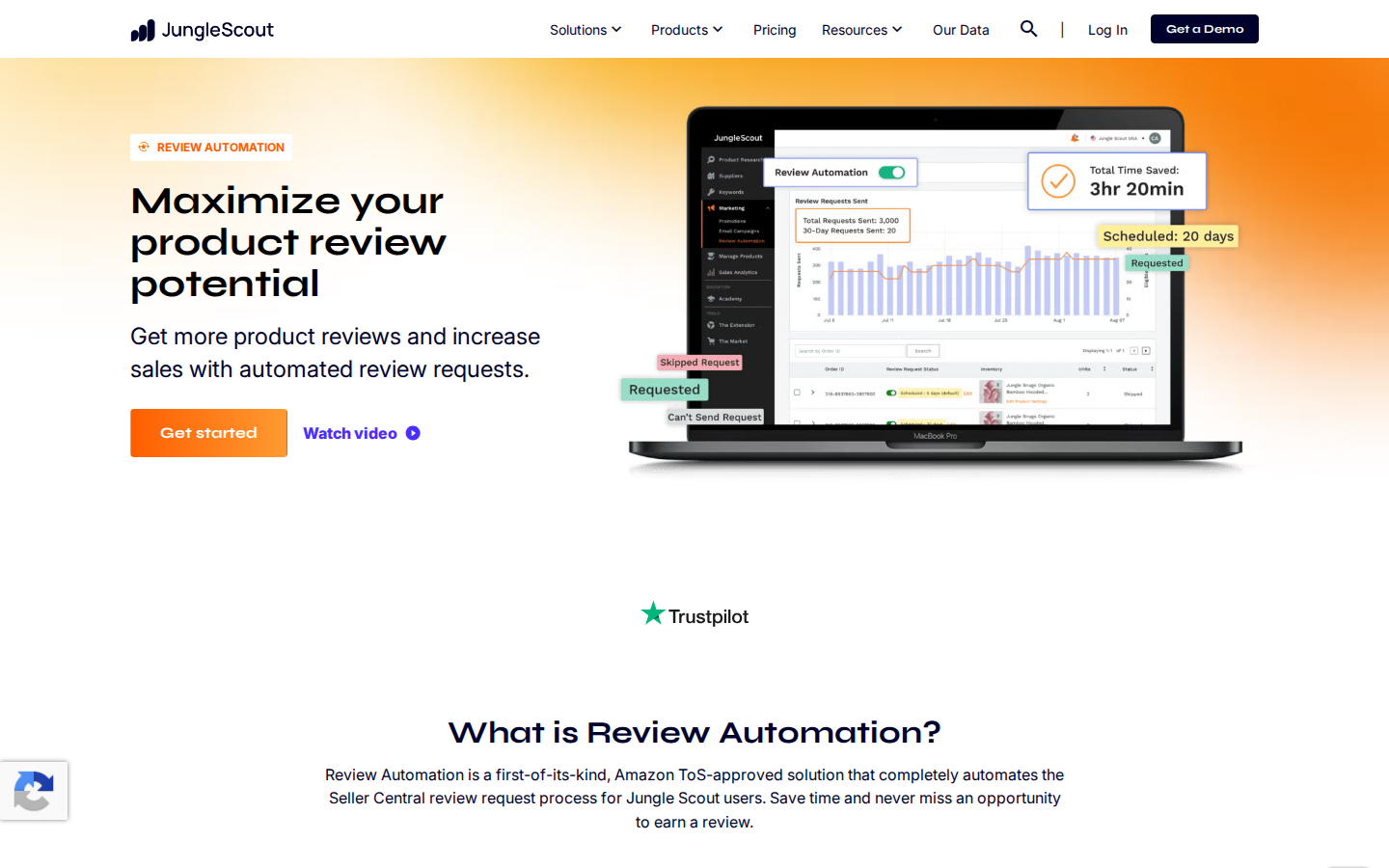
- Monitor performance over time: Review impressions, clicks, conversion rate, organic rank movement, and PPC search term reports after the listing goes live or after updates are made.
Keyword research becomes more useful when you compare your assumptions against real performance data. The terms that earn visibility, clicks, and sales should shape future listing updates and PPC tests.
How to Judge Whether a Keyword is Worth Targeting
A keyword is worth targeting when it has the right balance of relevance, demand, and ranking potential. High Amazon keyword search volume can look attractive, but it should not outweigh fit. A broad term may drive more traffic while attracting shoppers seeking a different product, price point, or feature set.
Use these filters to decide whether a keyword deserves a place in your listing or PPC plan:
- Relevance: Does your product fully match what the shopper expects to find?
- Intent: Does the phrase suggest browsing, comparing, or buying?
- Volume: Is there enough demand to make the keyword worth pursuing?
- Competition: Are the top listings too established to challenge right now?
- Conversion Value: Would this shopper have a clear reason to choose your product?
The tradeoff matters. A term like "dog brush" may have more demand, but it covers many shopper needs. A term like "deshedding brush for golden retrievers" is narrower, but it signals a clearer use case and a more purchase-ready shopper.
How Amazon Keyword Research Should Shape Your Listing
Keyword research should make your listing clearer, not more crowded. The best listings use keywords to explain the product, answer buying questions, and help shoppers decide without forcing awkward phrasing.
Use your keyword map this way:
- Title: Place the primary keyword early if it reads naturally. The title should quickly tell shoppers what the product is and give Amazon a clear relevance signal.
- Bullets: Connect keywords to benefits, features, and use cases. For example, "leak proof travel design" covers a search concept while explaining why the feature matters.
- Description and A+ Content: Use secondary terms to explain product fit, materials, dimensions, care instructions, and comparison points.
- Backend Search Terms: Add relevant synonyms, alternate spellings, and terms that do not fit naturally in visible copy. Avoid repeating words already used in the listing.
- PPC Campaigns: Test promising terms before giving them more organic emphasis in the listing.
Keyword placement should support Amazon listing optimization, but readability still matters. If a sentence sounds unnatural, rewrite it around the shopper’s question instead of forcing the exact phrase. A listing that ranks but does not convert will struggle to hold its position.
This is also where Amazon search terms relevancy becomes important. A keyword should help Amazon understand when your product is a strong result for the shopper’s query. If the match is weak, the traffic may look useful at first, but fail to support sustained ranking growth.
How PPC and Competitor Data Can Improve Amazon Keyword Research
PPC and competitor data show which keyword ideas hold up in the market. Organic research tells you what you could target, while paid search data shows which terms generate impressions, clicks, and sales.
Use this data to sharpen your keyword decisions:
- Find converting search terms: Sponsored search reports can reveal long tail keywords you missed during research. Strong performers can move into listing copy, backend search terms, or dedicated campaigns.
- Cut poor-fit keywords: A term with strong clicks and weak sales may signal a mismatch between the query and the product. Review the search results, competitor listings, price range, reviews, and shopper expectations before investing more.
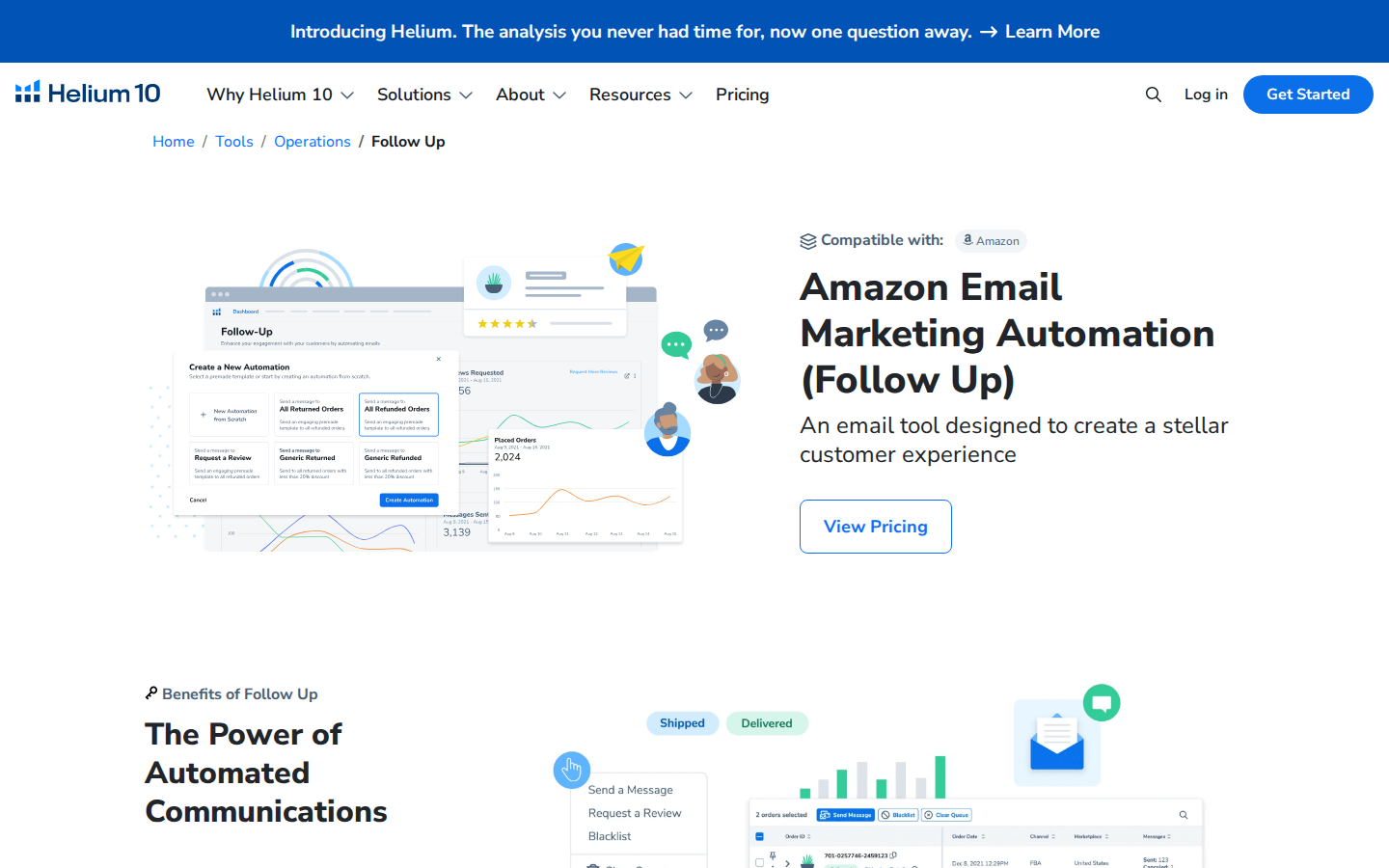
- Spot competitor gaps: Reverse ASIN research can show which keywords competitors rank for, which terms they sponsor, and where your listing may be missing relevant coverage.
- Prioritize practical tests: Amazon PPC competitor research can help you identify which sponsored terms competitors continue to invest in and which long-tail keywords may be easier to test first.
The point is not to copy every competitor keyword. Focus on the overlap between competitor visibility and your product’s strongest fit, then use that insight to refine your organic and paid keyword priorities.
How SmartScout Helps You Turn Keyword Research Into Listing Decisions
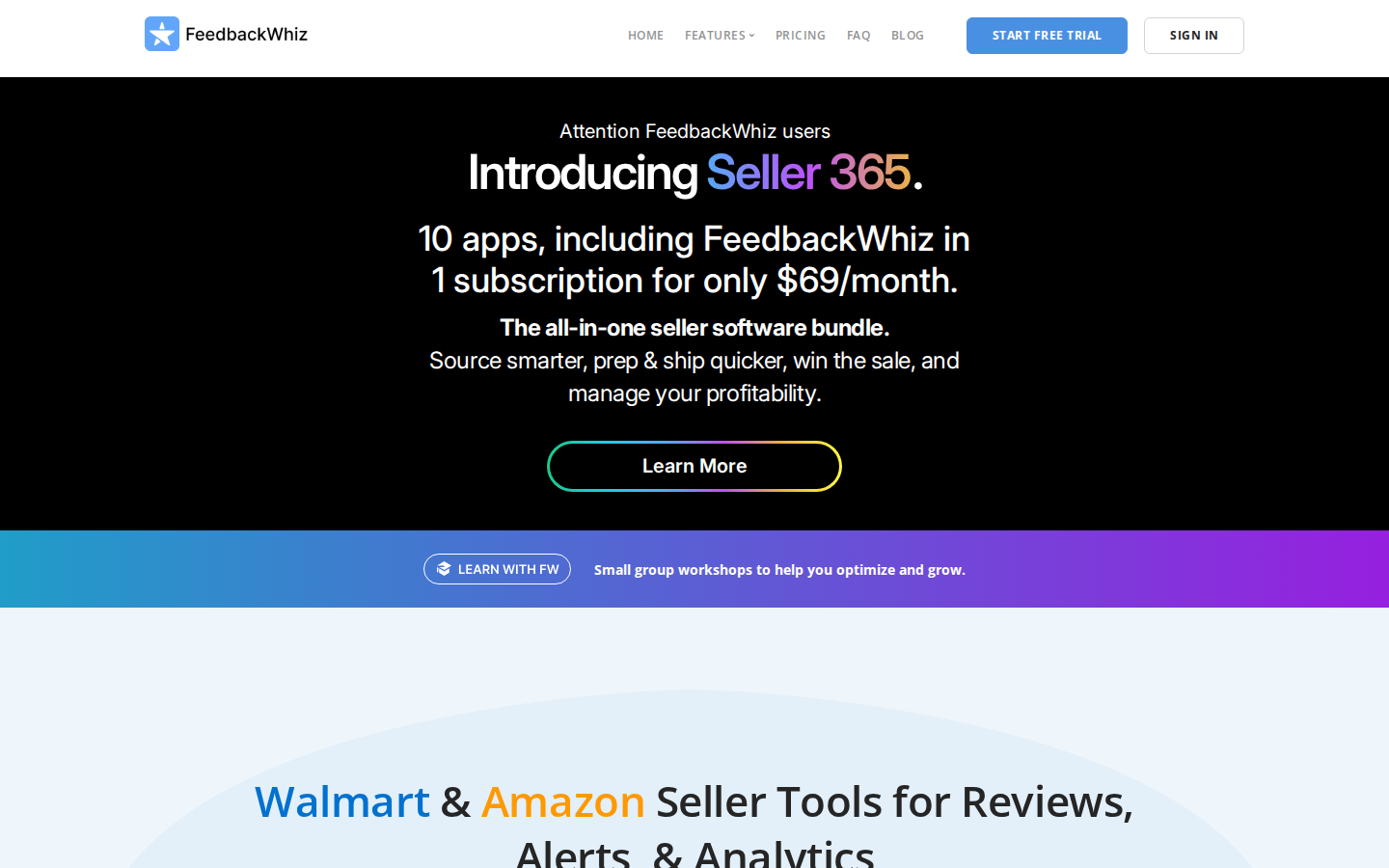
SmartScout helps you evaluate keywords with the market context around them. Instead of looking at search terms alone, you can compare keyword ideas against competing products, sponsored activity, brand strength, and category dynamics.
Use SmartScout to move from raw keyword ideas to listing decisions you can act on:
- Find missed terms: Keyword Detective helps uncover search terms connected to competing products, so you can spot relevant gaps in your listing coverage.
- Validate opportunities: Compare keyword ideas against competitor strength, ad activity, product positioning, and category dynamics before you prioritize them.
- Build the listing: Once your research is approved, you can build Amazon listings with AI to turn keyword inputs into clearer listing copy.
- Review performance: Revisit the keywords driving impressions, clicks, conversions, and rank movement after launch.
Some competitor gaps will be irrelevant to your product, while others may point to terms your listing should cover more clearly. SmartScout helps you sort those signals before you spend time rewriting listings or expanding campaigns.
Ready to uncover competitor keyword gaps and build stronger listings? Try SmartScout's Amazon keyword research tool now.
FAQs:
What Is Amazon Keyword Research?

Amazon keyword research is the process of finding the search terms shoppers use on Amazon and deciding which ones your listing should target. It supports discoverability by helping Amazon understand when your product is relevant, and it supports conversion by aligning your listing with the way buyers describe their needs.
How Many Keywords Should One Amazon Listing Target?
One listing should target a focused set of priority keywords instead of an oversized list. Start with the main product term, then add the most relevant feature, use-case, and long tail keywords. The right number depends on the product, but every keyword should have a clear reason for being included.
How Long Does it Take for Keyword Changes to Affect a Listing?
Indexing can happen faster than ranking improvement. Amazon may recognize listing changes within days, but meaningful rank movement usually depends on clicks, conversions, competition, and sales performance over time. Monitor results for several weeks before making major conclusions.
Are Backend Keywords Still Worth Using?
Backend keywords are still useful when they add relevant terms that do not fit naturally in visible listing copy. They work best for synonyms, alternate phrasing, and closely related search terms. Avoid repetition, competitor brand names, and unrelated keywords.
Do You Need an Amazon Keyword Research Tool to do This Well?
Native Amazon signals can help with basic research, especially autocomplete, search results, and PPC reports. A dedicated tool becomes more valuable when you need search volume, reverse ASIN data, and competitor keyword gaps. It also makes comparing opportunities across many terms faster.
.png)