.png)
The best SellerSonar alternative depends on what you need to improve: listing monitoring, price tracking, or your understanding of the competition.
SmartScout is our top pick for Amazon competitive intelligence, while Helium 10, SellerApp, sellerboard, and Keepa offer different approaches to alerts and product monitoring.
A changed listing needs attention. A growing competitor needs investigation. Choosing software starts with knowing which problem you are trying to solve.
This guide compares five SellerSonar alternatives, explains where each fits, and shows how to evaluate a replacement before moving your catalog.
Disclosure: This comparison is published by SmartScout. Our recommendations reflect the use cases below and a review of public product documentation, not a controlled performance test. Features and plan limits can change.
Best SellerSonar Alternatives at a Glance
These are our editorial picks by use case, rather than a ranking of alert speed or accuracy.
If immediate listing notifications are your main requirement, start by comparing alert coverage and delivery. If you want to understand where competitors are growing and which opportunities deserve investment, start with SmartScout.
What Does SellerSonar Do
SellerSonar provides Amazon monitoring and analytics for listing changes, competitor activity, keyword rankings, and Buy Box events. Its alert documentation also describes price and review monitoring.
It goes beyond basic price notifications. Its retail issue monitoring covers events such as listing suppression, stockouts, and broken variations, while its API and webhooks support integrations with other workflows.
SellerSonar may already be a good fit if your priority is keeping a defined set of ASINs under watch. An alternative becomes more interesting when you need deeper market research, a different combination of seller tools, or a more focused price tracker.
The useful question is: What decision should this software help your team make?
How we compared the alternatives
We evaluated each option against five practical buying questions:
- Coverage: Does it address listing events, price changes, seller activity, or market performance?
- Research depth: Can you investigate beyond an individual ASIN?
- Workflow: Does the tool support how your team reviews and acts on information?
- Scope: Are you monitoring known products or discovering competitors and opportunities?
- Purchase fit: Which limits and included features need checking before subscribing?
An alert dashboard and a market intelligence platform can both be valuable, but their value comes from different tasks. The recommendations below make that distinction explicit.
1) SmartScout
.png)
Best SellerSonar alternative for Amazon competitive intelligence
SmartScout is our first recommendation for sellers, brands, and agencies that want a broader understanding of Amazon competition.
Its connected research tools organize information across products, brands, sellers, and subcategories. That structure supports questions such as where to expand a catalog, which brands deserve deeper research, and which competitors to investigate.
Why choose SmartScout
SmartScout brings several relevant research areas together:
- Brand and category analysis: Explore market structure and competitive positioning.
- Seller research: Investigate sellers and the brands or products associated with them.
- Historical analysis: Examine revenue estimates, market share, and pricing over time.
- Product research: Review ASIN-level pricing history and other competitive indicators.
- Advertising research: Explore competitor advertising activity through AdSpy.
These capabilities make SmartScout especially relevant when your next decision involves assortment, positioning, sourcing, or growth. Competitive revenue figures are estimates, not access to a rival’s private sales ledger.
A practical example
Suppose a competitor lowers the price of a product you sell.
Before matching that move, you might want to investigate whether the change is isolated, whether the brand’s wider assortment is gaining traction, and which other sellers compete in the same market.
That is the kind of research workflow SmartScout is built to support. A price event provides a starting point; connected market data gives your team more context for deciding what to do.
Where it fits alongside SellerSonar
SmartScout is our preferred choice when competitive research is the main buying objective. If your team depends on specific suppression, content-change, or Buy Box notifications, verify those requirements separately before replacing an existing monitoring service.
Some businesses will benefit from using market intelligence and dedicated alerts together.Explore SmartScout’s features and current plans to find the research capabilities your team needs.
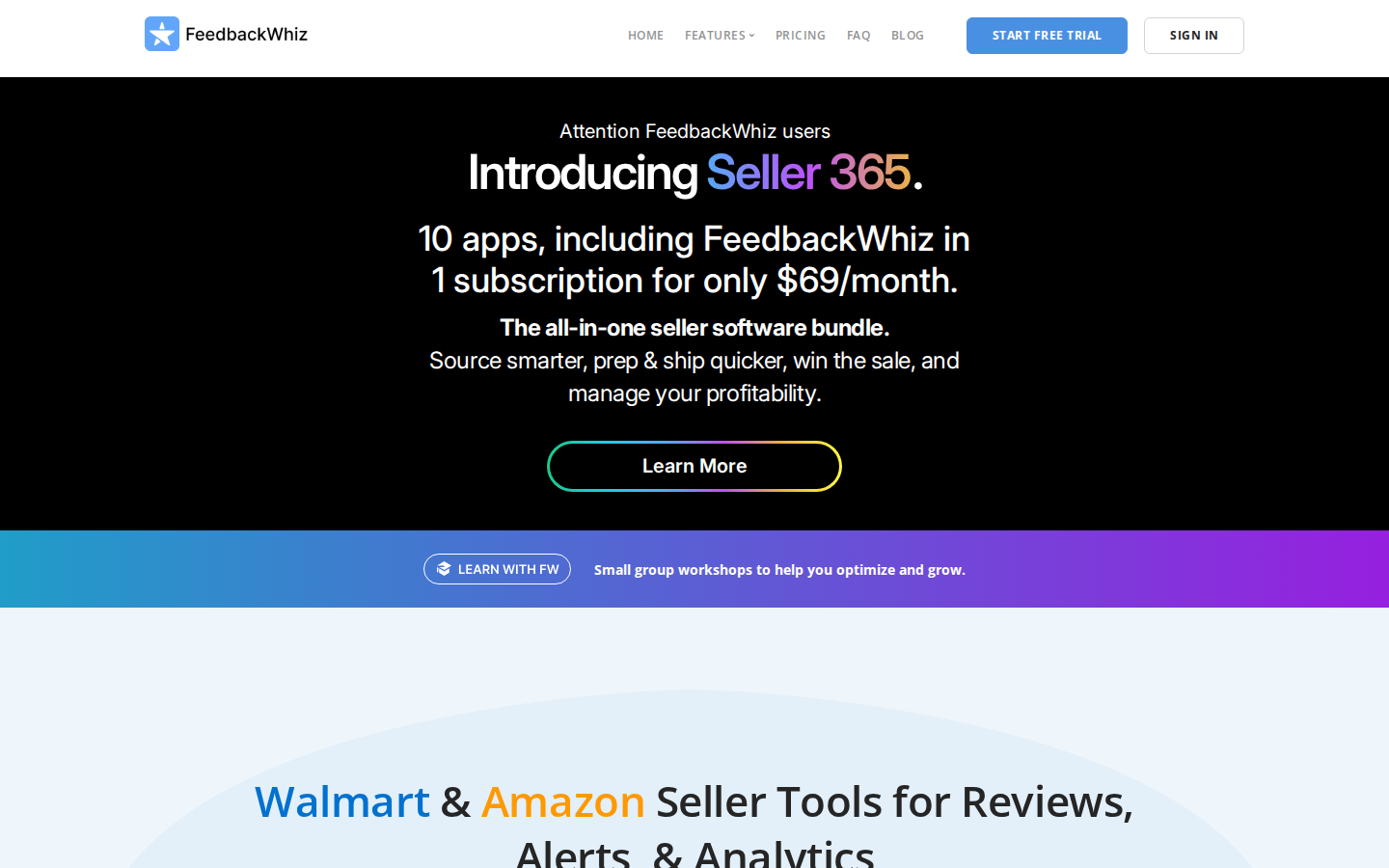
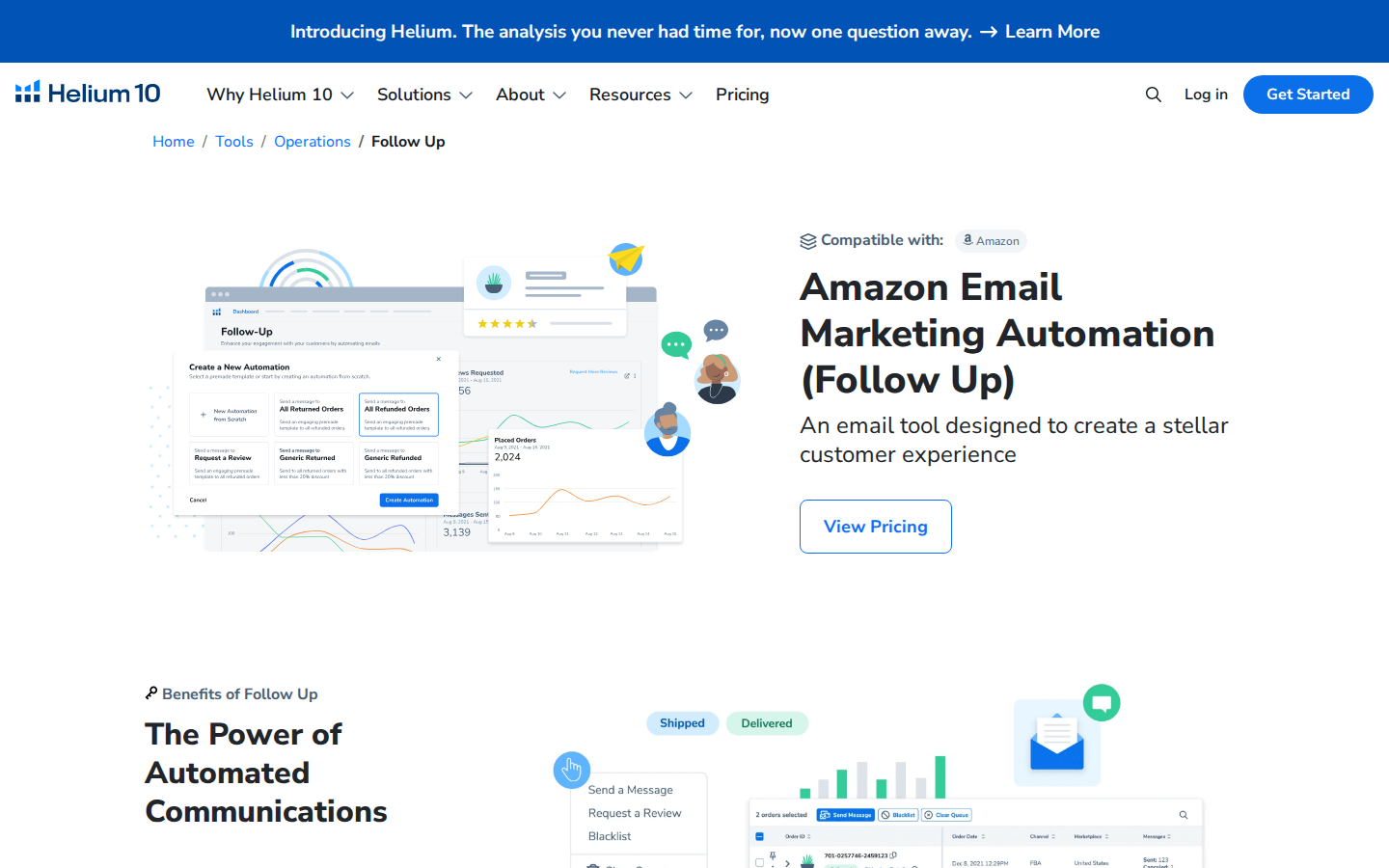
2) Helium 10
Best for listing alerts inside a broader Amazon seller toolkit
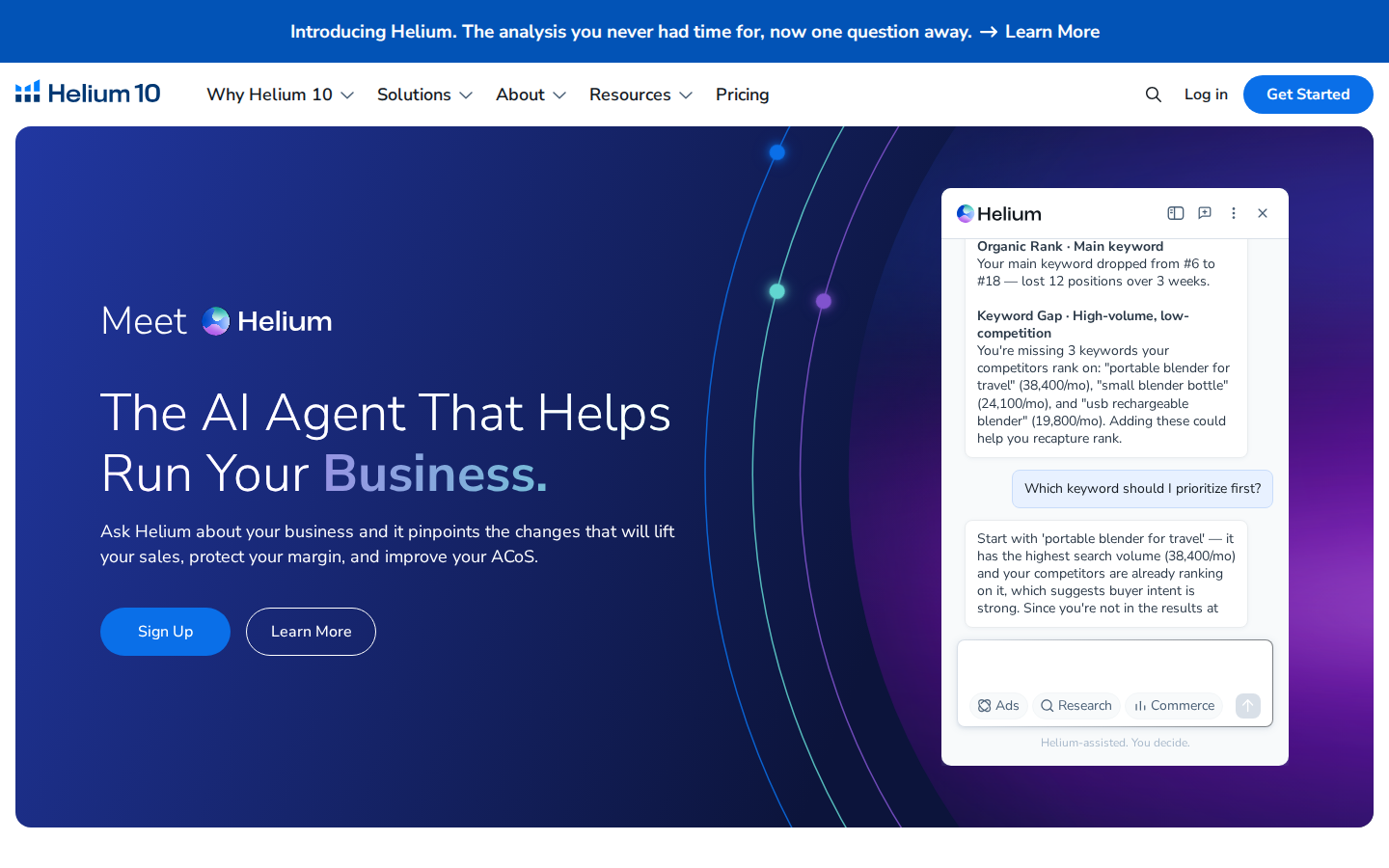
Helium 10 Alerts monitors listing changes and potential hijacker activity. Its documentation describes tracking areas including titles, product pages, prices, and Buy Box ownership.
For sellers who also need keyword research and listing optimization tools, keeping those functions within one platform can be convenient.
Why consider it: Your team wants listing monitoring alongside other day-to-day Amazon tools, or already uses Helium 10 and wants to evaluate its included alert functionality.
What to check: Confirm the monitored-ASIN allowance, supported marketplaces, alert types, and subscription requirements. Compare the plan you would actually purchase against your current monitoring setup.
Our take: A relevant option for sellers who want several functions under one subscription. Run a representative group of ASINs through a trial before moving critical monitoring workflows.
3) SellerApp

Best for product alerts and competitor monitoring
SellerApp’s Business Alerts supports notifications for prices, listing quality, ratings, Buy Box changes, and negative reviews. Its documentation describes using alerts for both your products and competitors’ products.
This makes it a useful candidate when your team wants to follow a defined collection of ASINs and respond to changes.
Why consider it: You want configurable product-level alerts, including competitor price movements and Buy Box events.
What to check: SellerApp’s help article describes daily email notifications. Verify the delivery cadence available in your plan if your team needs faster escalation.
Our take: A sensible shortlist option for product monitoring. During evaluation, check whether its alert thresholds produce information your team can act on without excessive noise.
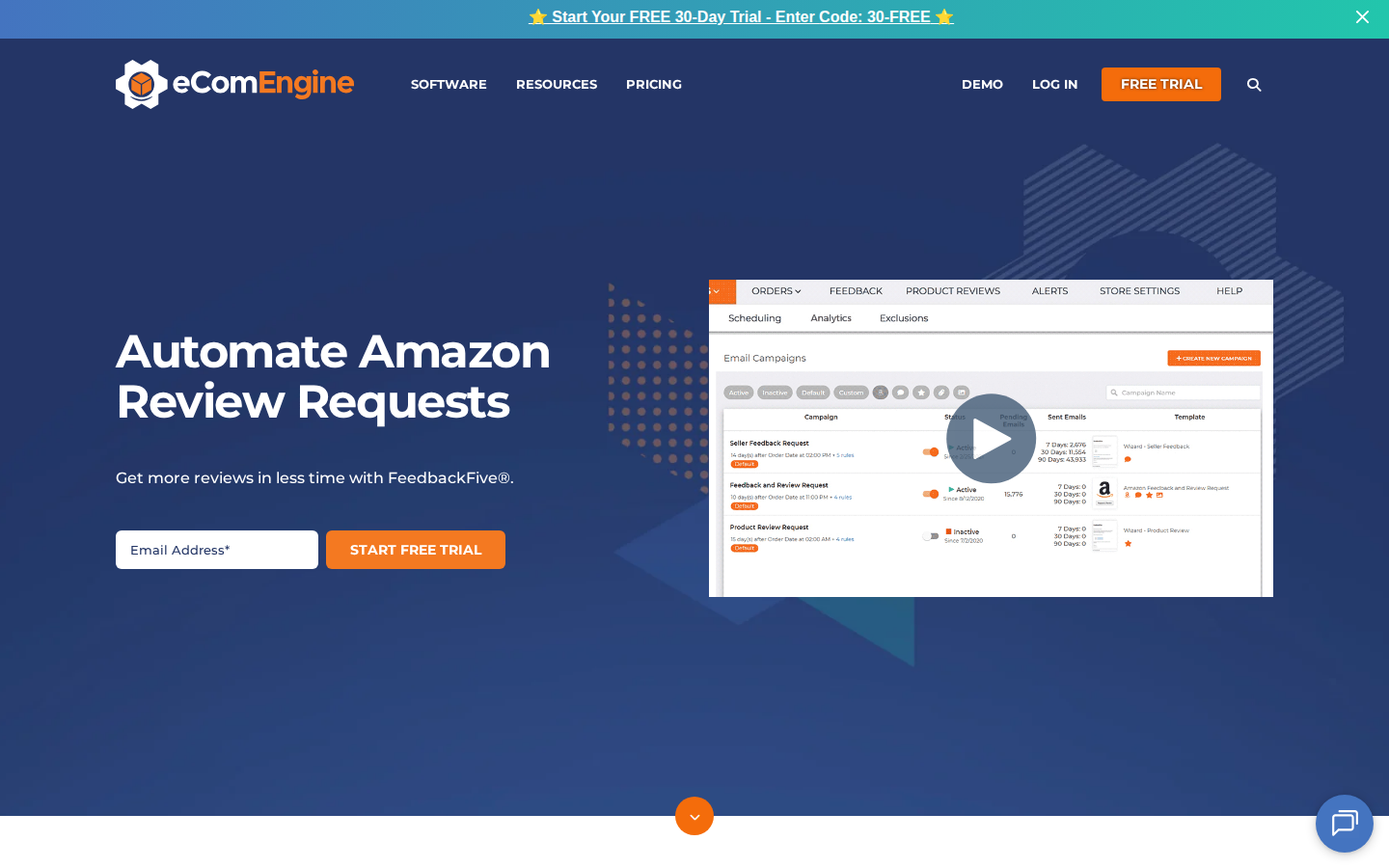
4) sellerboard
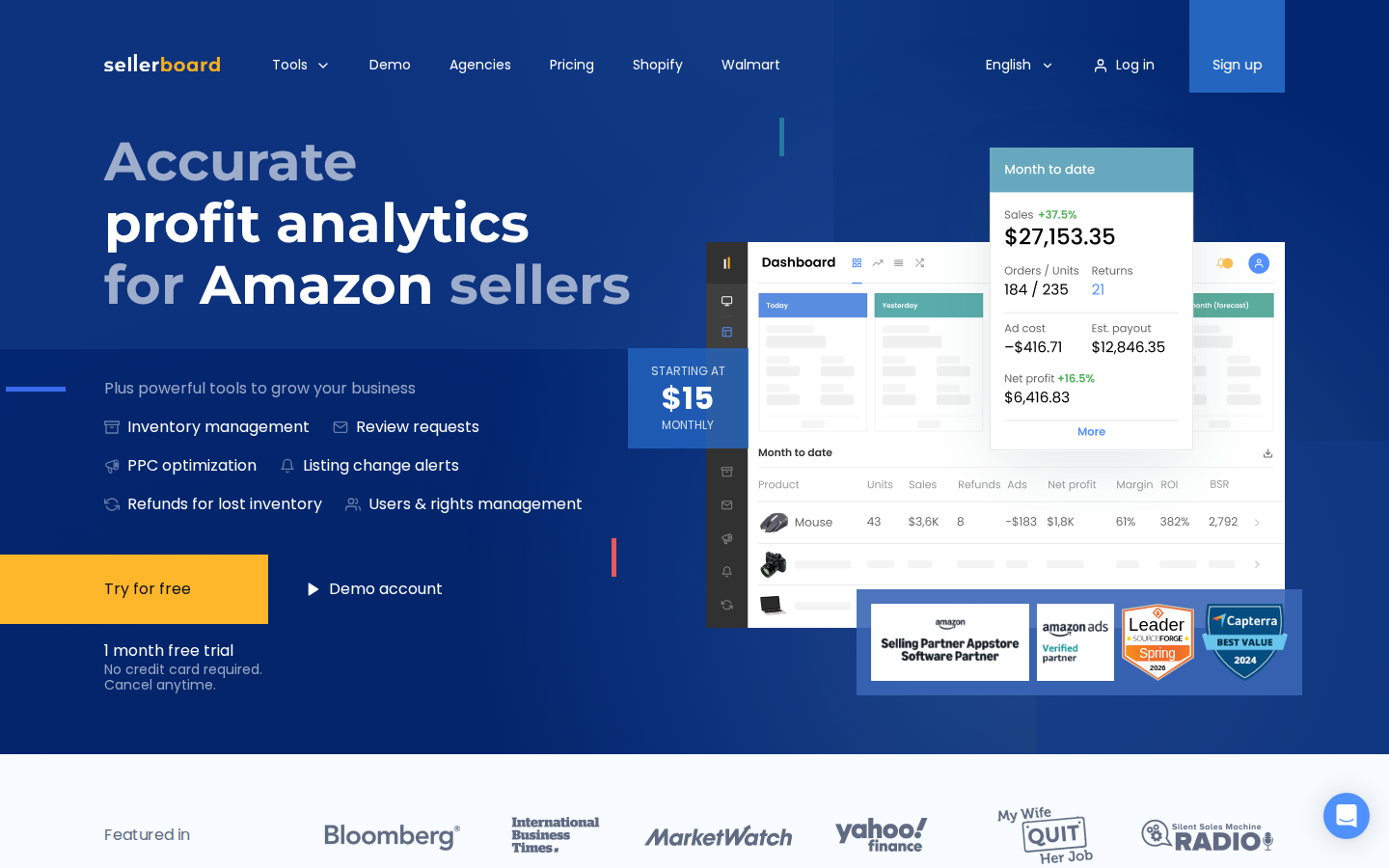
Best for organizing operational alerts
sellerboard’s alerts include listing title, description, main-image, category, variation, and suppression events.
Its Alerts dashboard helps teams review important events and manage their resolution status. Marking an alert as resolved records that status in sellerboard; it does not fix the underlying issue on Amazon.
Why consider it: Your team needs a practical way to review listing and account issues and keep track of what has been handled.
What to check: Confirm the alert types and notification settings relevant to your account. Its settings documentation notes that a long-term alert history log is not currently provided, which matters if you need a durable event record.
Our take: Worth evaluating for operational oversight, particularly when accountability for responding to alerts is as important as receiving them.
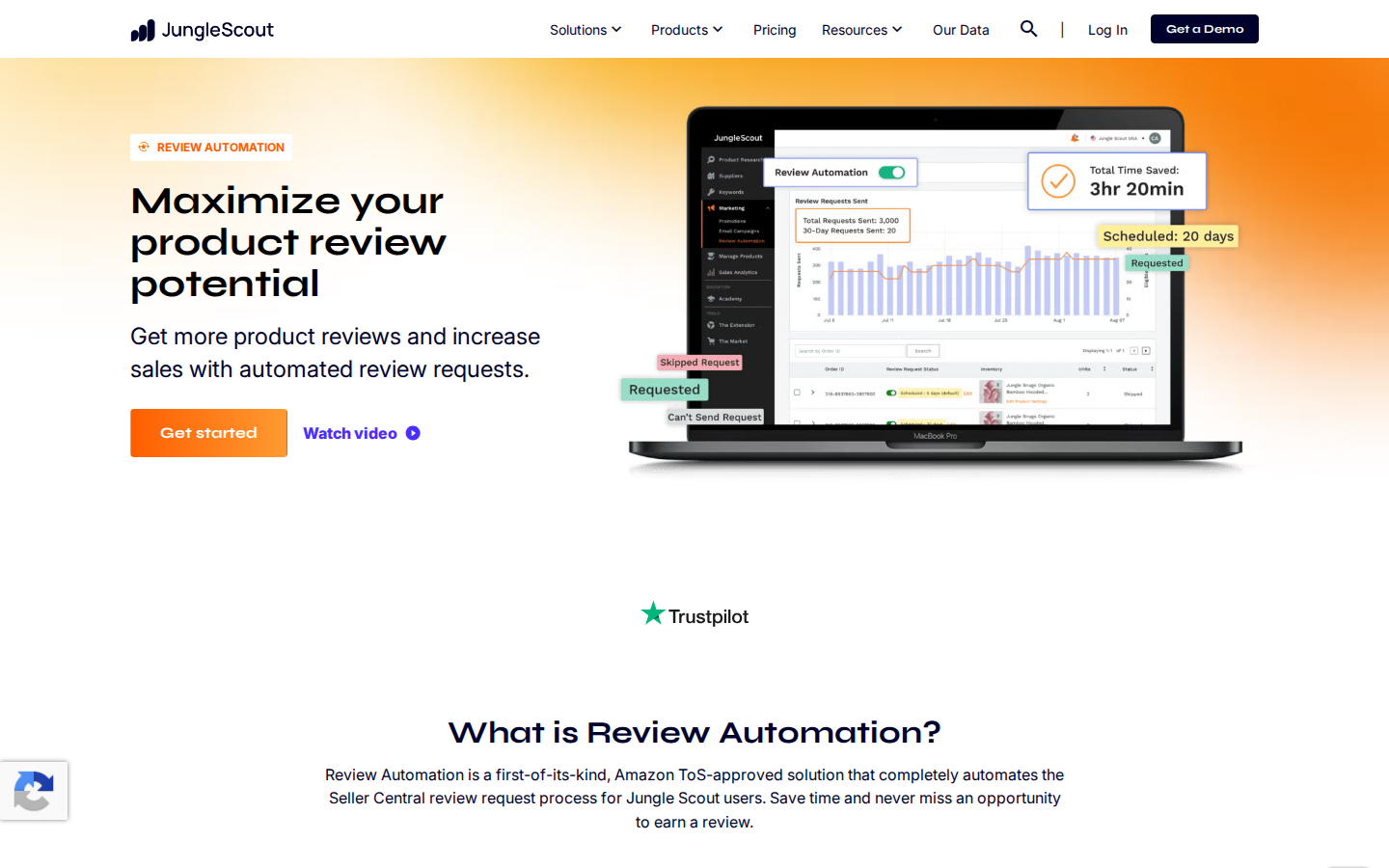
5) Keepa
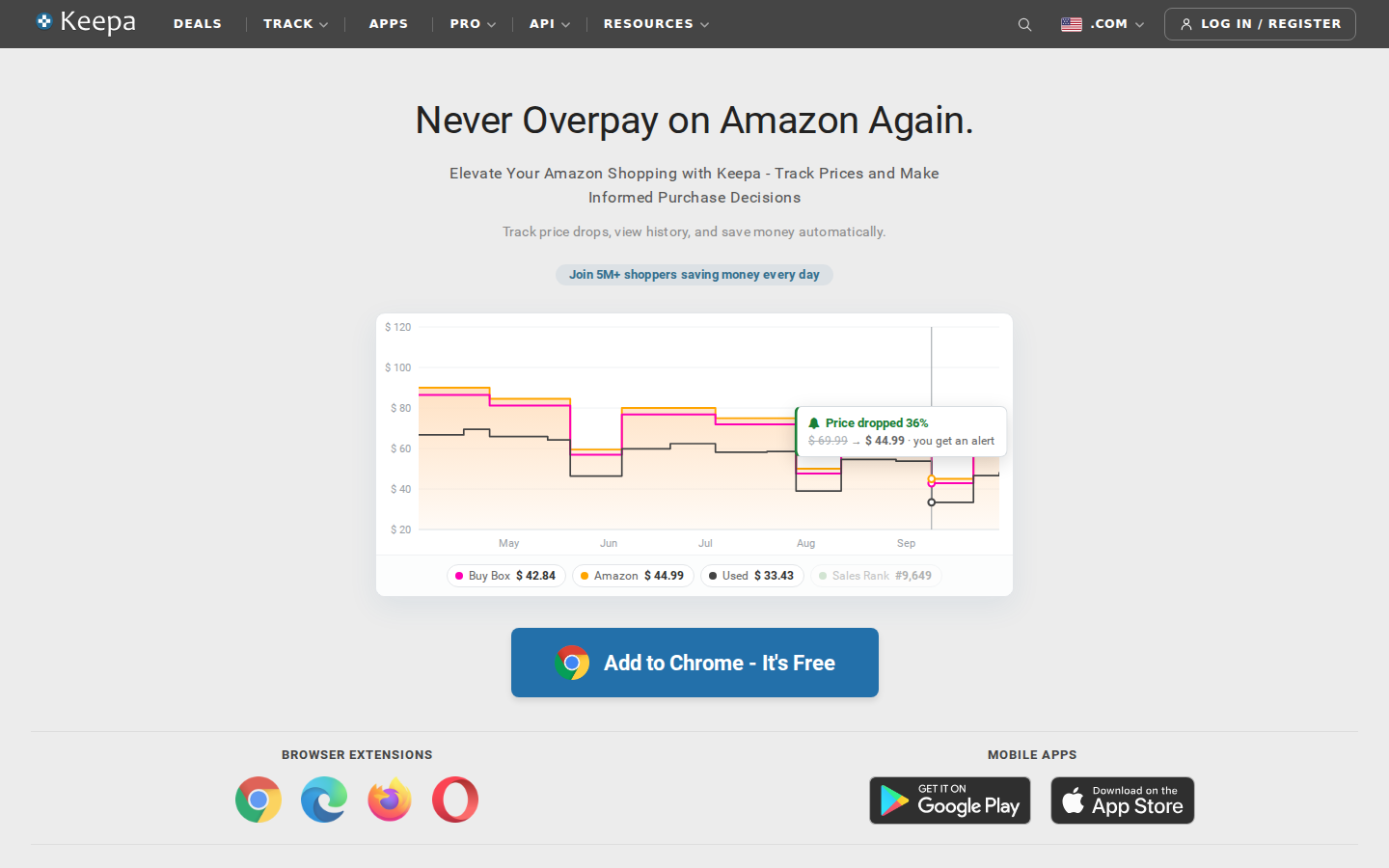
Best for Amazon price history and price alerts
Keepa specializes in Amazon price history charts and price-drop alerts. Its browser extension displays charts on Amazon product pages and supports price and availability watches.
Why consider it: Your primary question is how a product’s price has changed, or you want a notification when it reaches a target.
For example, a current discount is easier to evaluate when you can compare it with previous prices. That history can help you decide whether an offer deserves further sourcing research.
What to check: Confirm which data and tracking features require paid access. Price tracking alone should not be treated as a complete replacement for listing-health monitoring.
Our take: A focused choice for price research. Sellers who also need seller, brand, and category context can evaluate SmartScout alongside it.
SmartScout vs SellerSonar
For this comparison, the most useful distinction is the workflow you want to improve.
SellerSonar also offers competitive analytics, so the comparison is not simply “alerts versus data.” Ask each vendor to demonstrate your actual use case.
For example, have the team research the same brand, investigate the same competitor, and review the same set of listing events. The resulting workflow will tell you more than a feature count.
How To Choose a SellerSonar Replacement
Start with the decisions and alerts that matter
Write down your essential use cases before comparing subscriptions. “Monitor competitors” is too broad. “Notify our account manager when an important listing loses the Buy Box” is specific enough to test.
Separate urgent events from research tasks. They may deserve different tools and different review schedules.
Compare cost at your actual usage level
A starting price does not reveal the cost of covering your business. Request pricing for your ASIN count, marketplaces, users, and required features.
For monitoring, ask about update frequency and notification delivery. For research, ask about historical access, exports, and usage limits. Avoid paying for a lower tier that excludes the capability driving your purchase.
Run a representative pilot
Use a sample that includes your highest-value products, a few frequently changing listings, and relevant competitors.
During the pilot, record:
- Whether required data or events appear.
- How long it takes the team to find and understand them.
- Whether notifications reach the right person.
- Which decisions the tool improves.
- Any manual work still required.
Where continuity matters, keep your current monitoring active during the evaluation. Move only after you have verified the replacement against your requirements.
Choose the Tool That Supports Your Next Decision
If your main goal is understanding the competitive landscape, start with SmartScout. Its connected research approach is particularly useful when your questions extend across sellers, brands, products, and categories.
If your immediate requirement is listing monitoring, compare the relevant alert tools using your own ASINs and operational requirements.
Explore SmartScout to see how market intelligence can support your next Amazon growth decision.
FAQs
What Is the Best SellerSonar Alternative?

SmartScout is our top pick for competitive intelligence across Amazon sellers, brands, products, and categories. For listing alerts, evaluate Helium 10, SellerApp, and sellerboard against your required events and notification cadence. Keepa is a focused option for price history and price alerts.
Is SmartScout a Direct Replacement for SellerSonar?
That depends on why you use SellerSonar. SmartScout is a strong candidate when your main objective is market and competitor research. If you rely on particular operational alerts, verify equivalent coverage before switching. The two tools may serve complementary roles.
Which SellerSonar Alternative Is Best for Price Tracking?
Keepa is a focused choice for historical price charts and price-drop alerts. SmartScout is worth considering when you want to connect product pricing research with broader seller, brand, and category analysis.
What Is the Cheapest SellerSonar Alternative?
There is no single cheapest option for every workflow. Compare the total price for your required features, ASIN count, marketplaces, and users. A tool that costs less but leaves essential monitoring uncovered may not reduce your overall workload or expense.
Can an Amazon Monitoring Tool Remove Another Seller
Receiving an alert does not itself remove another seller or resolve a listing issue. Monitoring helps you identify an event and decide what to investigate. Treat detection and resolution as separate steps in your workflow.