The best Amazon MCP server depends on the data you need.
Are you trying to understand your own sales and advertising results, research competitors, or retrieve information from public product listings?
Those are different jobs.
Choosing the wrong data connection can leave your AI assistant answering only part of the question.SmartScout is our number-one choice for Amazon competitive intelligence through MCP. It brings competitor revenue estimates, ad spend estimation, and category market share into AI-assisted research. DataDoe is a strong option for connecting your own Amazon business data. Amazon also provides MCP options for advertising and account analytics, while Jungle Scout and Bright Data address marketplace intelligence and public web data, respectively.
We compare six documented MCP servers and explain where Amazon Quick’s MCP integration fits. It focuses on Amazon commerce data rather than unrelated AWS development tools.
What Is an Amazon MCP Server?
An MCP server exposes data or tools to compatible AI applications through the Model Context Protocol. The AI application acts as the client: it requests information or invokes a tool, receives a response, and uses that response to help answer your question.
For an Amazon business, the server might connect an assistant to a marketplace intelligence database, your authorized seller account, an advertising account, or public product pages.MCP is the connection standard. The provider determines the data, coverage, permissions, and tools behind that connection. An MCP label alone does not establish data quality or make an assistant’s conclusions correct.
The Top Amazon MCP Servers at a Glance
How We Selected These Options
We included providers with first-party product documentation or publisher-maintained technical resources describing an Amazon-relevant MCP capability. That gives readers a verifiable starting point beyond an entry in an MCP directory.
Our comparison considers the source of the data, the business questions it can support, setup requirements, and whether the integration can change an account as well as read it.
This article is published by SmartScout, and our top ranking reflects its fit for competitive intelligence. It is a documentation-based comparison, not a hands-on performance benchmark or an independent security audit. We have not ranked providers by unverified claims about speed, accuracy, or customer counts.
1. SmartScout MCP: Best for Amazon Competitor and Market Intelligence
Your own account data tells you how your business performed. Competitive intelligence helps you understand the market around that performance.
SmartScout MCP is our top recommendation when your questions concern competitors, brands, resellers, and category opportunities. Its documented tools cover products, brands, sellers, subcategories, search terms, and advertising intelligence. The server is read-only.
SmartScout’s MCP documentation describes brand reports with revenue history and category breakdowns, competitive landscape analysis, keyword research, and category trends. See the official MCP overview and setup guide.
Competitor revenue, ad spend estimation, and category market share
These three measures help answer different strategic questions:
- Estimated revenue: How large is a competitor’s Amazon business or product opportunity?
- Estimated advertising spend: How aggressively does a competing brand appear to invest in advertising?
- Category market share: How much of the defined market does a brand represent?
SmartScout connects those competitive views with its broader brand and seller research. You can investigate a brand’s position, explore the resellers associated with it, and identify areas for deeper analysis. See SmartScout’s platform capabilities.
Advertising estimates require particular care. SmartScout's AdSpy uses modeling and that relative comparisons can be more informative than treating a dollar estimate as exact. These are competitive estimates, not access to a rival’s private Amazon Ads billing records.
Questions to explore with SmartScout MCP
Use prompts that specify the marketplace, time period, and comparison you want. For example:
Compare the leading brands in this Amazon category using estimated revenue and category market share. Include estimated ad spend where available, and identify missing data.
Build a competitive brief for this brand. Separate observations from estimates and explain which findings deserve further investigation.
Identify the resellers associated with this brand and help me prioritize which seller catalogs to research.
These are suggested research prompts, not guarantees that every metric or historical period is available through every tool. Ask the assistant to inspect available capabilities first.
Choose SmartScout when: You want to understand the opportunity outside your own account and use AI to investigate where competitors sell, advertise, and gain share.
Explore SmartScout and check current plans and MCP access.
2. DataDoe MCP: Best for Connecting Your Own Amazon Business Data
DataDoe MCP is a hosted server for accessing authorized Seller Central, Vendor Central, and Amazon Ads data. Its documentation describes questions about sales, ads, traffic, inventory, and listings, along with reporting and reconciliation workflows.
It is particularly relevant when the starting question is about your operations: which products are underperforming, how advertising results changed, or what your account data shows about inventory.
DataDoe also documents ways to support custom dashboards and recurring workflows. Its broader platform includes actions that can write changes back to Amazon, so teams should distinguish analysis permissions from operational permissions.
Suggested prompt: “Summarize last month’s sales and ad performance for my authorized accounts. State which date ranges and data tables you used.”
Choose DataDoe when: You want a managed connection to your own Amazon data without building the underlying integrations yourself.
How it compares with SmartScout: DataDoe is a source for your account’s operations; SmartScout supplies the competitive market context. They can serve complementary roles.
3. Jungle Scout MCP: Best for Teams Using Cobalt Market Intelligence
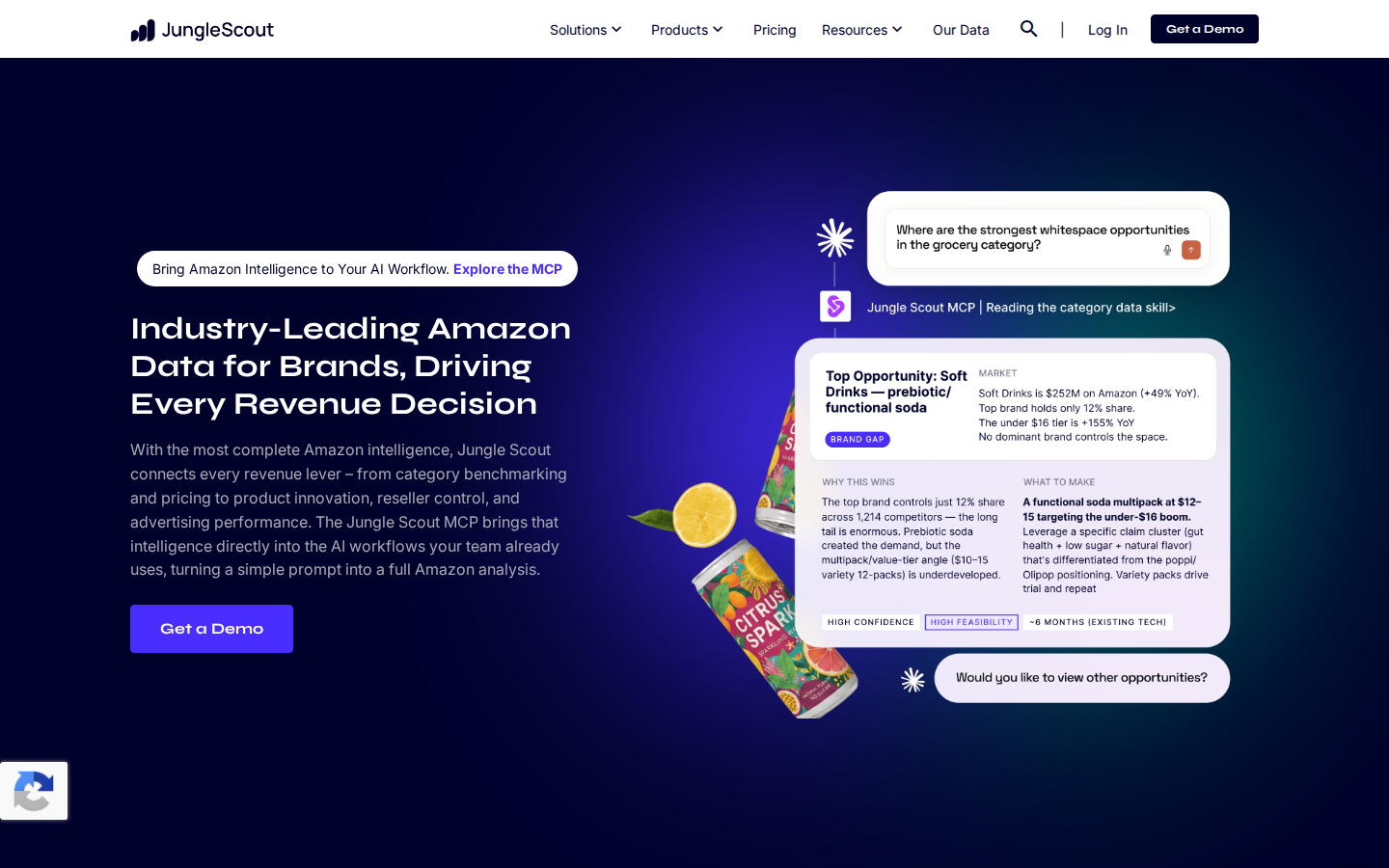
Jungle Scout MCP connects AI tools to Jungle Scout’s marketplace intelligence. Its documented coverage includes categories, competitors, brands, sellers, pricing, products, keywords, and performance.
Jungle Scout’s platform comparison identifies Cobalt as the intelligence behind the MCP offering.
That makes it a relevant alternative for brand and insights teams researching category growth, competitive movement, pricing opportunities, and assortment gaps. It belongs in the competitive-intelligence group alongside SmartScout.
Suggested prompt: “Prepare a category brief comparing leading brands, price tiers, and market share. Explain the scope and limitations of the data.”
Choose Jungle Scout when: Your team uses Cobalt or wants to evaluate another established Amazon research provider’s MCP offering.
What to compare: Request the same business analysis from each provider during evaluation. Check marketplace coverage, market definitions, historical availability, exports, and plan access instead of assuming that matching feature names produce identical answers.
4. Amazon Ads MCP Server: Best for Your Own Advertising Data and Workflows
The Amazon Ads MCP Server is maintained by Amazon Ads. Amazon’s announcement describes performance reporting, campaign management, account settings, and financial capabilities.
Its February 2026 open-beta announcement specifies availability for Amazon Ads partners with active API credentials. Review the current connection requirements before planning an implementation.
Suggested prompt: “Compare my campaign performance across the last two complete months. Identify material changes and propose actions for review.”
Choose it when: You need an Amazon-maintained route to authorized advertising functionality and have the required access.
Important limit: Your account’s reported ad spend and a competitor’s estimated ad spend are different data products. This server does not make a competitor’s private advertising account available to you.
Because its capabilities include campaign changes, configure permissions and review steps to match the workflow. Reporting and execution should be deliberate choices.
5. Amazon Data Kiosk MCP Sample: Best for Developer-Led Account Analytics
Amazon publishes a Data Kiosk MCP server sample within its Selling Partner API samples repository.
It connects natural-language analysis to Data Kiosk queries, with seller and vendor analytics configurations. Amazon’s example workflow builds a GraphQL query, submits it, checks completion, and processes the returned data.
Suggested prompt: “Analyze daily sales by SKU for the requested period and identify the largest changes.”
Choose it when: Your technical team wants to build or customize an account-analytics workflow using Amazon’s published example.
What to know: This is a developer sample, not a turnkey managed analytics subscription. The documented setup includes cloning the repository, installing dependencies, building the project, and configuring credentials. Your team remains responsible for implementation and maintenance.
Like other authorized account integrations, its scope differs from a provider that models the wider competitive marketplace.
6. Bright Data MCP: Best for Public Amazon Product and Pricing Data
Bright Data’s Amazon MCP offering focuses on retrieving public Amazon information. Its documented use cases include product listings, prices, product details, and reviews.
That can support custom research workflows where an assistant needs information from specific public pages. For example, a team could collect product attributes and observed prices for a defined list of competing ASINs.
Suggested prompt: “Retrieve the available public product details for these ASINs and compare their prices and attributes. Include source URLs and retrieval times.”
Choose it when: You need public web data to feed a custom analysis or application.
Important limit: Extracting a product page does not reveal its exact sales, a brand’s private advertising spend, or complete category market share. Those questions require additional data and methodology.
Where Amazon Quick Fits: An MCP Workspace for Connected Data
Amazon Quick deserves a place in this guide, but its role needs to be clear.
AWS documents Amazon Quick’s MCP integration as a way to connect Quick to MCP servers for data access and task execution. AWS’s implementation guide explicitly describes Quick as containing an MCP client.
In short, Quick can be the workspace where people interact with connected tools. The configured servers supply the data and capabilities.
For your own Amazon business data, Quick would need a suitable, authorized data connection. Its MCP support alone does not automatically import Seller Central, Vendor Central, or Amazon Ads information.
Choose Amazon Quick’s integration approach when: Your organization wants to work with connected enterprise data inside Quick and can configure compatible servers and authentication.
Check compatibility for the specific server you plan to use. Support for the same protocol does not guarantee that every authentication method or tool works unchanged across every client.
Your Own Amazon Data vs. Competitor Intelligence
This distinction is the most useful starting point for selecting a server.
A strong analysis may combine several of these sources. For example, your internal reports could show revenue increasing while market estimates suggest your category grew faster. That is a reason to investigate possible share loss—not proof by itself.
When combining datasets, align the marketplace, dates, currency, product scope, and metric definitions. Ordered sales, shipped sales, and modeled marketplace revenue should not be treated as interchangeable without checking their definitions.
How to Get More Trustworthy Answers From an Amazon MCP Server
An AI-generated answer is easier to evaluate when it explains where the numbers came from. Ask for the following with any material analysis:
- Source: Which provider, account, or tool returned the data?
- Scope: Which marketplace, brands, products, and dates are included?
- Metric definition: Is this reported revenue, estimated revenue, observed price, or attributed advertising sales?
- Freshness: When was the data observed or last refreshed?
- Completeness: Were results filtered, truncated, paginated, or missing?
- Interpretation: Which conclusions are directly supported, and which are hypotheses?
For category market share, always ask what defines the market. A brand’s share of an Amazon subcategory can differ substantially from its share of a custom product segment.
For ad spend estimates, ask about the modeled scope before comparing them with an actual account bill. Precision in presentation does not eliminate uncertainty in the underlying estimate.
A useful prompt to append to your research requests is:
Include sources, date ranges, metric definitions, and missing-data notes. Label estimates explicitly. Do not infer private competitor metrics from public listing data alone.
FAQs

.png)