Reverse ASIN search tools help you uncover the keywords competing Amazon products rank for. The right tool can turn that information into better listing copy, more focused PPC tests, and a clearer picture of where your product has room to grow.
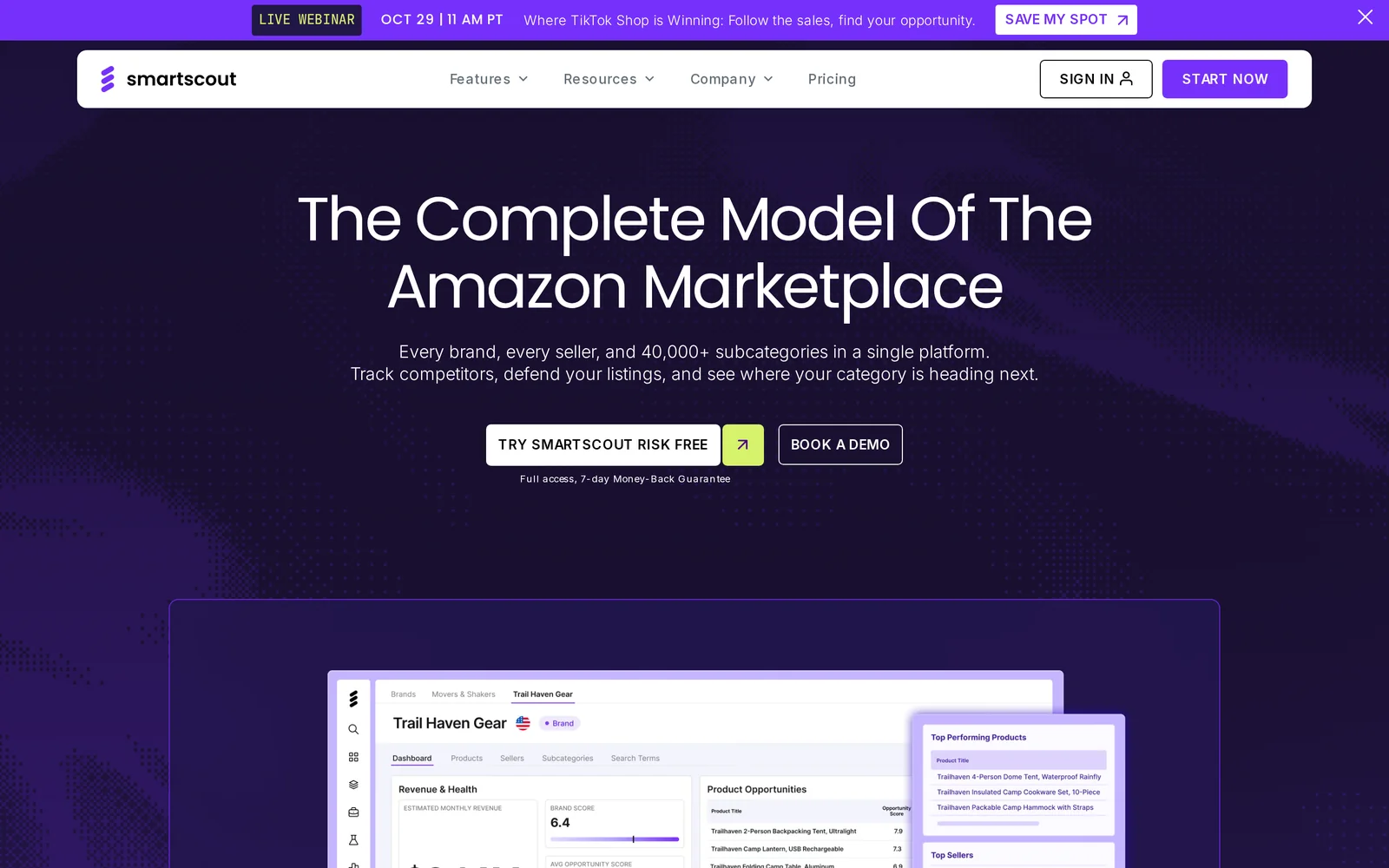
Our top pick is SmartScout Rank Maker, which combines reverse ASIN research with keyword sales and embedded rank tracking across SmartScout’s database of 5 million keywords. That combination helps you evaluate opportunities and monitor how rankings change over time.
Other tools deserve consideration, too. Helium 10 offers detailed filtering, Jungle Scout makes competitor comparisons accessible, and specialist platforms bring useful approaches to keyword analysis. Here are seven tools worth comparing.
Top Reverse ASIN Search Tools at a Glance
These recommendations reflect the workflows each tool supports. Feature availability, research limits, and marketplace coverage vary by subscription.
What Is a Reverse ASIN Search Tool
An ASIN is Amazon’s product identifier. A reverse ASIN search starts with that identifier and returns keywords associated with the product’s search visibility.
A typical keyword search begins with a phrase, such as “insulated water bottle.” A reverse ASIN lookup begins with a competing water bottle and helps uncover the terms shoppers might use to find it.
Sellers use this research to discover relevant search terms, identify gaps in listing coverage, and develop keywords to test in advertising. Depending on the tool, results may include organic positions, sponsored placements, search volume, sales metrics, or historical trends.
Keep those metrics separate. Ranking for a term does not prove that a product converts well on it, and appearing in sponsored results does not reveal a competitor’s exact advertising settings. Use competitive data to choose opportunities, then validate performance against your own results.
1) SmartScout Rank Maker

Our top pick for combining keyword discovery with sales intelligence and rank tracking.
Rank Maker is SmartScout’s reverse ASIN search tool. Enter a product ASIN to investigate its keyword opportunities, evaluate relevance, and understand how its rankings change.
Its central advantage is the connection between discovery and ongoing analysis: SmartScout includes keyword sales and embedded rank tracking across all 5 million keywords in its database. You can consider the commercial opportunity behind a search term alongside its ranking performance.
That matters because search volume alone cannot tell you which keyword deserves your next dollar or your next listing update. Keyword sales adds another useful signal when prioritizing terms, while rank tracking helps you assess whether visibility is improving.
Key Benefits of Rank Maker
- Uncover competitor keyword opportunities. Research competing ASINs to find relevant search terms you may have overlooked.
- Bring keyword sales into prioritization. Evaluate sales alongside search demand and product fit.
- Keep rankings in the research workflow. Embedded tracking helps you follow changes over time.
- Connect keyword research to the wider market. Use SmartScout’s broader product, brand, and category research to understand the businesses and products competing for those searches.
For example, a seller launching a travel mug might discover both broad category terms and more specific searches about size, use, or design. Rank Maker helps that seller investigate which relevant opportunities deserve attention and follow ranking progress as the strategy develops.
Why we rank it first: Rank Maker supports the full decision: which keywords to investigate, where sales opportunity exists, and how sevvarch visibility evolves. It is particularly compelling for brands and agencies that want keyword research within a broader competitive intelligence platform.
2) Helium 10 Cerebro
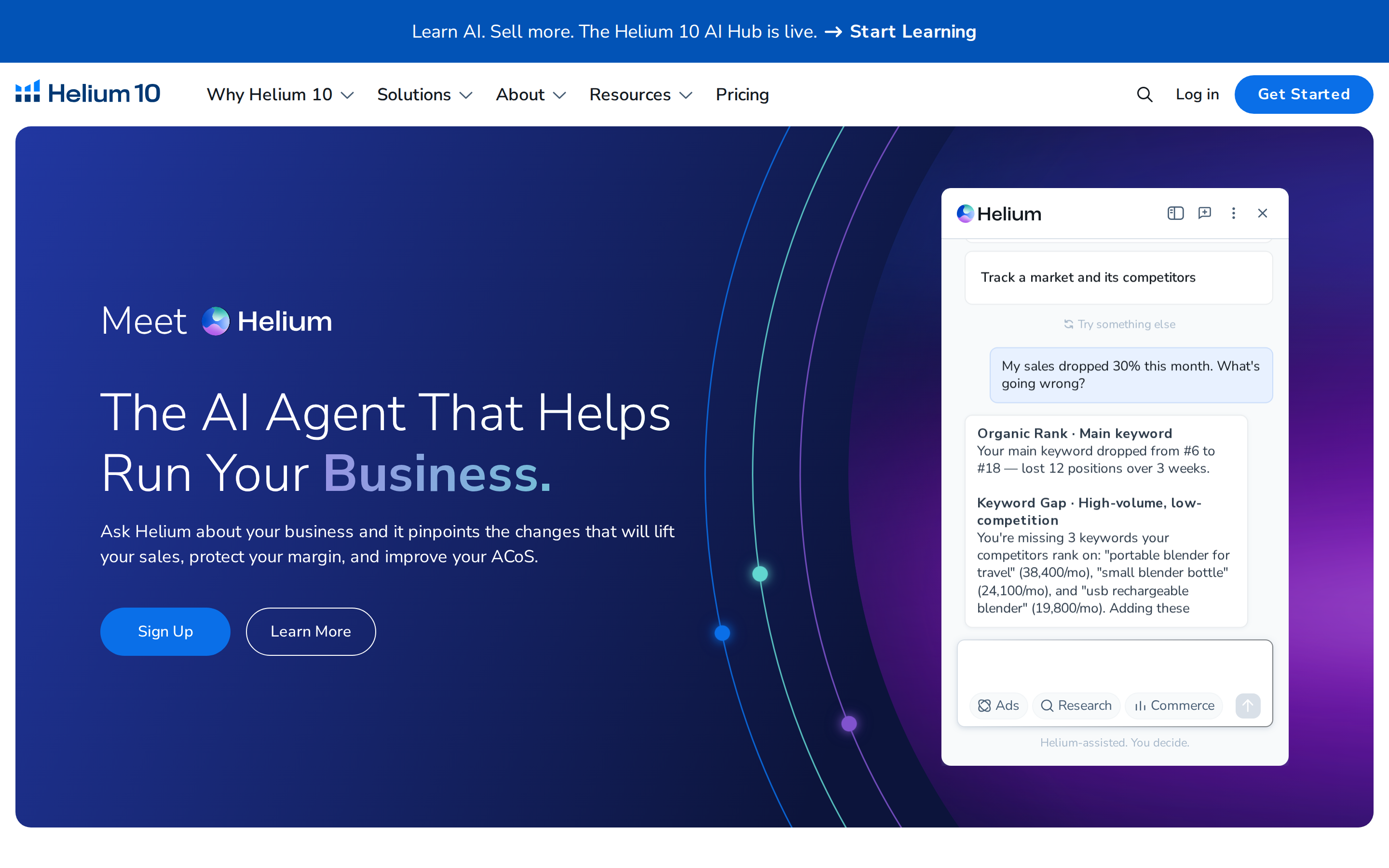
A strong choice for detailed keyword filtering.Helium 10 Cerebro supports reverse ASIN research across multiple competing products. Its filters include organic rank, search volume, and title density, helping sellers narrow a large keyword list to a more useful shortlist.
Its strength is control. You can investigate keywords competitors share, separate organic and sponsored visibility, and focus on opportunities that meet specific criteria.
For sellers already using Helium 10’s listing and keyword tools, Cerebro also fits naturally into an existing workflow.
Choose it when: You want to spend time filtering and comparing competitor keywords, especially if your team already works in Helium 10.
3) Jungle Scout Keyword Scout

A strong choice for research across a group of competing products.Jungle Scout Keyword Scout lets sellers reverse-search up to 10 ASINs and compare their organic and sponsored keywords. It also provides search-volume trends and PPC cost information.
Its practical appeal is bringing competitor research and keyword planning together. Reviewing several close competitors can reveal recurring search terms that a single-product lookup might miss.
That makes Keyword Scout useful for sellers who are evaluating a product opportunity and want to carry the research into listing and advertising decisions.
Choose it when: You want multi-ASIN keyword research as part of a broader product-research workflow.
4) DataDive
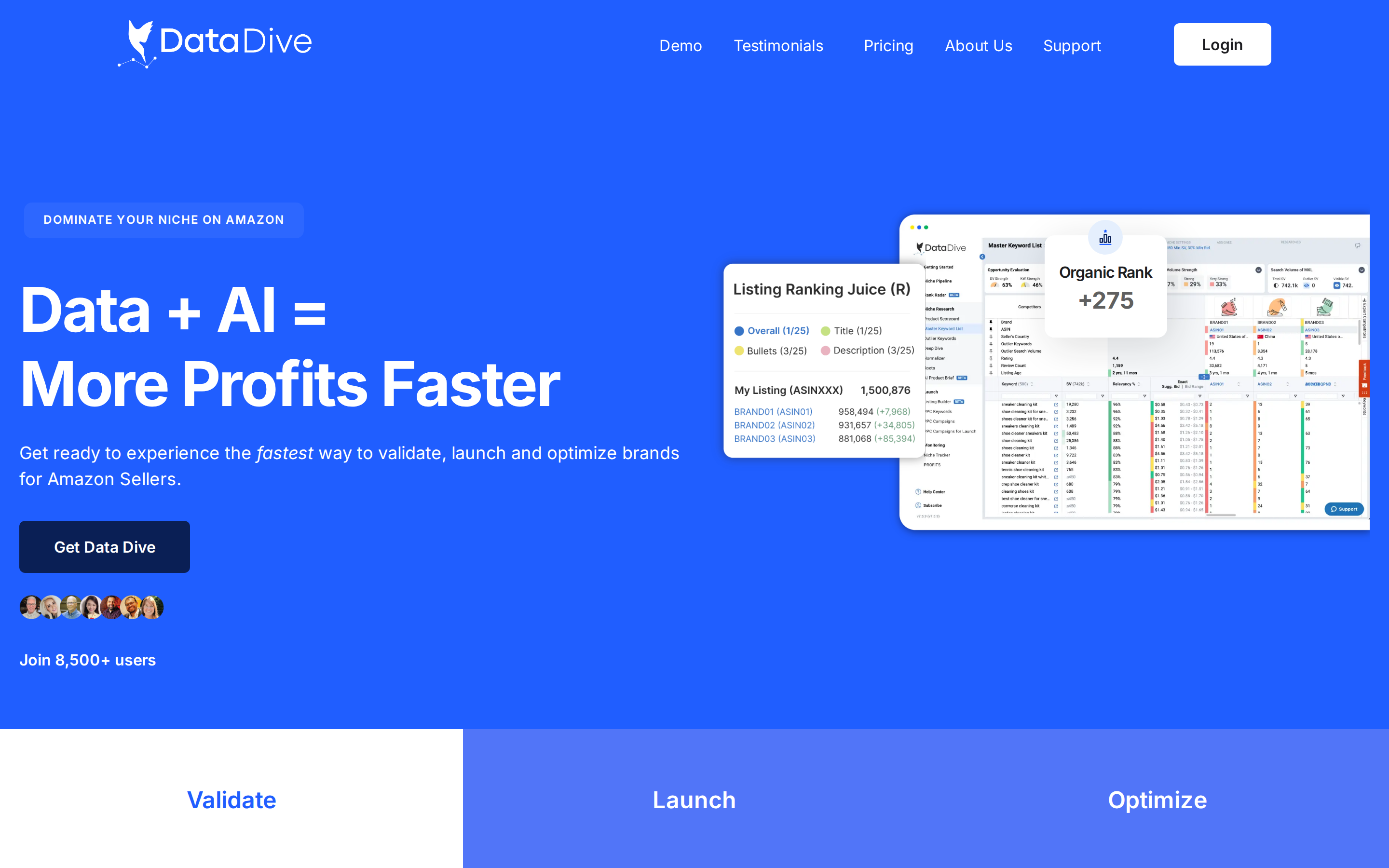
A strong choice for turning competitor research into a structured listing strategy.
DataDive organizes niche research around a Master Keyword List. Its workflow helps sellers compare competitor keyword rankings, remove irrelevant terms, and identify gaps in their own coverage.
The strength is the process around the data. Instead of treating each lookup as a separate export, sellers can build and refine a keyword set for a niche, then use it to guide listing optimization.
This approach is especially useful for a product launch or a substantial listing rewrite, when the objective is to organize many keyword opportunities into a coherent plan.
Choose it when: You want a repeatable workflow for analyzing competitors and building a prioritized keyword strategy.
5) SellerSprite

A strong choice for comparing keyword coverage across competitors.
SellerSprite offers both Reverse ASIN and Reverse Multiple ASINs tools. These support research into individual products and groups of competing listings.
Its appeal is the ability to investigate how keyword coverage differs across products. A term appearing across several relevant competitors can be worth investigating more closely than a term associated with only one loosely related listing.
SellerSprite also documents the observation window behind its standard reverse ASIN results, describing keywords associated with appearances in the first three search-results pages over the previous 30 days. That context helps sellers interpret the results.
Choose it when: Comparing keyword coverage across a competitive set is central to your research.
6) AMZScout Reverse ASIN Lookup

A strong choice for a straightforward research workflow.
AMZScout Reverse ASIN Lookup follows a direct process: enter an ASIN, retrieve related keywords, and narrow the results with filters.
Its advertised data includes estimated monthly search volume, keyword relevance, and product ranking positions. Those signals help sellers move from a broad list of terms toward keywords that fit their product.
The benefit is a clear starting point for someone who wants to research competitors and build an initial listing or PPC keyword list.
Choose it when: You want a focused reverse ASIN workflow with practical relevance and ranking information.
7) SellerApp Reverse ASIN

A strong choice for keyword discovery with advertising cost context.
SellerApp’s Reverse ASIN tool surfaces competitor keyword suggestions with metrics including search volume, keyword type, and CPC.
CPC context is useful when the next step is planning advertising tests. Sellers can consider demand and potential click costs together before deciding which terms to investigate further.
SellerApp also offers keyword tracking, listing optimization, and advertising tools, making it an option for teams that want related capabilities within one platform.
Choose it when: You want competitor keyword ideas to feed into listing improvements and PPC research.
How To Get More Value From Reverse ASIN Research
Start with three to five close competitors. Match the product’s purpose, price range, and core features as closely as possible. A famous brand with a different audience can produce a misleading keyword list.
Then follow a simple process:
- Remove irrelevant searches. A high-volume term is not useful if your product cannot satisfy the shopper.
- Look for recurring opportunities. Keywords shared by several relevant competitors deserve a closer look.
- Consider sales as well as searches. Where available, use keyword sales to inform prioritization.
- Separate listing work from advertising tests. Add relevant terms naturally to your copy and test PPC keywords with controlled budgets.
- Track the outcome. Monitor rankings alongside your own traffic, conversion, advertising costs, and sales.
For example, “leakproof coffee travel mug” is only a useful target if the product genuinely delivers that benefit. Keyword relevance starts with the product itself.
Which Reverse ASIN Tool Should You Choose
SmartScout Rank Maker is our first recommendation for sellers who want keyword discovery, keyword sales, and rank tracking in one research workflow. Its coverage across 5 million keywords gives brands and agencies a substantial foundation for investigating opportunities and monitoring visibility.
Helium 10 is worth considering for detailed filtering. Jungle Scout supports competitor research within a familiar research suite. DataDive offers a structured optimization process, while SellerSprite, AMZScout, and SellerApp each provide useful approaches to competitor keyword analysis.
The right choice should help you take action after the lookup: prioritize relevant terms, improve your listing, test advertising opportunities, and measure what changes.
Try SmartScout Rank Maker to see how competitor keyword research can inform your next growth opportunity.
FAQs
Can a Reverse ASIN Tool Show Every Keyword a Competitor Sells Through

No tool should be treated as a complete record of a competitor’s transactions. Keyword coverage depends on the database, marketplace, observation window, and methodology. Use the results to identify opportunities, and distinguish sales metrics from search volume or ranking positions.
Is Reverse ASIN Research Useful for Amazon PPC
Yes. It can generate relevant keywords to test and reveal terms where competitors have search visibility. Your own conversion rate, margin, and advertising results should determine whether those keywords remain in your campaigns.
Does SmartScout Offer Reverse ASIN Search
Yes. SmartScout’s reverse ASIN tool is called Rank Maker. SmartScout includes keyword sales and embedded rank tracking across all 5 million keywords in its database.
Is the Tool With the Biggest Keyword List Always the Best
No. A useful tool helps you identify relevant opportunities and make decisions. Coverage matters, but so do sales context, filtering, ranking information, and the ability to track progress.