Getting more Amazon product reviews starts with a simple task: giving customers an opportunity to share their experience. The challenge is doing it consistently while running the rest of your business.
The best Amazon product review tools help sellers request reviews, monitor customer feedback, or build an initial base of reviews for eligible products. Those are different jobs, and the right choice depends on which one you need done.SmartScout’s Rating Booster is our top pick for sellers who want straightforward review request automation. It handles the routine work through Amazon’s official request system, so Amazon sends the message. Amazon Vine is worth considering for eligible products that need initial reviews, while dedicated feedback platforms offer additional monitoring and messaging capabilities.
Below, we compare 10 tools and services, explain their advantages, and show how to choose a practical review workflow.
Editorial disclosure: This guide is published by SmartScout, which offers Rating Booster. Our recommendations reflect the use cases described below and a review of official product documentation, not a controlled head-to-head performance test. Features and eligibility were checked in September 2026; confirm current plan details before subscribing.
Best Amazon Product Review Tools at a Glance
Product Reviews vs. Seller Feedback: What Is the Difference?
Amazon product reviews evaluate the product. Seller feedback evaluates the purchasing experience with the seller. A comment about a blender’s performance belongs in a product review. A comment about the seller’s service belongs in seller feedback.
This distinction matters when comparing Amazon review software. Some products handle both, and a feature described as “feedback management” may not do everything you expect for product reviews.
Ask three questions: Does the tool request product reviews? Does it monitor published reviews? Does it manage seller feedback? Treat those as separate capabilities. Amazon explains the distinction in its review guidance.
1. SmartScout Rating Booster: Best for Simple Amazon Review Request Automation
Review requests are an easy task to understand and an easy task to forget.
SmartScout Rating Booster removes that recurring job. Connect your Amazon seller account, enable the feature, and it automatically triggers Amazon’s official Request a Review process for eligible orders.
SmartScout initiates the request. Amazon sends the message.
You do not need to write a review solicitation email, maintain a sequence, or remember to click through orders. That is why Rating Booster takes the top spot in this guide: it gets the straightforward part done for you.
Why the Amazon-generated message matters
Writing your own solicitation introduces decisions about wording, tone, and what you are allowed to ask. Rating Booster uses Amazon’s native request instead. You are not composing a message asking for five stars or offering an incentive.
That makes the request workflow simpler and reduces the concern associated with drafting your own solicitation. It does not make every other activity in your account automatically compliant; inserts, promotions, and separate customer communications still need to follow Amazon’s policies.
Who should choose it?
Rating Booster is a strong fit when your priority is consistent requests with little ongoing work, especially if you already use SmartScout for your Amazon business.
Other tools in this guide also automate Amazon’s official request. Our recommendation is about the simplicity of the workflow, not a claim that SmartScout has exclusive access to an approved method.
Main limitation: A request is an invitation. Customers decide whether to respond and what rating to leave. Automation cannot guarantee a review count or a higher star rating.
2. Amazon Request a Review: Best Manual Option Without a Separate Software Subscription
Amazon’s own Request a Review feature is the starting point for understanding this category. It lets sellers request a product review and seller feedback through Amazon’s standardized message.

Amazon states that the feature can be used once per order within the eligible window of 5–30 days after delivery. Order eligibility still applies.
Its advantage: You can use the native workflow without buying a separate review automation subscription. For a seller handling relatively few orders, that may be enough.
Its limitation: Someone has to perform the manual task. As orders grow, the cost becomes staff time and missed requests rather than just software expense.
Choose this option when order volume is low and the process is manageable. Choose automation when the task repeatedly falls off your to-do list.
3. Amazon Vine: Best for Eligible Products That Need Initial Reviews
Amazon Vine serves a different purpose from a review autoresponder. Sellers enroll eligible products, and Amazon-selected Vine Voices can receive those products to provide independent reviews.
That makes Vine worth evaluating when a product has little review history and ordinary sales have not yet produced many reviews.
Its advantage: It offers an Amazon-operated route for introducing eligible products to reviewers. It can complement a request tool that handles regular customer orders.
Its limitation: Participation depends on current eligibility rules. Evaluate the cost of supplied inventory, applicable fees, and fulfillment costs. Reviewers can leave critical feedback, and enrollment does not guarantee positive reviews.
Use Vine when the product is ready for honest scrutiny. If packaging, instructions, or reliability still need work, address those issues first.
4. FeedbackFive: Best for Requests Plus Reputation Monitoring
FeedbackFive from eComEngine combines Amazon Request a Review automation with monitoring for product reviews and seller feedback.
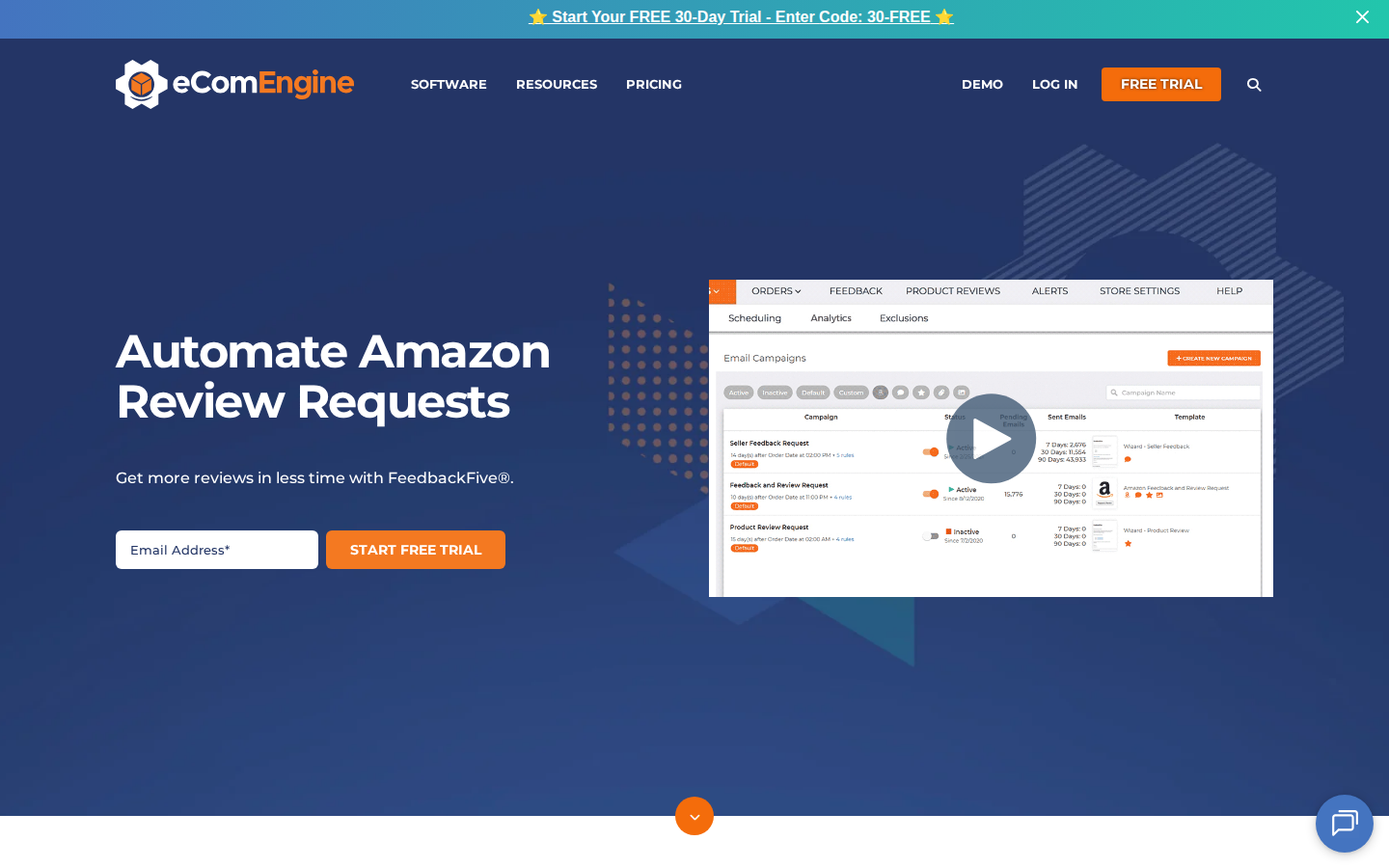
Its advantage: Teams can consider both sides of the process: asking customers for feedback and paying attention to what customers publish. This is useful when several people share responsibility for the customer experience.
Its limitation: A broader monitoring workflow may be more than you need if your only goal is to stop sending requests manually. Compare plan allowances against your order volume and monitoring requirements.
Choose FeedbackFive when review visibility is part of the purchase decision, alongside request automation.
5. FeedbackWhiz: Best for Sellers Who Want Campaign Flexibility
FeedbackWhiz offers two approaches: automation of Amazon’s Request a Review functionality and custom review request messaging through Buyer-Seller Messaging.
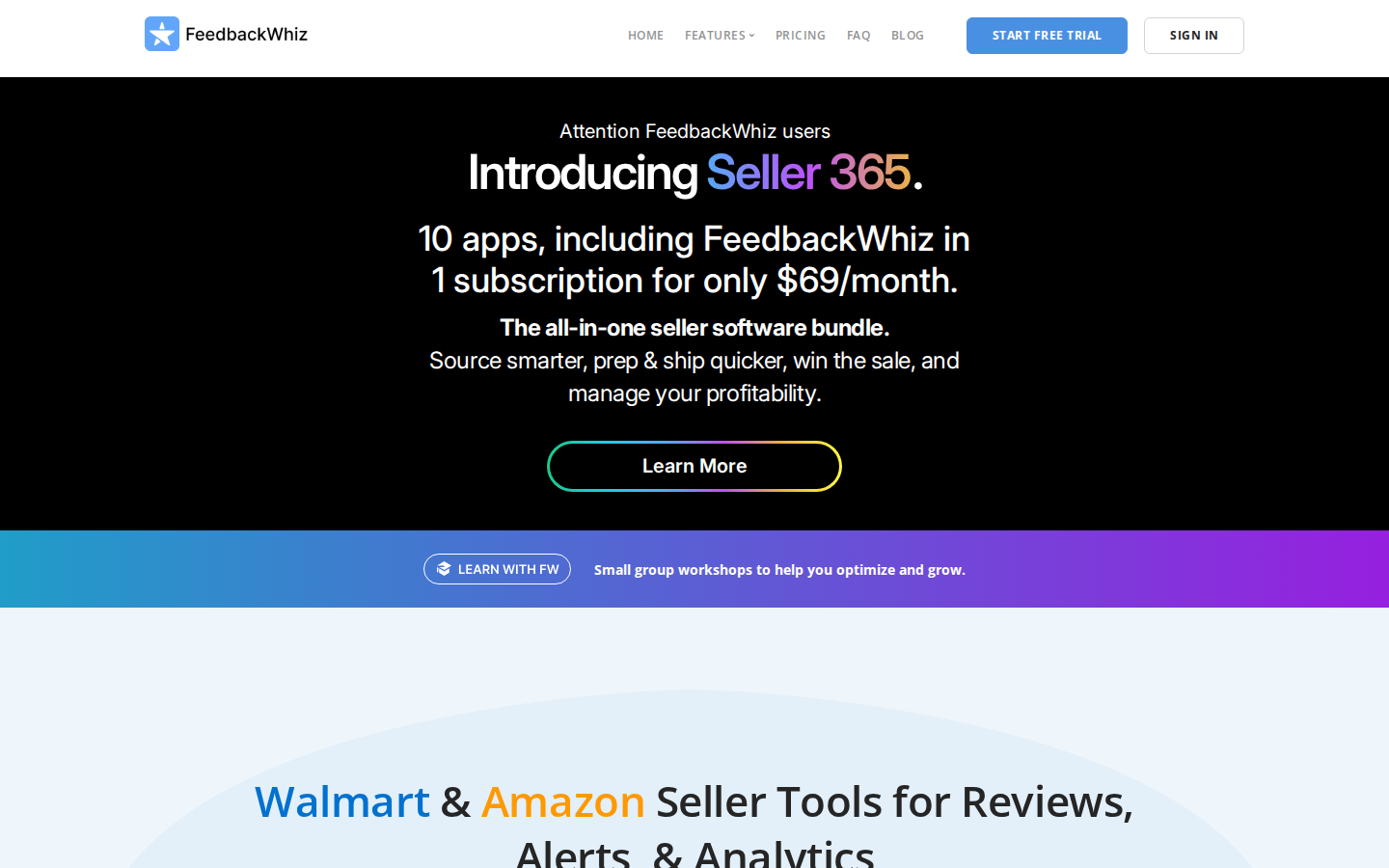
Its advantage: Sellers who need more control over permitted customer communication can evaluate those options in one platform, with campaign automation and analytics.
Its limitation: More configuration creates more decisions. Custom messages require attention to Amazon’s communication rules; they are different from Amazon-generated requests.
Choose FeedbackWhiz if campaign flexibility matters to your operation. If it does not, a simpler official-request workflow may meet your needs with less setup.
6. Helium 10 Follow-Up: Best for Existing Helium 10 Users
Helium 10 Follow-Up supports post-purchase communication, including review request workflows and message automation. Its documentation also covers automated and manual Amazon review requests.
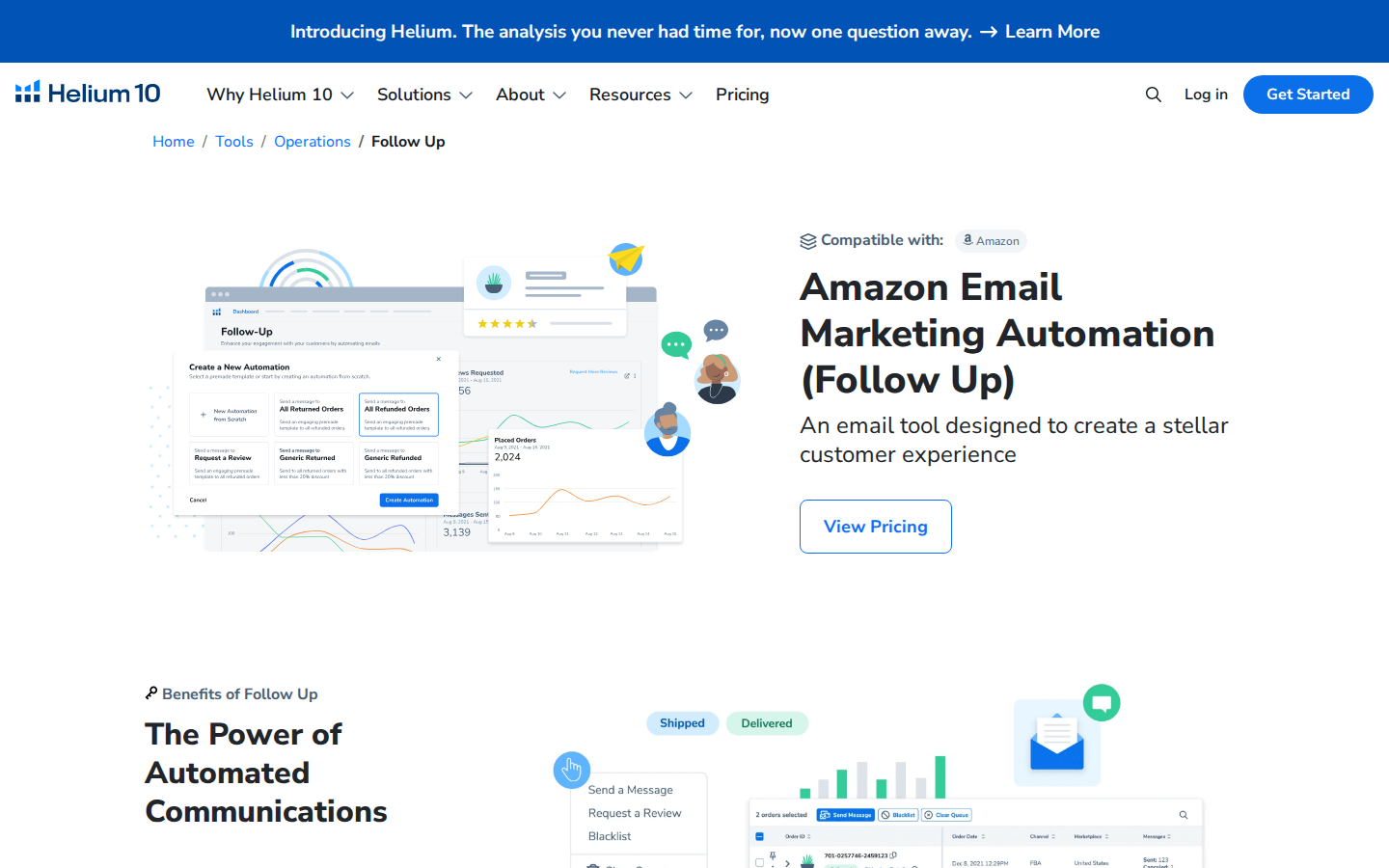
Its advantage: Sellers already using Helium 10 can evaluate review requests within a familiar software environment.
Its limitation: The value depends on your subscription and which features you actually use. Check current access and allowances instead of assuming every plan includes everything.
Choose Follow-Up when it fits your existing Helium 10 setup. If you only need requests, compare the cost and effort of the full offering against a focused alternative.
7. Jungle Scout Review Automation: Best for Existing Jungle Scout Users
Jungle Scout Review Automation automates the Seller Central review request process. Its setup documentation instructs users to connect their accounts and activate the feature.
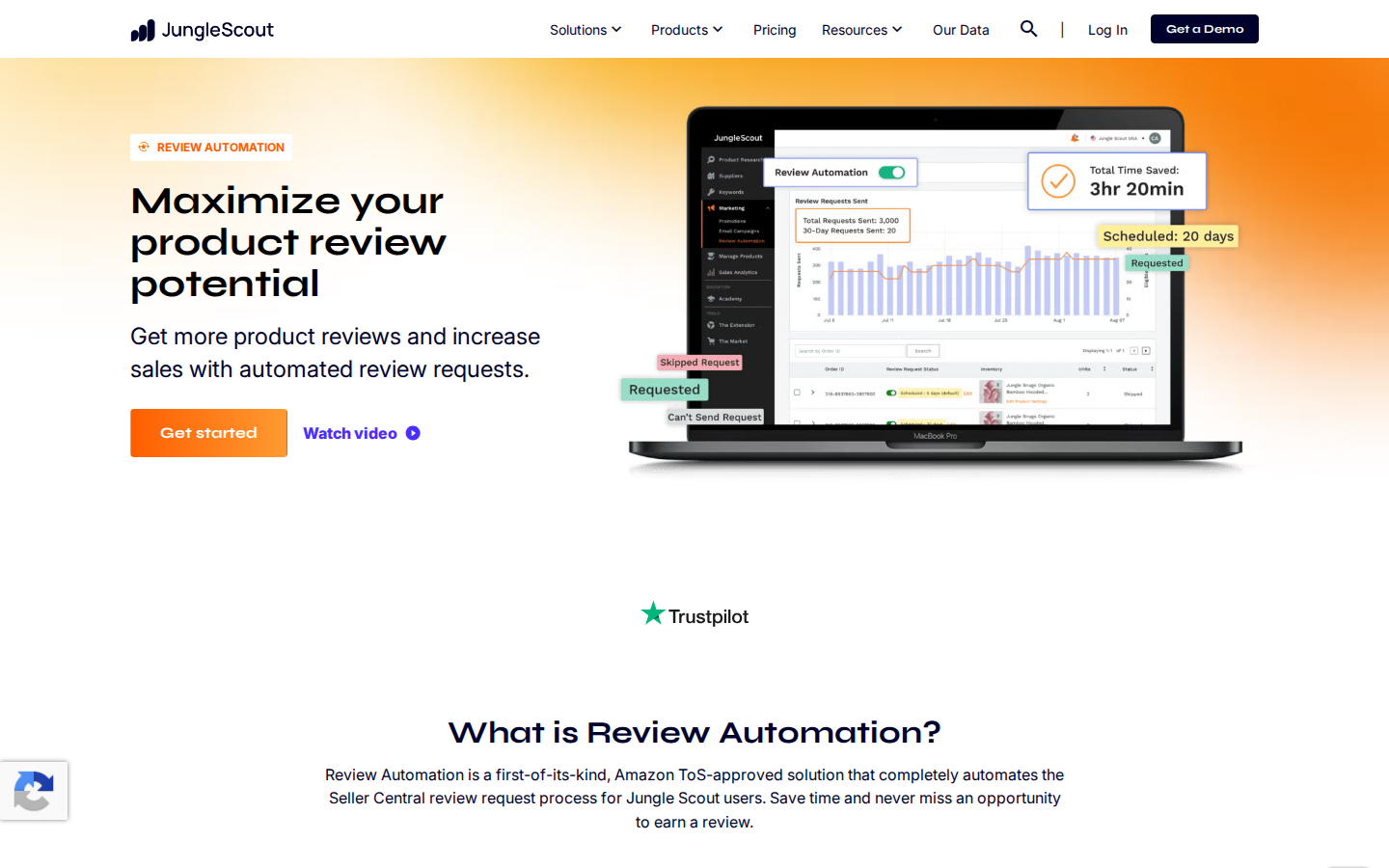
Its advantage: Jungle Scout customers can handle review automation within a platform they may already use for other selling tasks.
Its limitation: It can overlap with another request tool. Check what is already active before adding a second automation.
Choose Jungle Scout’s option if it is available in your subscription and meets your requirements. A seller who already has an effective request workflow should identify a specific benefit before switching.
8. Seller Labs Feedback Genius: Best for Buyer Communication Workflows
Seller Labs Feedback Genius automates review requests and seller feedback outreach. Seller Labs also provides documentation on configuring Amazon’s Request a Review automation.
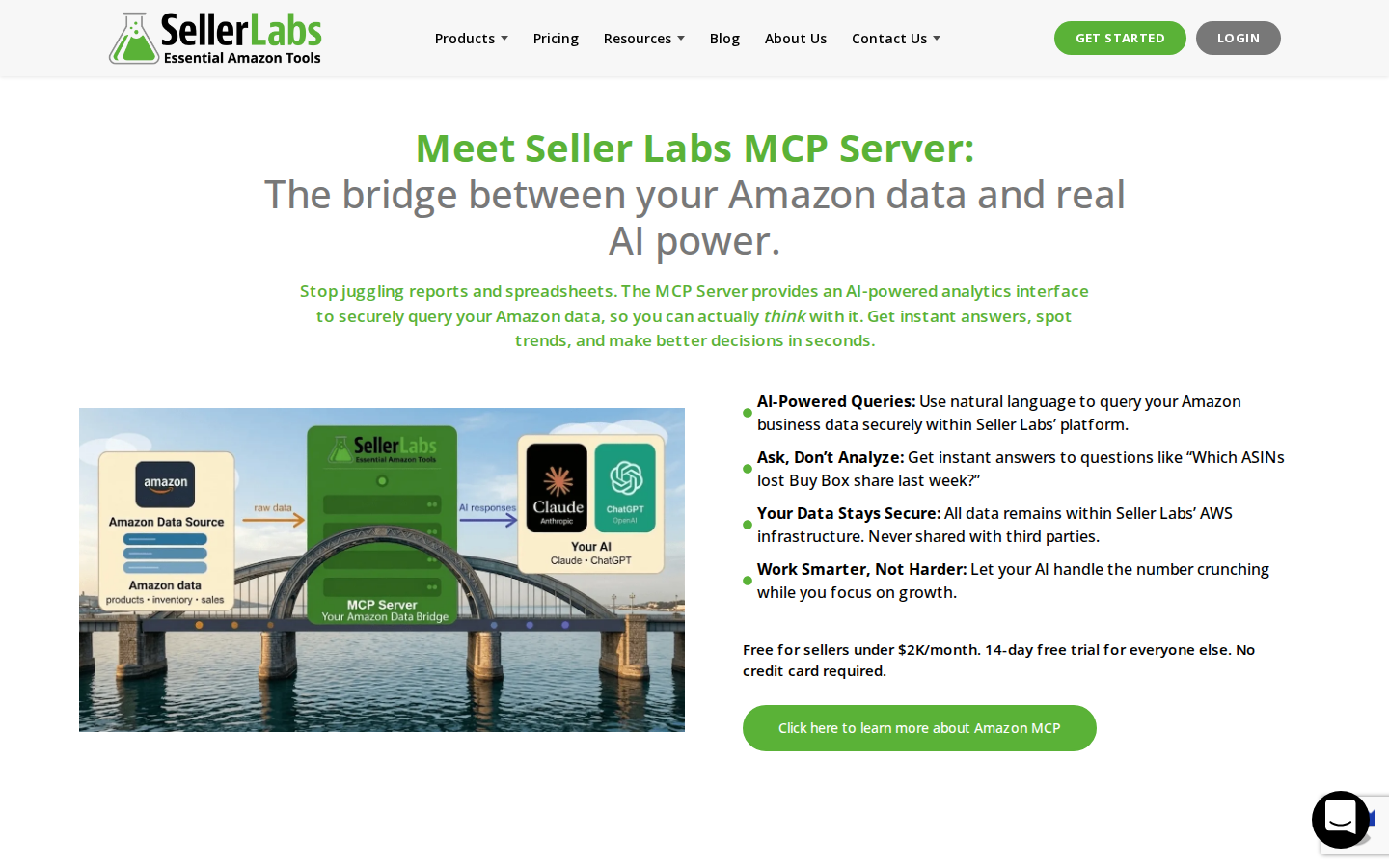
Its advantage: It is worth evaluating for teams that want review requests as part of their broader approach to buyer communication.
Its limitation: Clarify which features use Amazon’s standard request and which involve seller-configured messages. Those are different workflows with different setup requirements.
Choose Feedback Genius when its communication options match how your team operates, rather than selecting it solely because its name includes “feedback.”
9. SageMailer: Best for Official Requests Alongside Permitted Messaging
SageMailer supports Amazon Request a Review automation and permitted Buyer-Seller Messaging workflows.
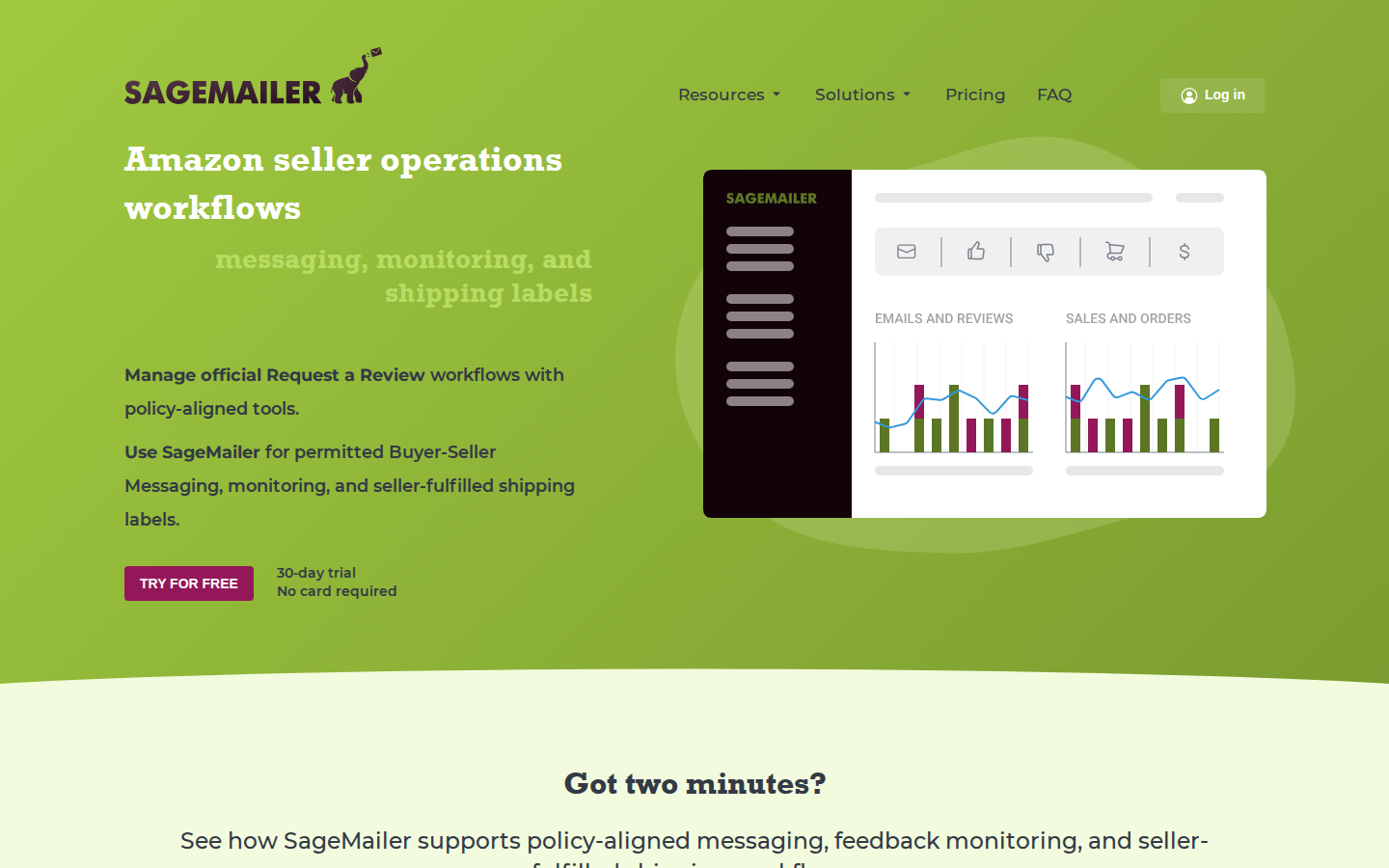
Its advantage: Sellers can evaluate a dedicated tool that combines routine review requests with additional messaging options.
Its limitation: Compare current message allowances, marketplace support, and campaign settings with your actual needs. The availability of custom messaging does not mean every type of message is permitted.
Choose SageMailer when you want those additional workflow choices. Sellers focused only on automatic review requests should compare the simplest configurations across providers.
10. Amazon Customer Reviews Tool: Best for Eligible Brands Managing Existing Reviews
Amazon’s Customer Reviews tool helps eligible brands see customer feedback and, where available, use Amazon’s customer contact options to address eligible issues.
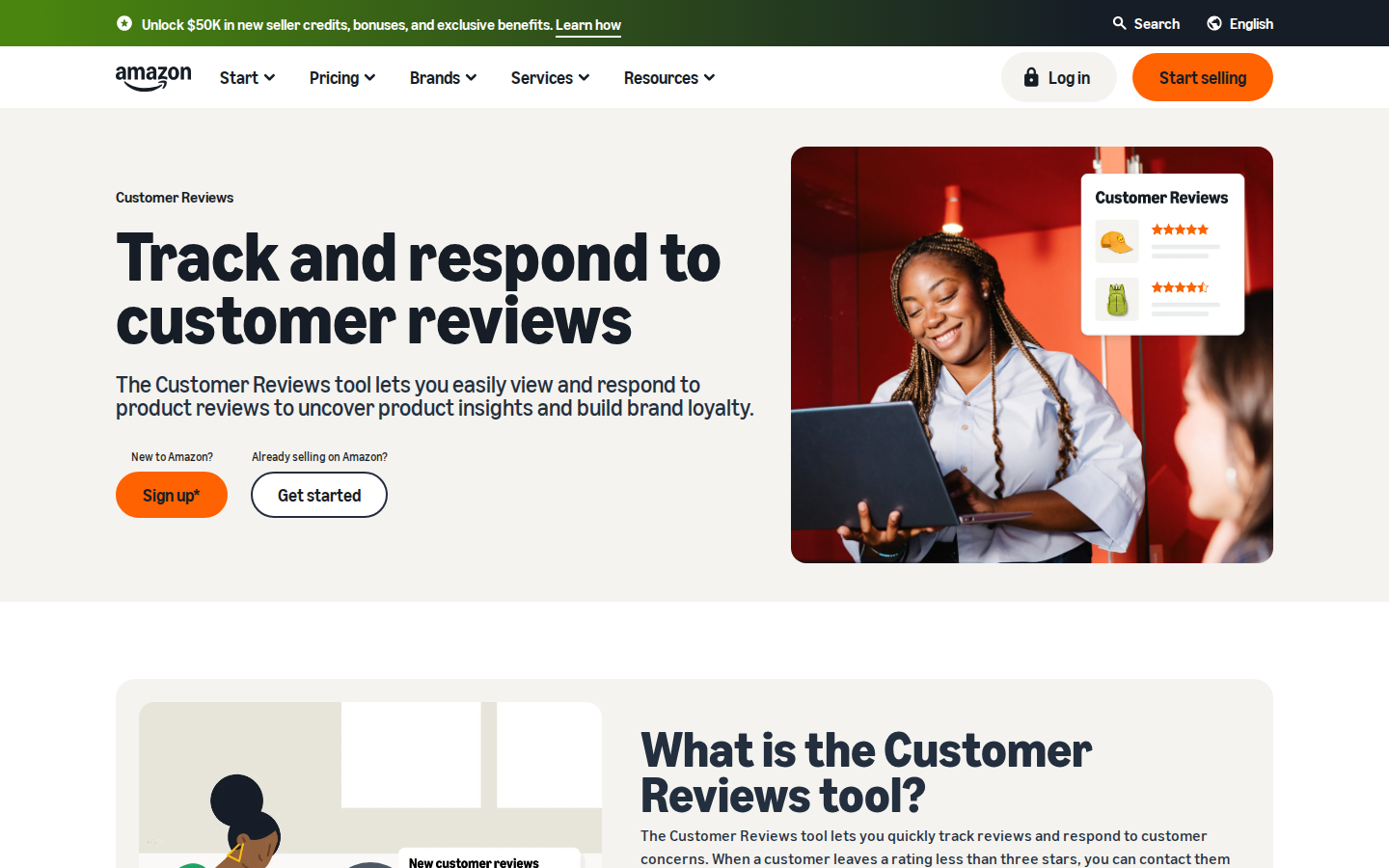
Its advantage: It connects review monitoring with customer service. A recurring complaint about confusing instructions or a missing part can point to something the brand should fix.
Its limitation: This is not a substitute for review request automation. Eligibility and available actions depend on Amazon’s rules and the account.
Use it to understand problems and offer support through the available workflow. A resolution should never be conditional on changing or removing a review.
How To Choose the Right Amazon Review Software
Start with the job you want handled, then compare cost and complexity.
If you keep forgetting to request reviews
Prioritize automatic use of Amazon’s official request system. Rating Booster is our first recommendation for that straightforward need. Compare whether the tool works with your account and what setup is required.
If you are launching an eligible product
Evaluate Amazon Vine. A request tool depends on customer orders; a new product may also need an initial review strategy. These tools solve related but different problems.
If your team misses important customer complaints
Prioritize monitoring and clear responsibility for follow-up. Review volume is only one part of the job. A pattern of complaints should lead to investigation of the product, listing, or fulfillment experience.
If you already pay for an Amazon software suite
Check your existing subscription first. Review automation may already be available. Compare any additional purchase against the time it saves or a capability your current setup lacks.
Before subscribing, confirm supported marketplaces, account eligibility, order or message limits, review monitoring features, and the total price for your expected usage. A low starting price is not a complete cost comparison.
What Makes an Amazon Review Request Compliant?
Amazon permits neutral review requests, but prohibits practices that manipulate reviews. Its published policies prohibit incentives for reviews, requests for positive reviews, and routing unhappy customers away from Amazon while directing happy customers to review there.
Using Amazon’s official Request a Review process removes the need to draft the solicitation yourself. That is a practical reason to prefer it for routine requests.
Keep separate activities aligned with the rules, too. Do not tie a refund or gift to a review, ask customers to change a review in exchange for support, or selectively solicit only customers expected to be happy. Check existing automations before enabling another request workflow.
Read Amazon’s customer product reviews policies.
How To Tell Whether a Review Tool Is Helping
Evaluate the task the tool can actually control: making eligible requests consistently.
A useful monthly check includes eligible orders, successfully processed requests where reported, staff time spent managing the process, new reviews, and recurring customer complaints.
Treat new reviews per order as a directional measure rather than exact attribution. Reviews can arrive later, and changes in sales volume, products, or Vine participation can affect the results. A rise in reviews does not by itself prove one tool outperformed another.
Make Review Requests One Less Thing To Manage
A strong product and customer experience give shoppers something worth reviewing. Consistent requests give them a reminder to share it.
For sellers who want the routine request handled automatically, SmartScout Rating Booster is our top pick. It gets the easy part done through Amazon’s own system, freeing your team to focus on the work that needs its attention.
See how Rating Booster works.
FAQs
What is the best Amazon product review tool?

SmartScout Rating Booster is our top recommendation for sellers who want simple automation through Amazon’s official review request system. The best fit changes if you need initial reviews through Vine, more monitoring, or features already included in another subscription.
Does Amazon send the message when I use Rating Booster?
Yes. Rating Booster triggers Amazon’s official Request a Review process for eligible orders. Amazon sends the standardized message, so you do not have to write a solicitation email.
Can I request Amazon reviews without buying software?
Yes. You can use Amazon’s native Request a Review feature for eligible orders. Automation software primarily removes the recurring manual work.
Is Amazon Vine the same as review request software?
No. Vine makes eligible products available to Amazon-selected reviewers. Request software automates invitations associated with eligible customer orders. A brand may have a reason to use both.
Can review automation guarantee five-star reviews?
No. Customers control whether they leave a review and what they say. Request automation improves consistency; it does not control customer opinion.
Can a tool remove negative Amazon product reviews?
No tool should promise removal of legitimate negative reviews. Reviews that violate Amazon’s rules can be reported for Amazon to evaluate. Product review moderation and seller feedback removal are separate processes.
Should I use more than one review request tool?
Usually, one tool is enough for the same orders. If you use multiple systems for different accounts or purposes, make their responsibilities clear and avoid overlapping solicitation workflows.